


Lorem ipsum dolor sit amet, dolor siterim consectetur adipiscing elit. Phasellus duio faucibus est sed facilisis viverra. Umero praesent nec accumsan nibh, eu grav da metus.
This is a demo store for testing purposes — no orders shall be fulfilled. Dismiss
 Jamaica
Jamaica
Jamaica
1 min read
Payment errors can happen for many reasons, but most can be fixed in just a few minutes.
This guide walks you through what to check, how to retry safely, and when to contact support.
If you see a payment error:
⏳ Wait 1–2 minutes before trying again to avoid duplicate charges.
Before retrying payment:

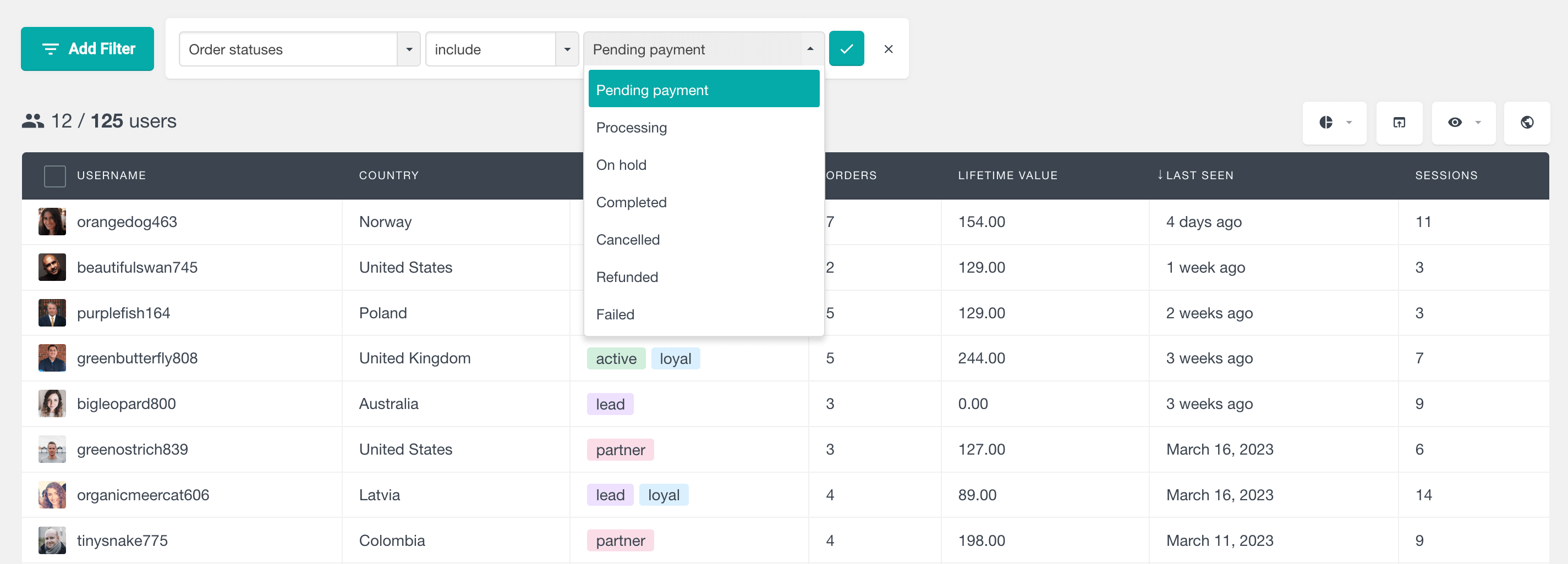
Open your:
You may see:
📌 Pending charges usually disappear automatically within a few business days.
Double-check:
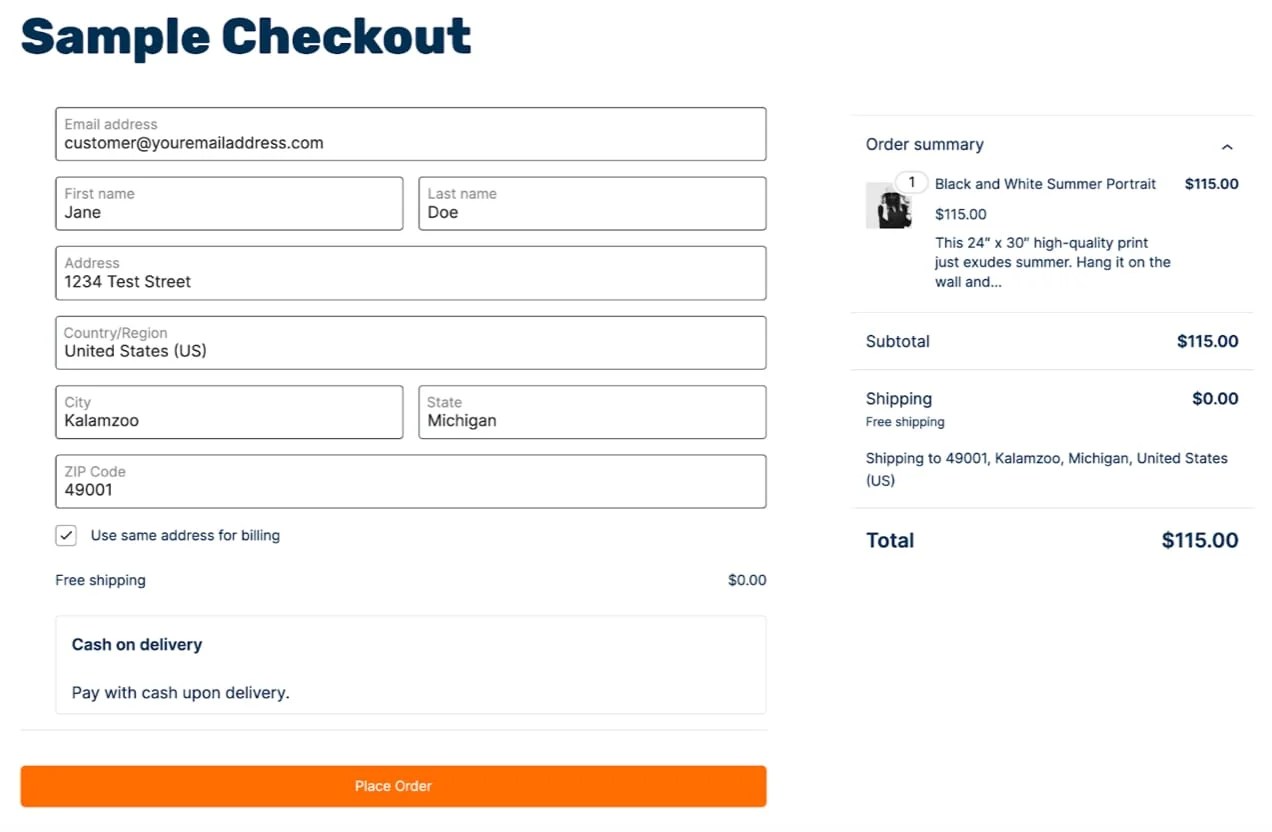

✔ Small errors are a common cause of failed payments.
If the error continues:
💡 Some sellers may only support certain payment methods.
Payment errors can occur if:
🔄 Try:
Your bank may block payments due to:
🏦 A quick call or app confirmation can often unblock the payment.
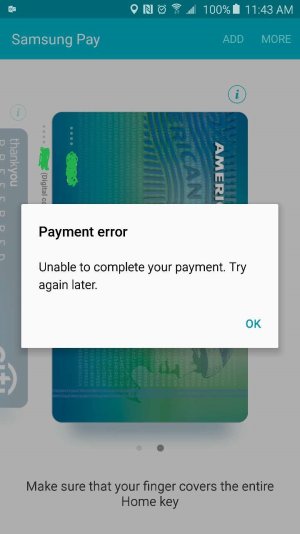
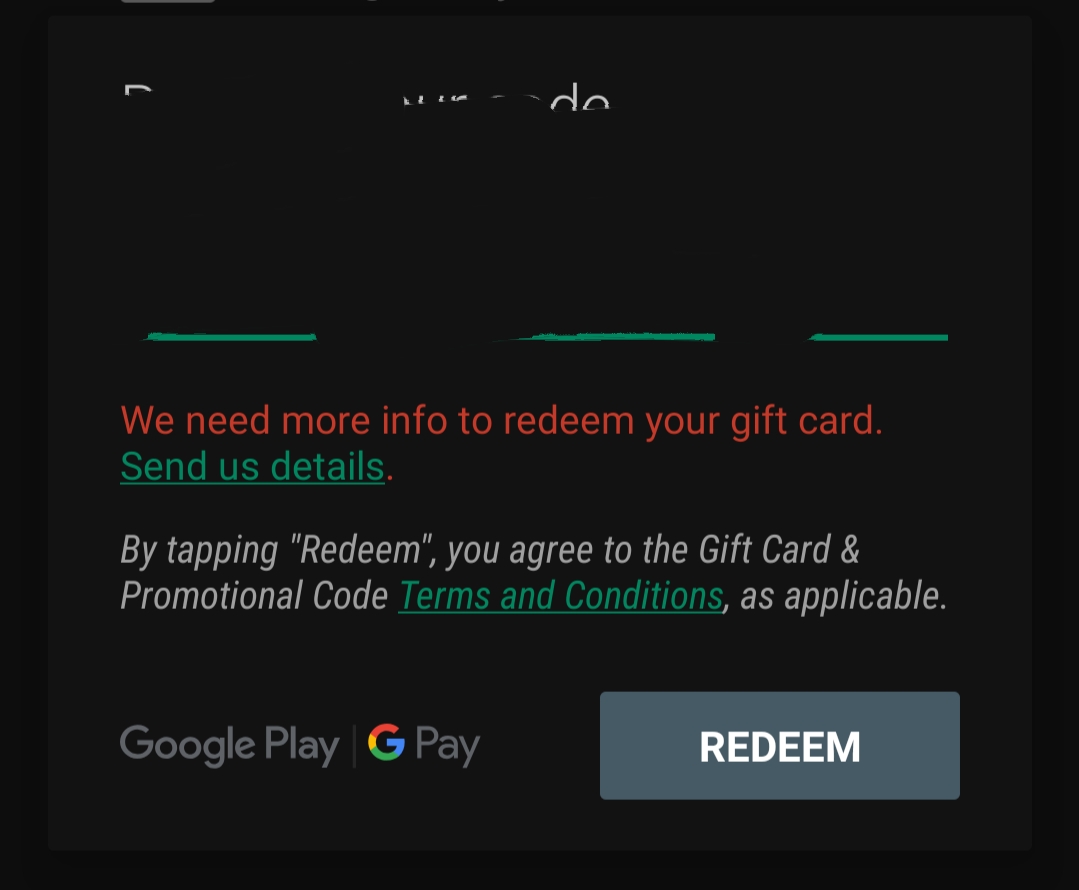
Check that:
📌 You may need to combine with another payment method.
If money was deducted but no order appears:
⏳ Banks may take 2–5 business days to release pending funds.
Contact support if:
Please include:
📌 This helps support resolve the issue faster.
✔ Use a stable internet connection
✔ Avoid refreshing during payment
✔ Double-check details before submitting
✔ Ensure enough balance before checkout
✔ Wait a moment before retrying
Most payment errors are temporary and easy to fix. Taking a calm, step-by-step approach usually gets your order completed quickly and safely 💳


This chat uses automated responses for general guidance. For binding terms, please refer to our official policies.
Start A Conversation
Click here to chat with me!
Search our website now
Latest Products
Latest Posts
Lorem ipsum dolor sit amet, dolor siterim consectetur adipiscing elit. Phasellus duio faucibus est sed facilisis viverra. Umero praesent nec accumsan nibh, eu grav da metus.
B&O Play – Best Headphone For You
Lorem ipsum dolor sit amet, dolor siterim consectetur adipiscing elit. Phasellus duio faucibus est sed facilisis viverra. Umero praesent nec accumsan nibh, eu grav da metus.
Harman Kadon Onyx Studio Mini, Reviews & Experiences
Lorem ipsum dolor sit amet, dolor siterim consectetur adipiscing elit. Phasellus duio faucibus est sed facilisis viverra. Umero praesent nec accumsan nibh, eu grav da metus.
DeerCo – A New Look About Startup In Product Manufacture Field
Lorem ipsum dolor sit amet, dolor siterim consectetur adipiscing elit. Phasellus duio faucibus est sed facilisis viverra. Umero praesent nec accumsan nibh, eu grav da metus.
Tips how to choise a perfect watch foractive guys
Lorem ipsum dolor sit amet, dolor siterim consectetur adipiscing elit. Phasellus duio faucibus est sed facilisis viverra. Umero praesent nec accumsan nibh, eu grav da metus.

Subscribe to the Martfury mailing list to receive updates on new arrivals, special offers and our promotions.