
 Jamaica




Lorem ipsum dolor sit amet, dolor siterim consectetur adipiscing elit. Phasellus duio faucibus est sed facilisis viverra. Umero praesent nec accumsan nibh, eu grav da metus.
1 min read
(Shipping & Delivery for Sellers)
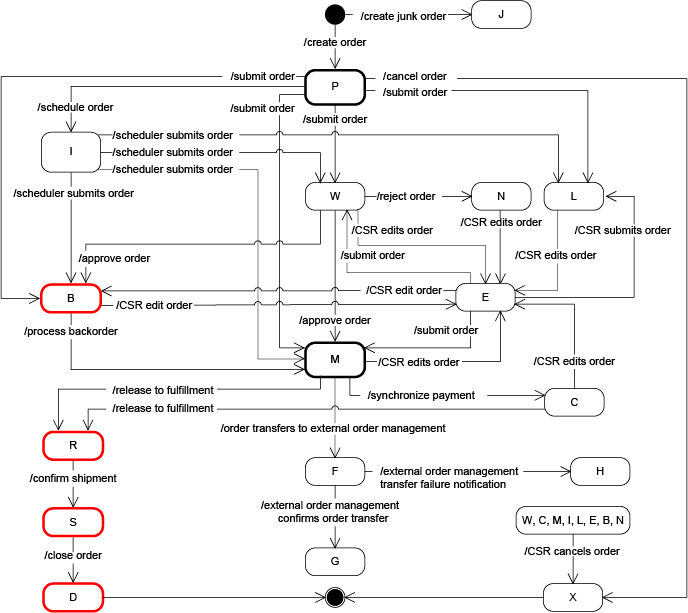
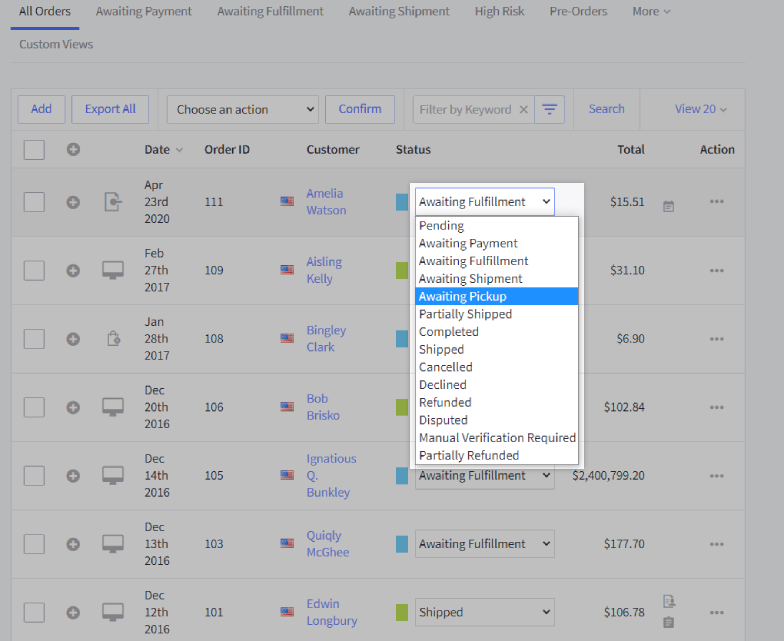
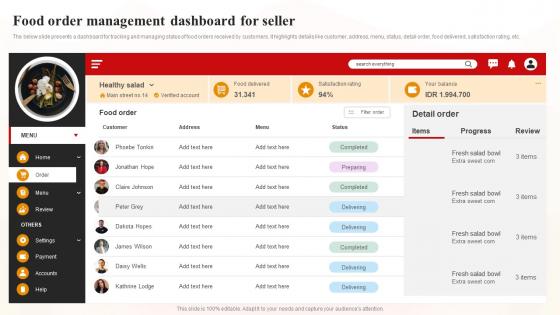
Order and shipping statuses tell customers what’s happening with their purchase.
Updating them correctly builds trust, reduces support messages, and prevents accidental cancellations or refunds — especially when using Dispatched by Kingston Express.
This guide explains which statuses sellers should update, which ones are automatic, and best practices to avoid mistakes.
Accurate statuses help:
📌 Wrong updates cause more problems than no updates.
Before updating anything, confirm how the order is shipped:
📌 Your responsibility depends on the delivery method.
| Status | What It Means | Seller Action |
|---|---|---|
| Processing | Order placed & paid | Prepare or wait |
| Ready for Dispatch | Being prepared | Usually none |
| Dispatched / Shipped | Package sent | Update if seller-managed |
| In Transit | On the way | Informational |
| Delivered | Order completed | Finalize |
| Failed Delivery | Delivery attempt failed | Review |
| Returned | Item sent back | Review outcome |
| Cancelled | Order stopped | Follow policy |
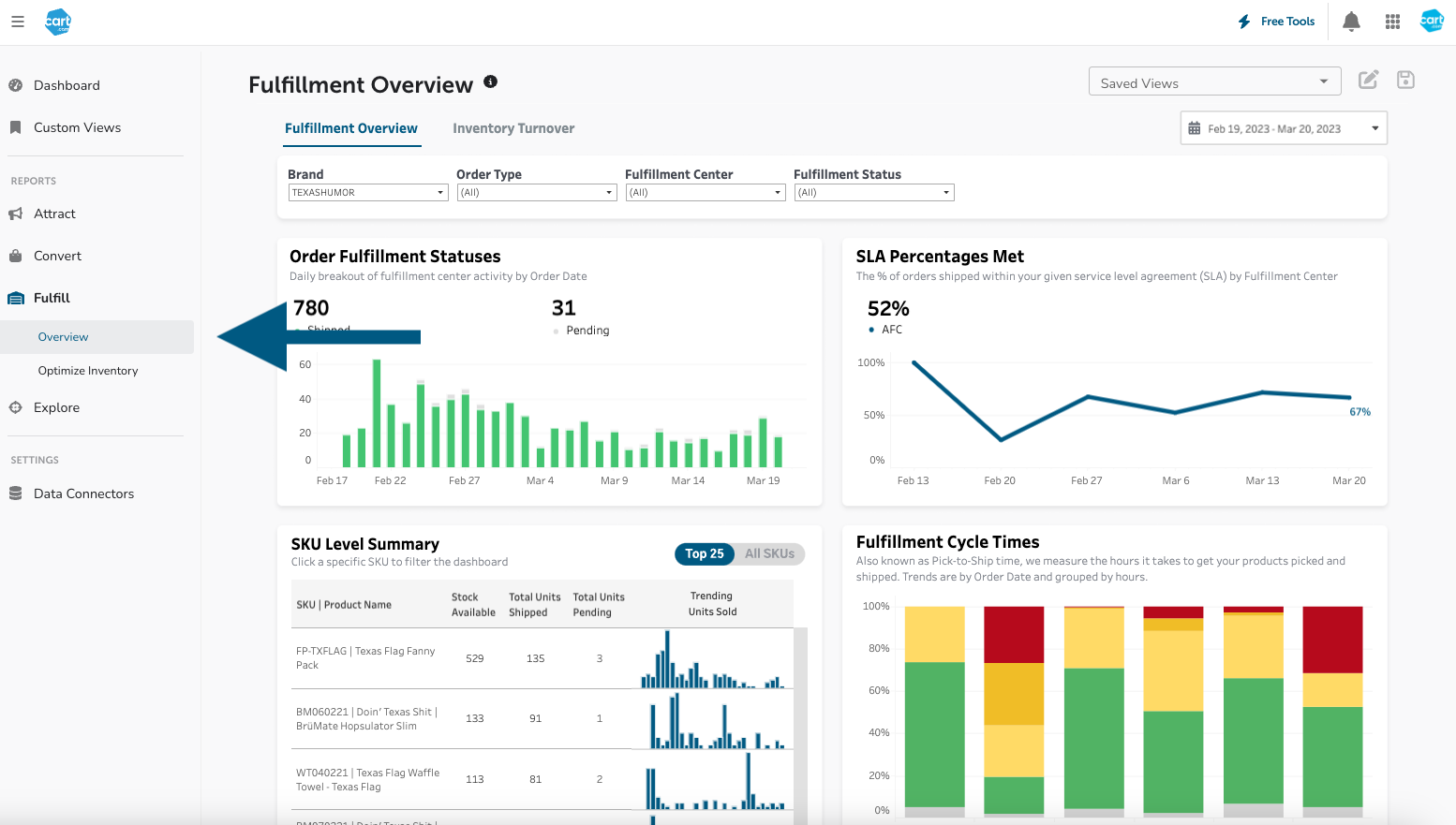

✔ Statuses update based on real delivery events
✔ Monitor updates
✔ Respond only if contacted
❌ Do not mark orders as shipped
❌ Do not mark delivered manually
❌ Do not cancel during transit
📦 Dispatchment orders are system-controlled.


If you manage delivery yourself:
📌 Never mark delivered before confirmation.
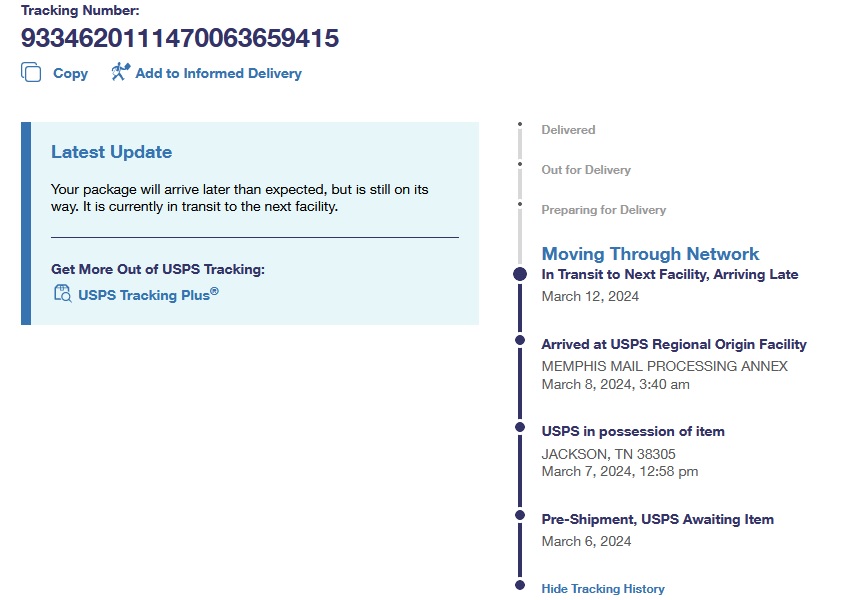

When using a courier:
📞 If unsure, wait — don’t guess.
❌ Marking shipped too early
❌ Marking delivered without confirmation
❌ Editing dispatchment statuses
❌ Cancelling active deliveries
⚠️ These often lead to disputes.
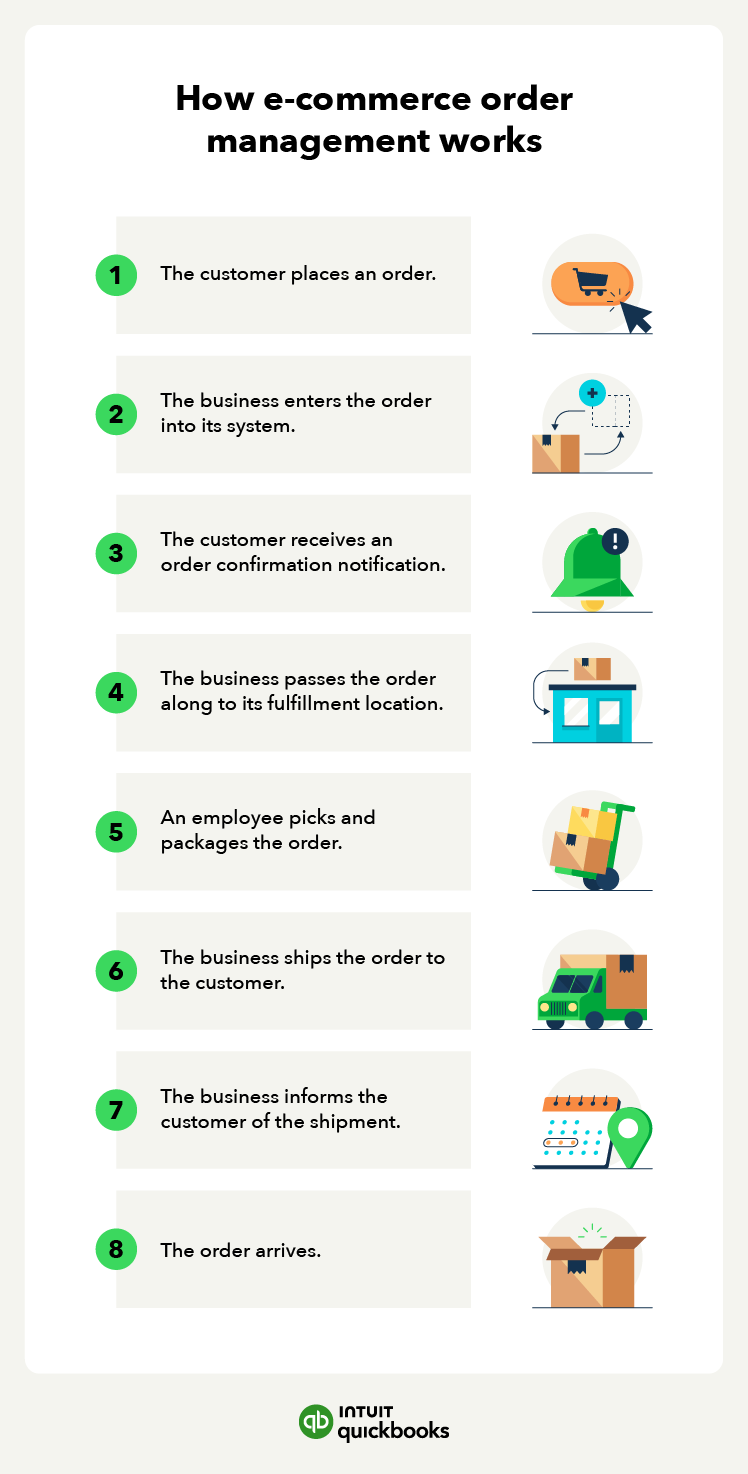
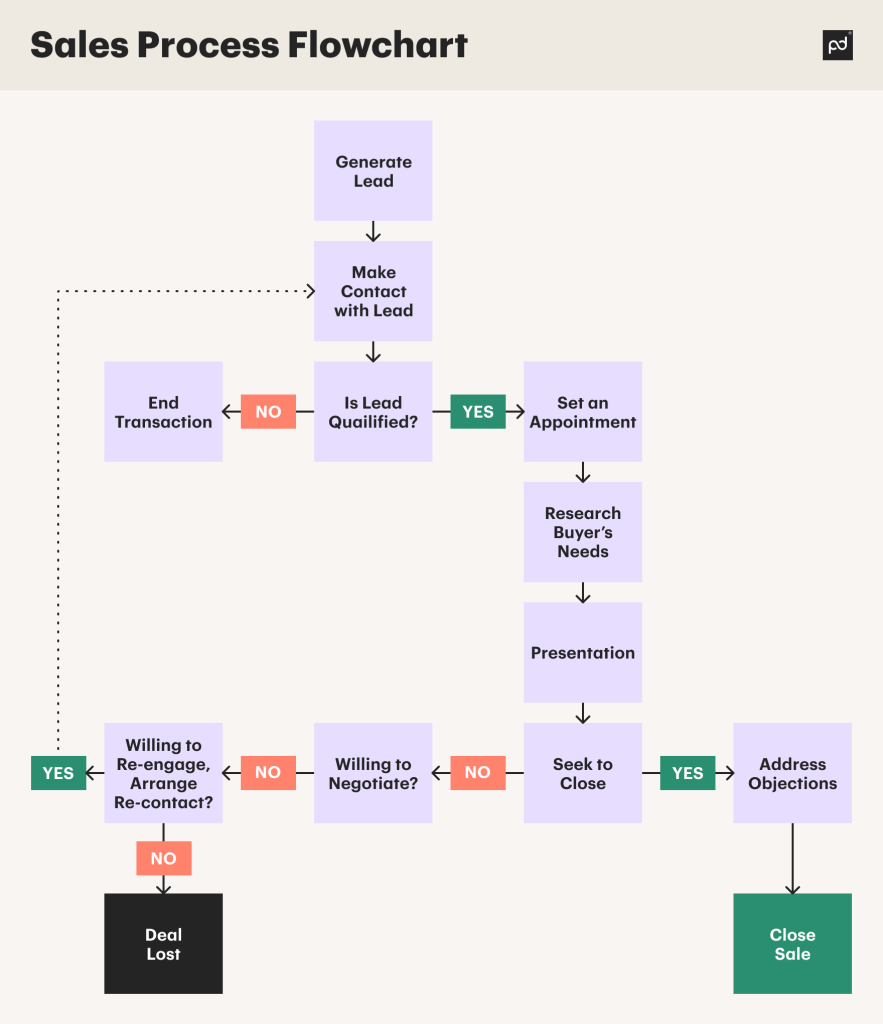
✔ Update statuses only when the action is complete
✔ Let dispatchment handle dispatchment orders
✔ Communicate delays instead of changing statuses
✔ Keep internal notes when issues arise
Contact **Kingston Express Support if:
📧 Include order ID and delivery method.
Status updates are signals, not shortcuts.
When used correctly — especially with Dispatched by Kingston Express — they keep orders moving smoothly and customers confident 📦🚚
