


Lorem ipsum dolor sit amet, dolor siterim consectetur adipiscing elit. Phasellus duio faucibus est sed facilisis viverra. Umero praesent nec accumsan nibh, eu grav da metus.
This is a demo store for testing purposes — no orders shall be fulfilled. Dismiss
 Jamaica
Jamaica
Jamaica
1 min read
After you add a product, it may not appear immediately to customers.
That’s because some products go through a visibility check or approval process to keep the marketplace safe and high-quality.
This article explains why products are reviewed, what visibility statuses mean, and how to get your products approved faster.


Product approval helps:
📌 Not all products require approval, but some do.
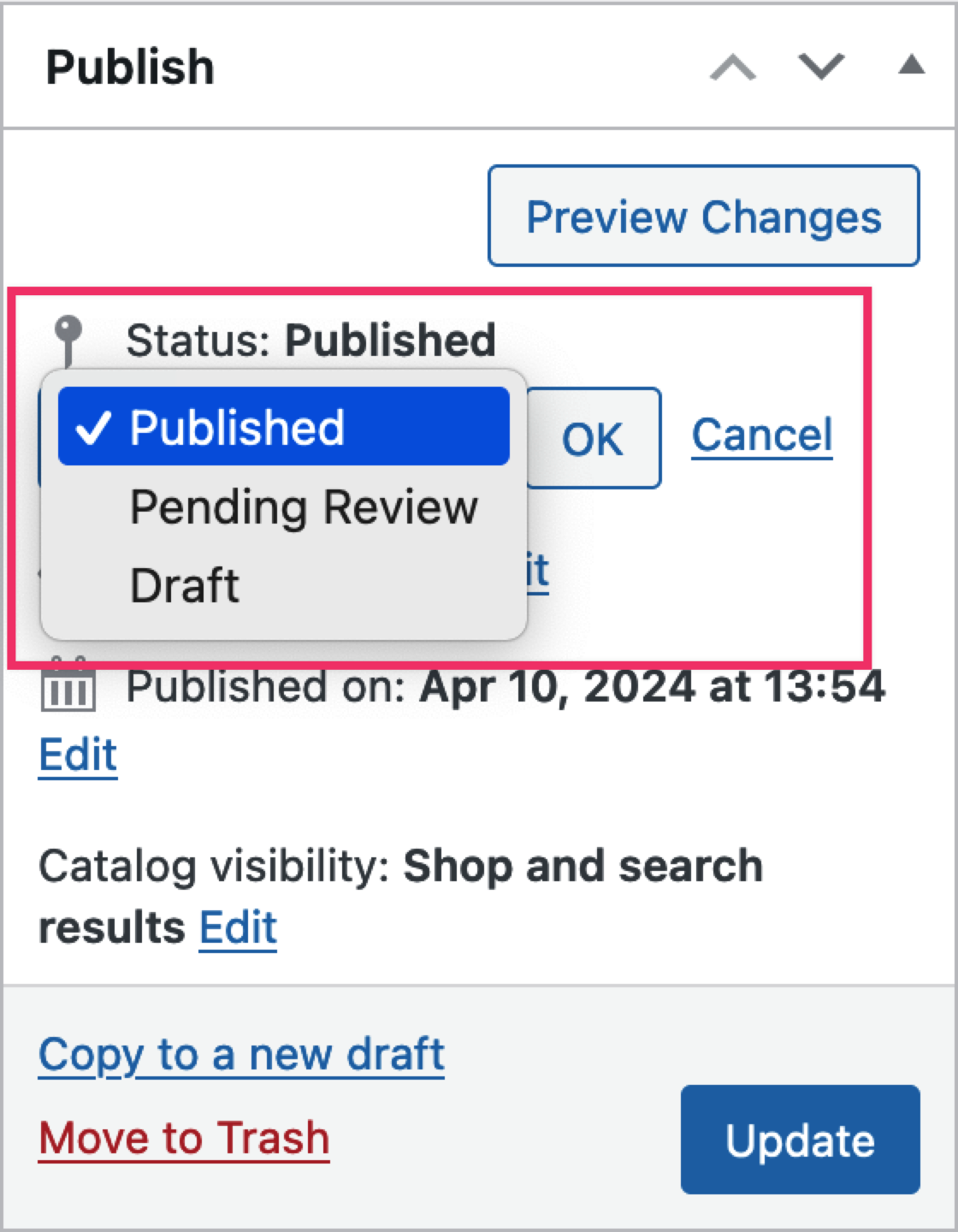

During review, the team may check:
🧐 This is usually a quick quality check.
Approval time may vary depending on:
⏳ Most reviews are completed within a short time.


✔ Use clear product titles
✔ Add detailed descriptions
✔ Upload high-quality images
✔ Choose the correct category
✔ Avoid restricted or prohibited items
📌 Clean listings pass faster.
❌ Missing description
❌ Low-quality or misleading images
❌ Wrong category
❌ Incomplete pricing or stock
❌ Selling restricted items
⚠️ Fixing these usually resolves the issue.
If a product is rejected:
🔄 Most rejections are fixable.
Yes. You can:
📌 Some edits may trigger re-review.
Customers:
🛒 This prevents confusion and protects buyers.
✔ Start with a few quality products
✔ Follow listing guidelines
✔ Avoid rushing product uploads
✔ Review your listings as a customer
Product approval isn’t a roadblock — it’s quality control.
Once your listings meet the standard, they go live smoothly and sell with confidence ✅🛍️


This chat uses automated responses for general guidance. For binding terms, please refer to our official policies.
Start A Conversation
Click here to chat with me!
Search our website now
Latest Products
Latest Posts
Lorem ipsum dolor sit amet, dolor siterim consectetur adipiscing elit. Phasellus duio faucibus est sed facilisis viverra. Umero praesent nec accumsan nibh, eu grav da metus.
B&O Play – Best Headphone For You
Lorem ipsum dolor sit amet, dolor siterim consectetur adipiscing elit. Phasellus duio faucibus est sed facilisis viverra. Umero praesent nec accumsan nibh, eu grav da metus.
Harman Kadon Onyx Studio Mini, Reviews & Experiences
Lorem ipsum dolor sit amet, dolor siterim consectetur adipiscing elit. Phasellus duio faucibus est sed facilisis viverra. Umero praesent nec accumsan nibh, eu grav da metus.
DeerCo – A New Look About Startup In Product Manufacture Field
Lorem ipsum dolor sit amet, dolor siterim consectetur adipiscing elit. Phasellus duio faucibus est sed facilisis viverra. Umero praesent nec accumsan nibh, eu grav da metus.
Tips how to choise a perfect watch foractive guys
Lorem ipsum dolor sit amet, dolor siterim consectetur adipiscing elit. Phasellus duio faucibus est sed facilisis viverra. Umero praesent nec accumsan nibh, eu grav da metus.

Subscribe to the Martfury mailing list to receive updates on new arrivals, special offers and our promotions.