


Lorem ipsum dolor sit amet, dolor siterim consectetur adipiscing elit. Phasellus duio faucibus est sed facilisis viverra. Umero praesent nec accumsan nibh, eu grav da metus.
This is a demo store for testing purposes — no orders shall be fulfilled. Dismiss
 Jamaica
Jamaica
Jamaica
1 min read
Clear store policies protect you as a seller and help customers understand exactly what to expect before they place an order.
Well-written policies reduce disputes, returns, and negative reviews.
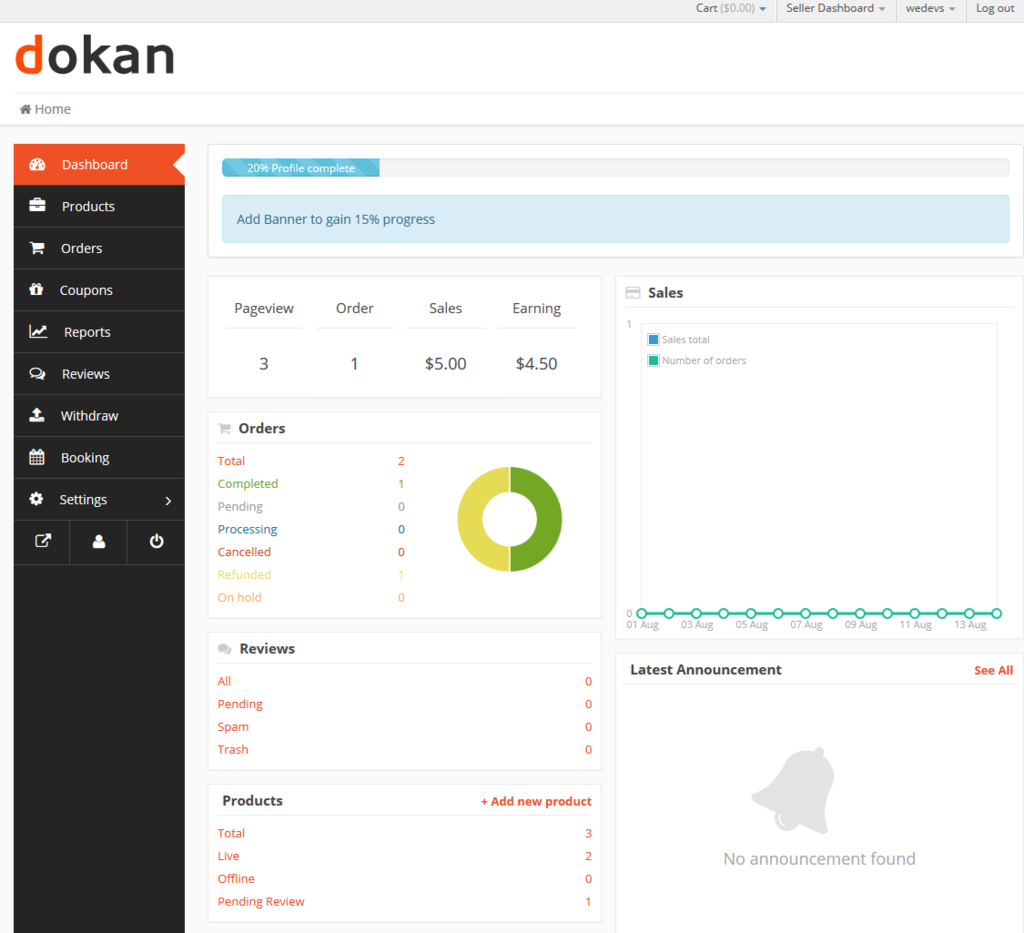
This guide shows you how to set up your shipping, returns, and refund policies in your Dokan Multivendor seller dashboard.
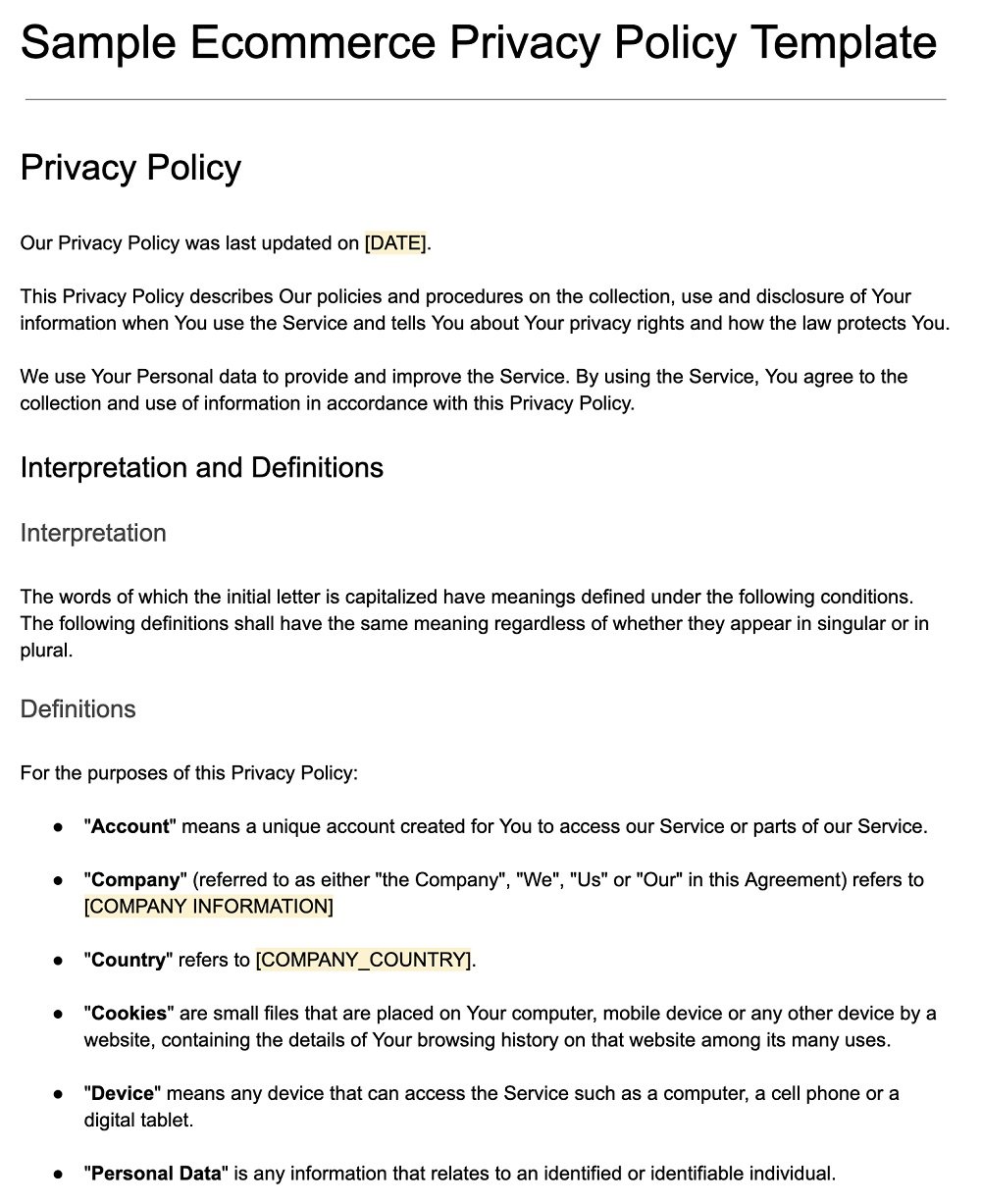
Good policies help:
📌 Customers often check policies before buying.
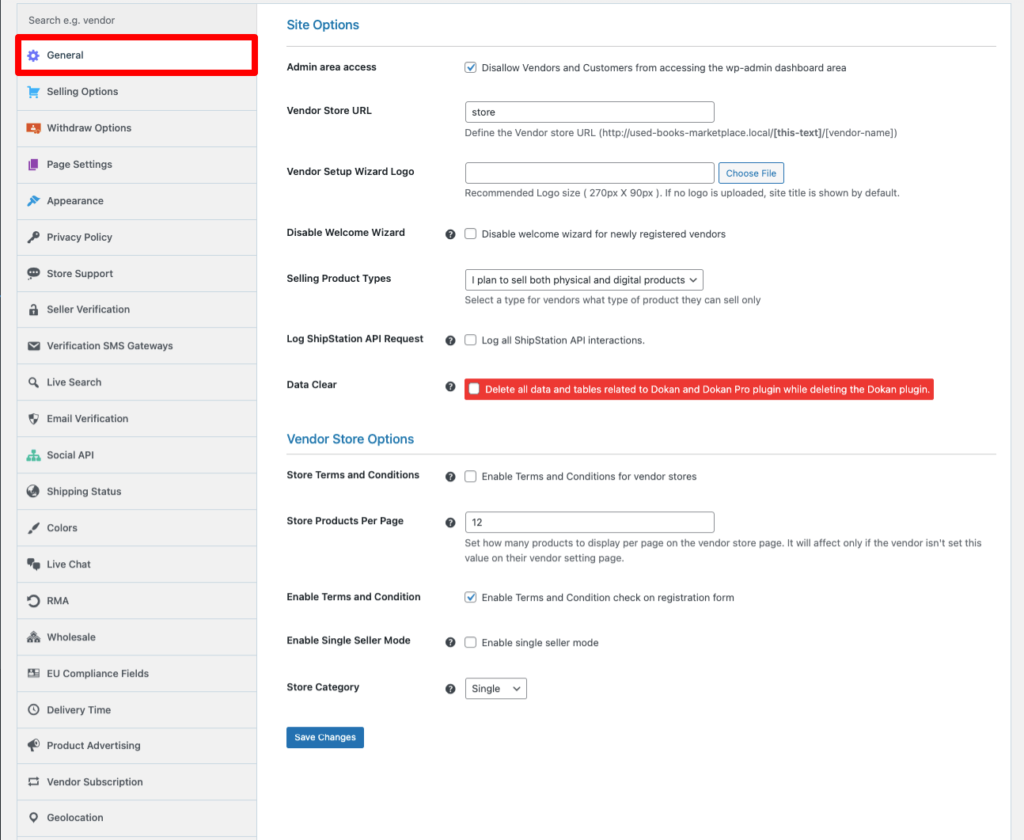
Look for sections such as:
📝 Each policy can be written separately.
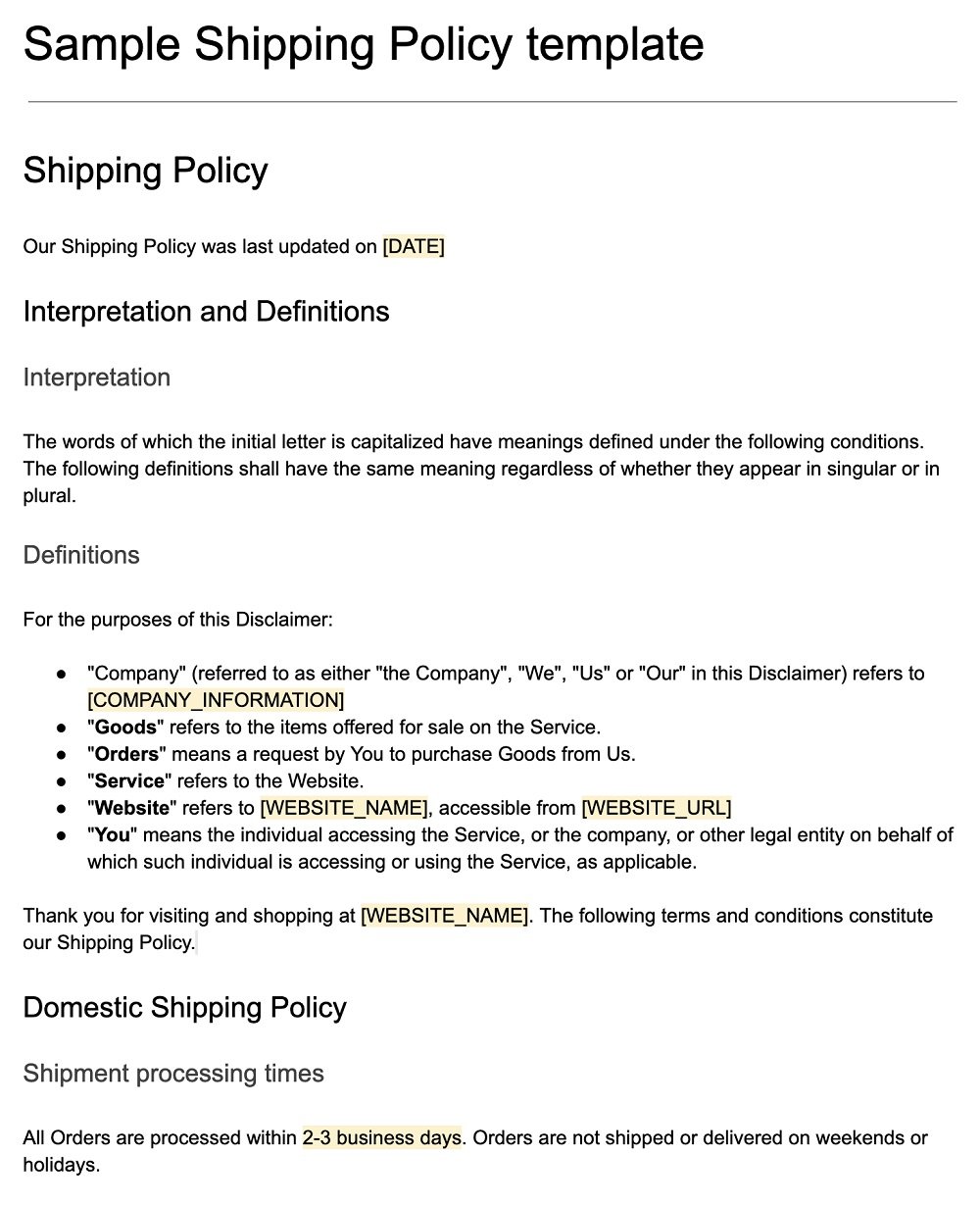
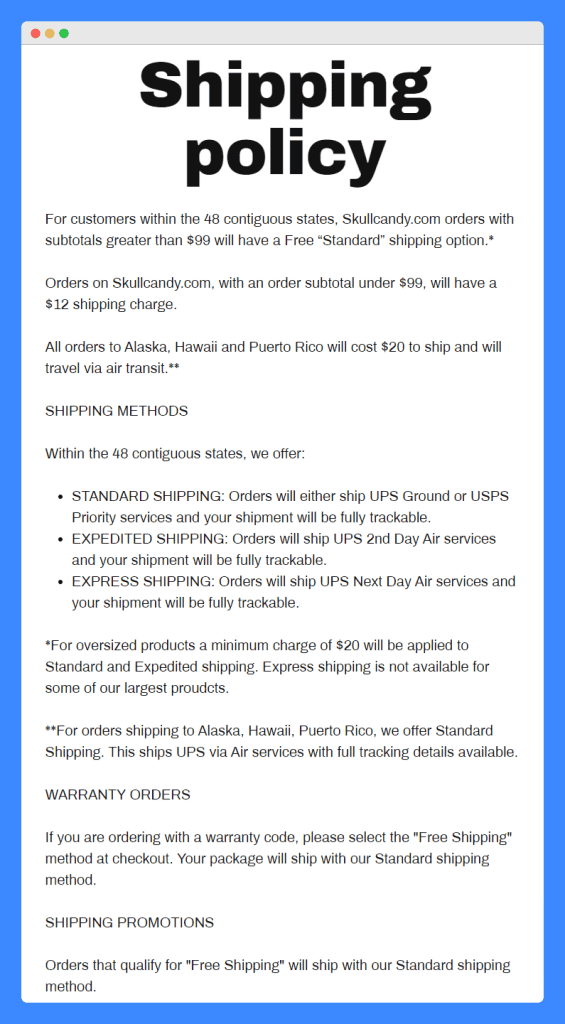
Your shipping policy should explain:
“We offer local delivery within Kingston and courier delivery islandwide. Orders are processed within 1–2 business days.”
📦 Keep it simple and honest.


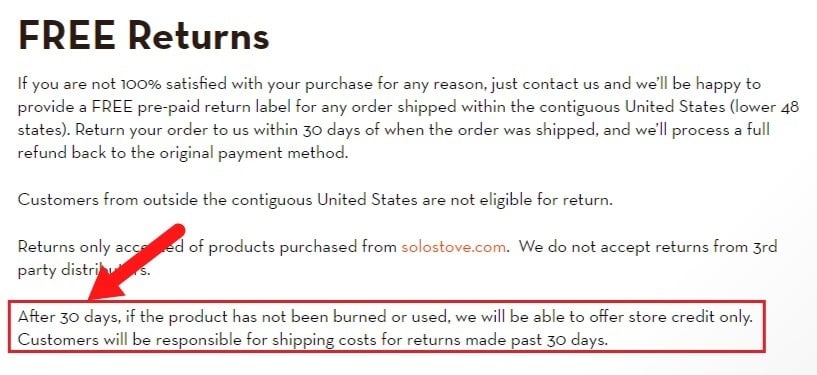
Your return policy should state:
“Returns are accepted within 7 days of delivery for unused items in original packaging.”
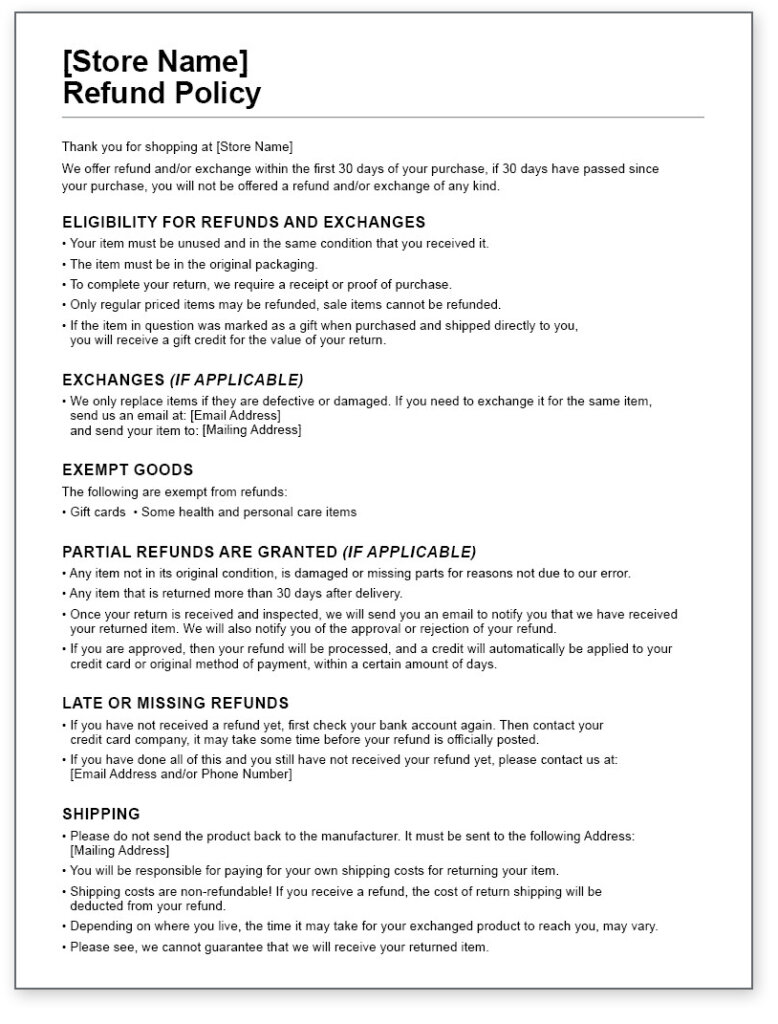
Your refund policy should explain:
“Approved refunds are processed within 3–5 business days after the returned item is received.”
After writing your policies:
✅ Policies are displayed on your store and product pages.
Customers can view:
🛍️ Clear policies = fewer disputes.
✔ Use simple language
✔ Avoid legal jargon
✔ Be consistent with how you operate
✔ Don’t promise what you can’t deliver
✔ Update policies if your process changes
❌ Leaving policies blank
❌ Copying policies you can’t honor
❌ Using vague wording
❌ Changing rules after an order is placed
⚠️ Policies are considered part of the sale agreement.
Update your policies if:
Clear policies protect both you and your customers. Spending a few minutes setting them up properly can save hours of stress later 📄


This chat uses automated responses for general guidance. For binding terms, please refer to our official policies.
Start A Conversation
Click here to chat with me!
Search our website now
Latest Products
Latest Posts
Lorem ipsum dolor sit amet, dolor siterim consectetur adipiscing elit. Phasellus duio faucibus est sed facilisis viverra. Umero praesent nec accumsan nibh, eu grav da metus.
B&O Play – Best Headphone For You
Lorem ipsum dolor sit amet, dolor siterim consectetur adipiscing elit. Phasellus duio faucibus est sed facilisis viverra. Umero praesent nec accumsan nibh, eu grav da metus.
Harman Kadon Onyx Studio Mini, Reviews & Experiences
Lorem ipsum dolor sit amet, dolor siterim consectetur adipiscing elit. Phasellus duio faucibus est sed facilisis viverra. Umero praesent nec accumsan nibh, eu grav da metus.
DeerCo – A New Look About Startup In Product Manufacture Field
Lorem ipsum dolor sit amet, dolor siterim consectetur adipiscing elit. Phasellus duio faucibus est sed facilisis viverra. Umero praesent nec accumsan nibh, eu grav da metus.
Tips how to choise a perfect watch foractive guys
Lorem ipsum dolor sit amet, dolor siterim consectetur adipiscing elit. Phasellus duio faucibus est sed facilisis viverra. Umero praesent nec accumsan nibh, eu grav da metus.

Subscribe to the Martfury mailing list to receive updates on new arrivals, special offers and our promotions.