


Lorem ipsum dolor sit amet, dolor siterim consectetur adipiscing elit. Phasellus duio faucibus est sed facilisis viverra. Umero praesent nec accumsan nibh, eu grav da metus.
This is a demo store for testing purposes — no orders shall be fulfilled. Dismiss
 Jamaica
Jamaica
Jamaica
2 min read
Setting your store operating hours lets customers know when you’re available for order processing, pickup, delivery coordination, and messages.
Clear hours help manage expectations and reduce missed deliveries or slow responses.
This guide shows you how to set and use operating hours as a seller using Dokan Multivendor.
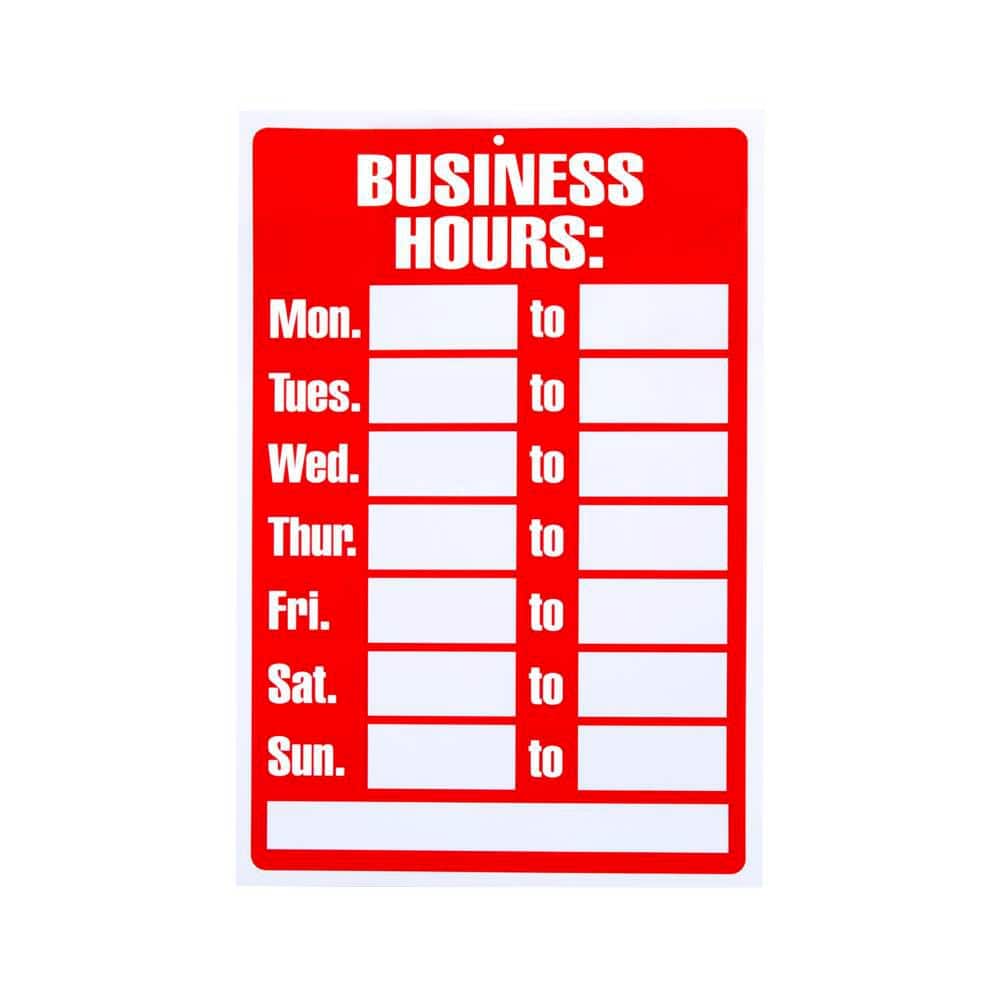

Operating hours help:
📌 Clear availability = happier customers.
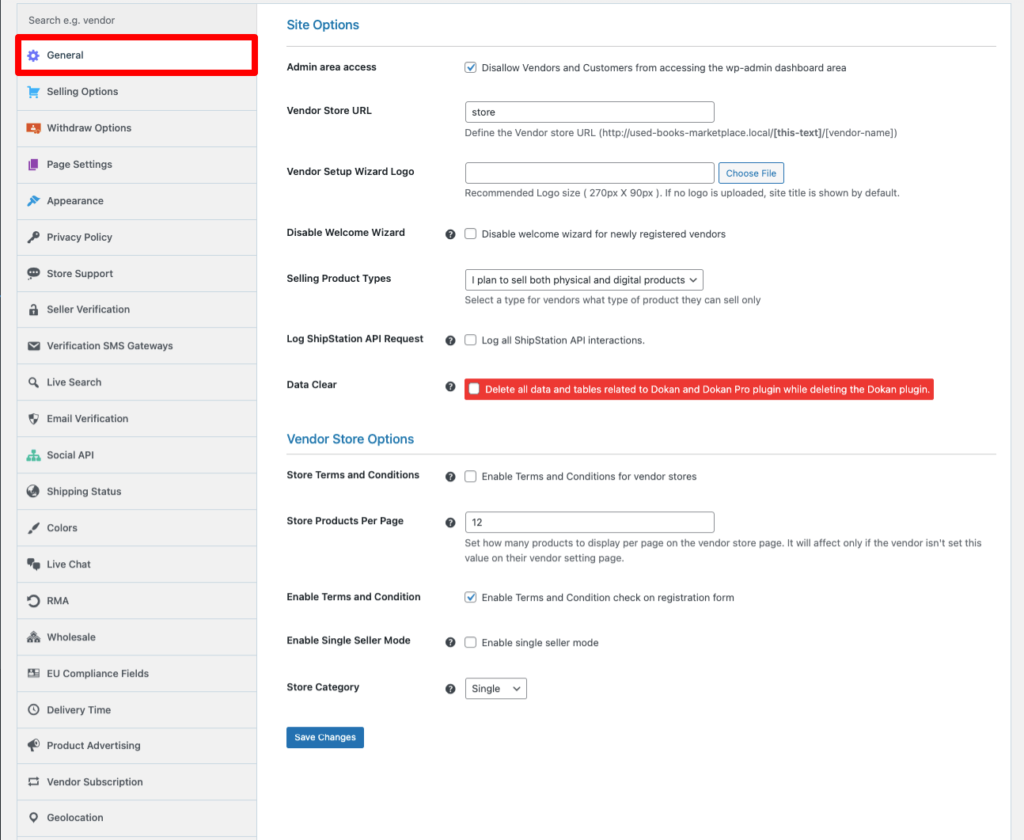
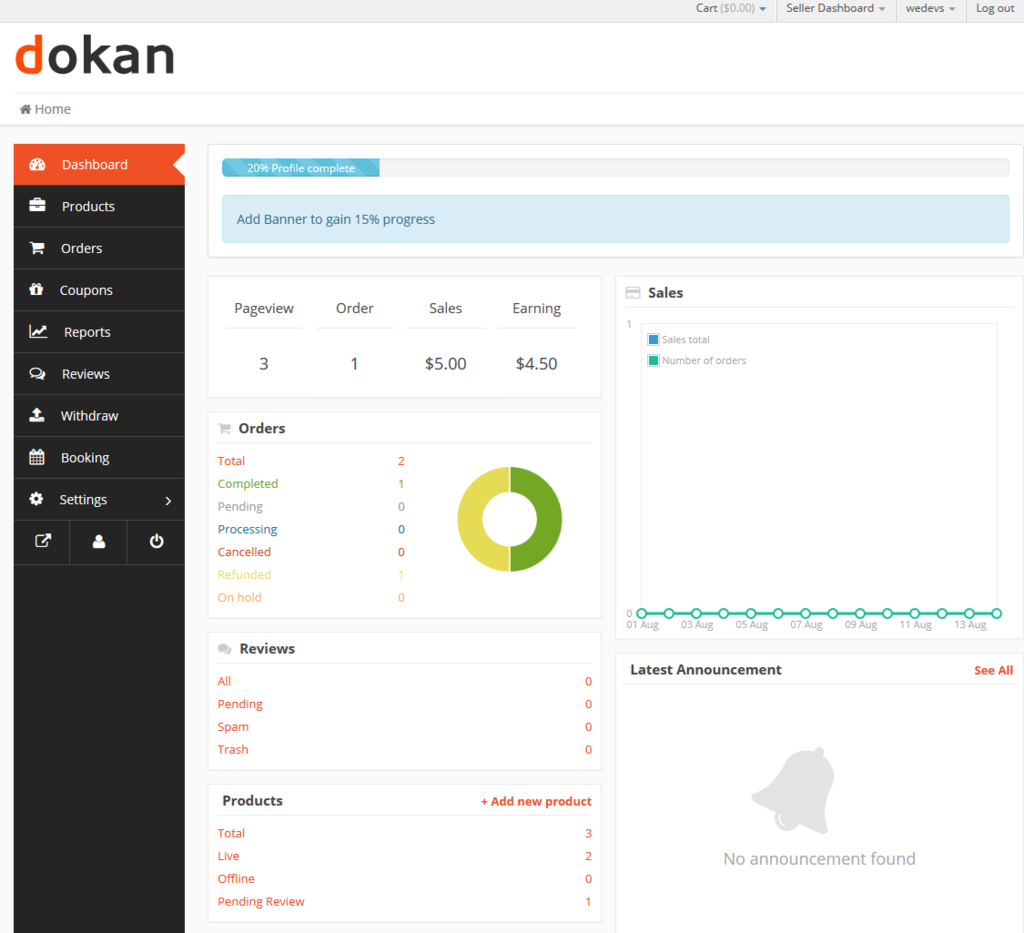
Depending on your setup, you may see:
⏰ This controls when your store is shown as open or closed.
Choose:
🕘 Example:
📌 Set realistic hours you can consistently maintain.
After setting your hours:
✅ Your operating hours update immediately.


Customers may see:
🛍️ This helps customers decide when to order or message.
✔ Customers can still place orders outside your hours
✔ You’re expected to process orders during operating times
✔ Responses during open hours improve ratings
📌 Orders placed after hours can be handled next business day.
✔ Start with simple hours
✔ Update hours for holidays or breaks
✔ Don’t overpromise availability
✔ Communicate delays clearly if needed
❌ Leaving hours blank
❌ Setting unrealistic availability
❌ Forgetting to update holiday hours
❌ Ignoring messages during open hours
⚠️ Consistency matters more than long hours.
Your operating hours set the rhythm of your business. Clear, realistic hours help you stay organized, reduce stress, and deliver a better customer experience ⏰


This chat uses automated responses for general guidance. For binding terms, please refer to our official policies.
Start A Conversation
Click here to chat with me!
Search our website now
Latest Products
Latest Posts
Lorem ipsum dolor sit amet, dolor siterim consectetur adipiscing elit. Phasellus duio faucibus est sed facilisis viverra. Umero praesent nec accumsan nibh, eu grav da metus.
B&O Play – Best Headphone For You
Lorem ipsum dolor sit amet, dolor siterim consectetur adipiscing elit. Phasellus duio faucibus est sed facilisis viverra. Umero praesent nec accumsan nibh, eu grav da metus.
Harman Kadon Onyx Studio Mini, Reviews & Experiences
Lorem ipsum dolor sit amet, dolor siterim consectetur adipiscing elit. Phasellus duio faucibus est sed facilisis viverra. Umero praesent nec accumsan nibh, eu grav da metus.
DeerCo – A New Look About Startup In Product Manufacture Field
Lorem ipsum dolor sit amet, dolor siterim consectetur adipiscing elit. Phasellus duio faucibus est sed facilisis viverra. Umero praesent nec accumsan nibh, eu grav da metus.
Tips how to choise a perfect watch foractive guys
Lorem ipsum dolor sit amet, dolor siterim consectetur adipiscing elit. Phasellus duio faucibus est sed facilisis viverra. Umero praesent nec accumsan nibh, eu grav da metus.

Subscribe to the Martfury mailing list to receive updates on new arrivals, special offers and our promotions.