View Categories

How to Secure Your Seller Account

1 min read

(Seller Security & Best Practices โ€“ Seller Guide)

Your seller account controls your products, payouts, customer data, and reputation.
Securing it is one of the most important responsibilities you have on Kingston Express.

This guide explains exactly how to protect your account, avoid common security mistakes, and reduce the risk of fraud or unauthorized access.
Why Account Security Is Critical #

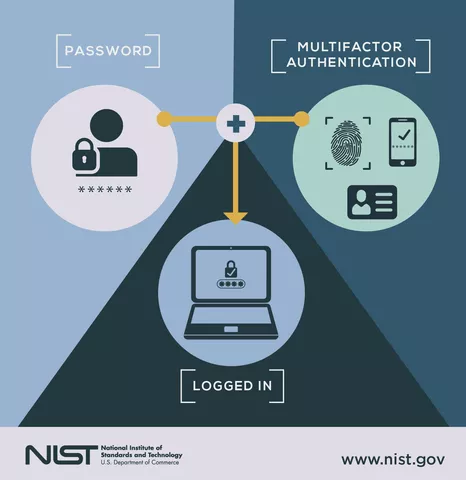
https://cdn-blog.getastra.com/2022/05/multifactor-authentificaton_e67f96b802f6bbbf3dd15f2bd79bc7b4_800-1.webp
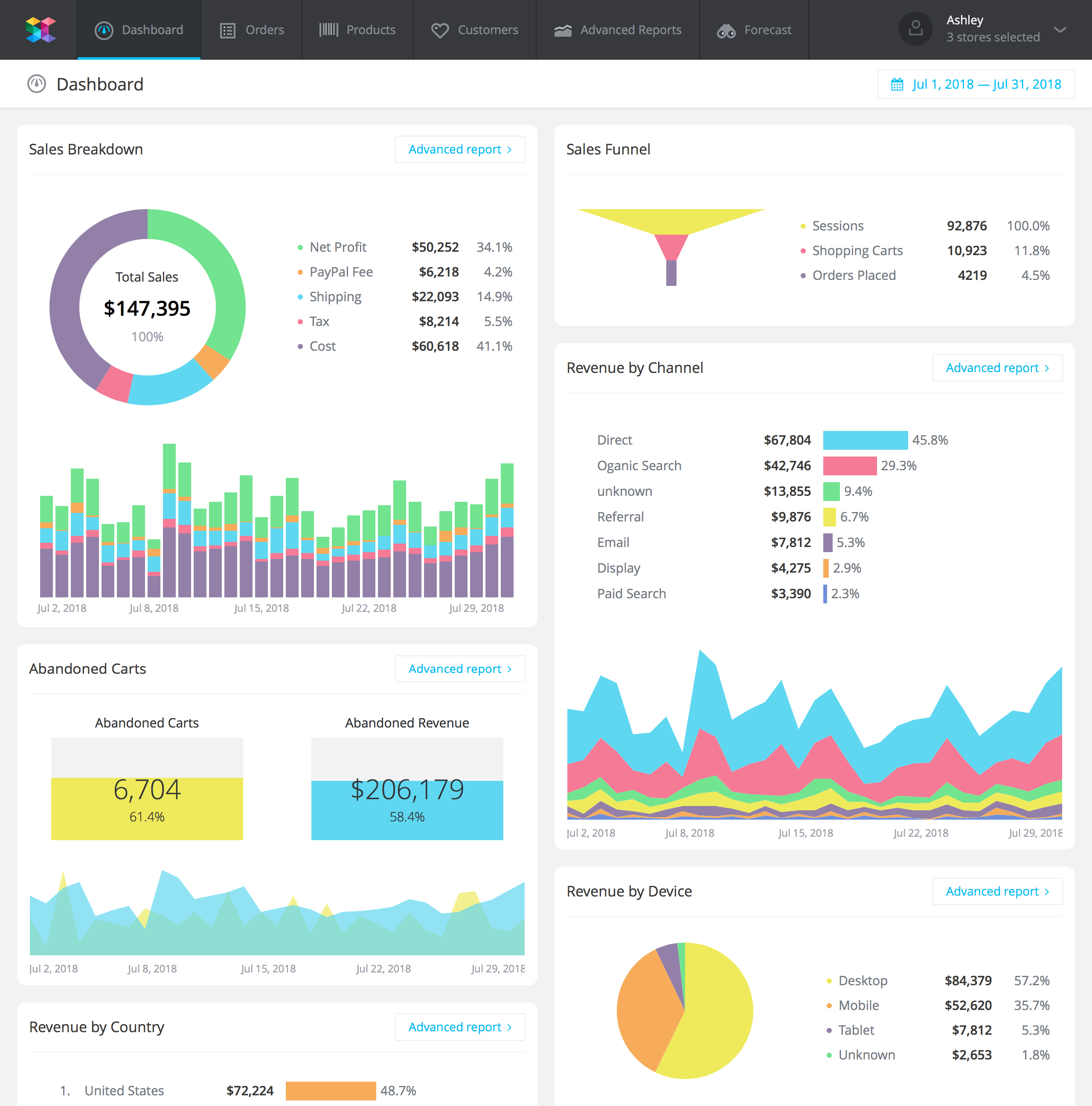
https://www.savvycube.com/images/features/ecommerce-dashboard.png
https://imgix.doingmoretoday.com/app/uploads/2024/02/13151113/Account-Takeover_Regions-Bank-1.png

An unsecured account can lead to:

  • Unauthorized orders or refunds
  • Payout redirection
  • Fake listings or price changes
  • Account suspension or permanent loss

๐Ÿ“Œ Most account takeovers start with weak security habits.

1๏ธโƒฃ Use a Strong, Unique Password (Non-Negotiable) #

https://sosafe-awareness.com/sosafe-files/uploads/2023/06/Brute-Force_Attack_Glossary_4.jpg
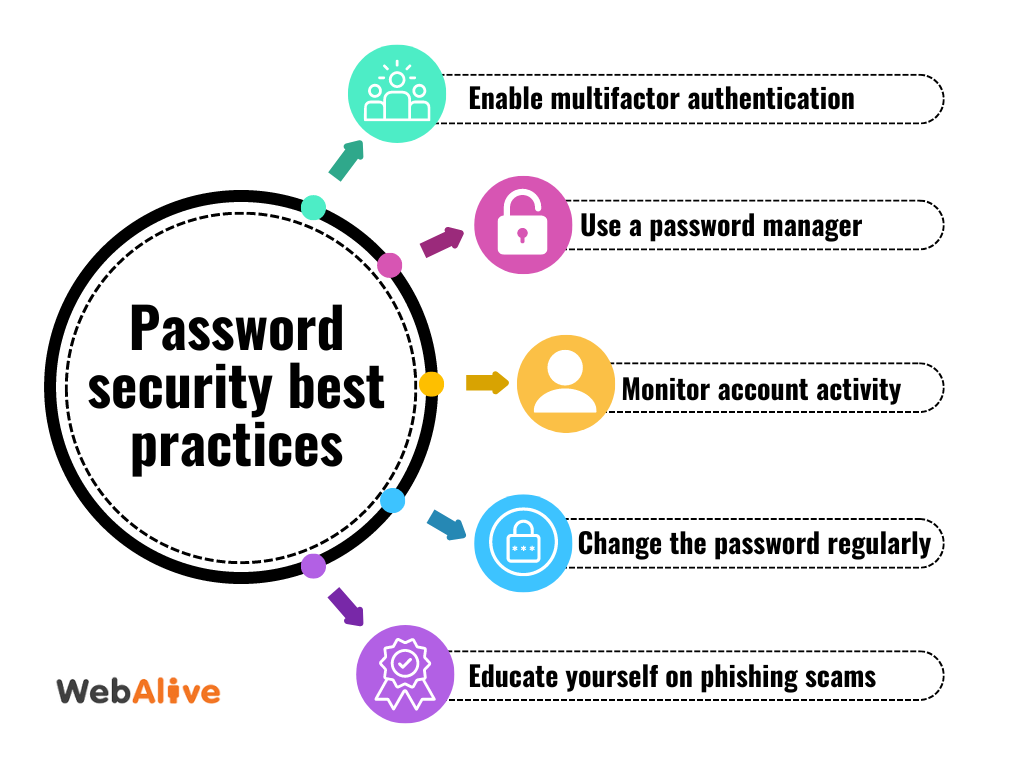
https://www.webalive.com.au/wp-content/uploads/2015/01/Password-security-best-practices.png

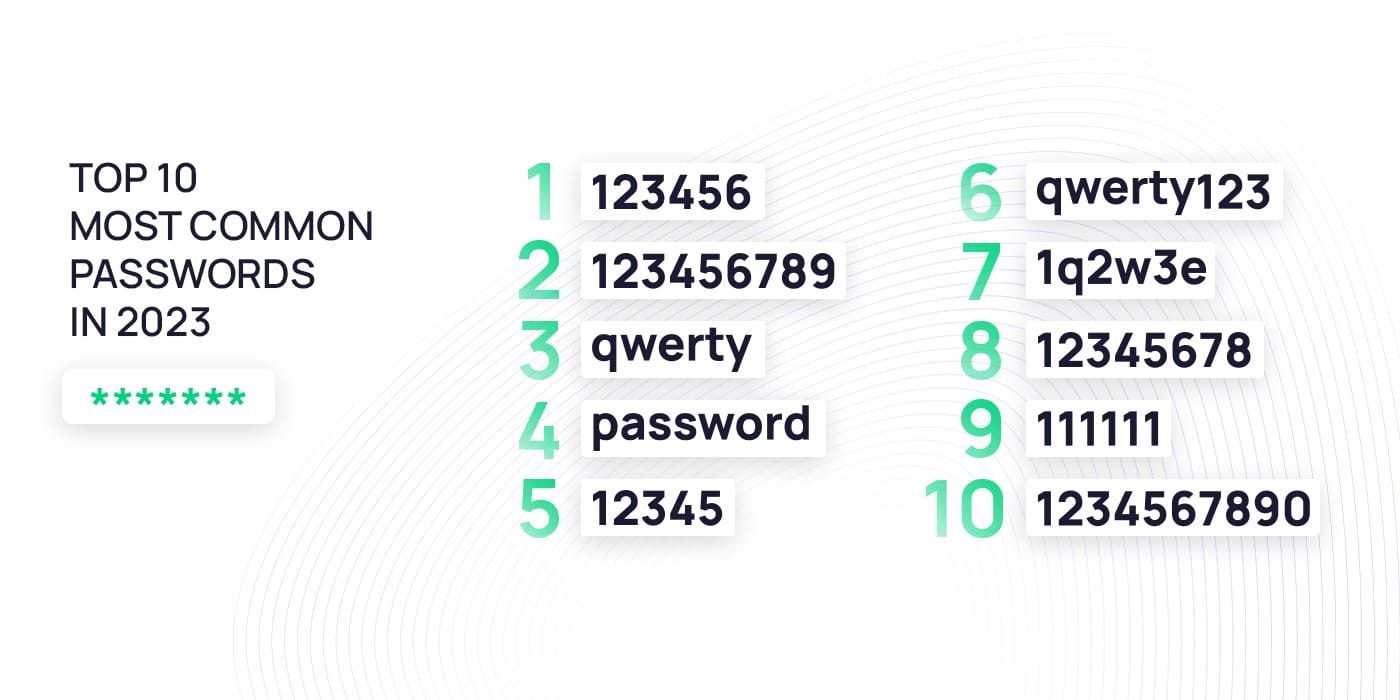
Your password should:
โœ” Be unique (not used anywhere else)
โœ” Include letters, numbers & symbols
โœ” Be at least 12 characters

โŒ Never use:

  • Your email password
  • Business name or store name
  • Simple or repeated passwords

๐Ÿ“Œ Password reuse is the #1 security failure.
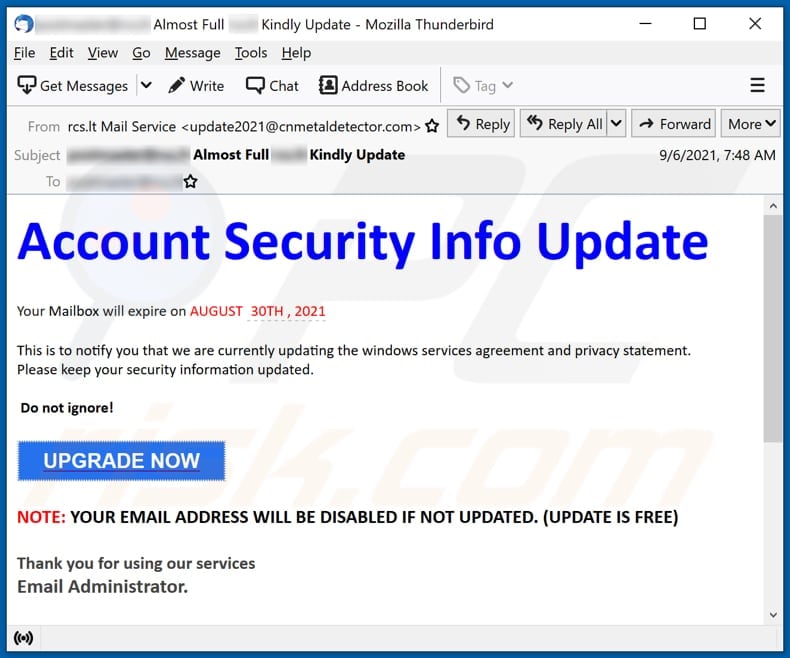

2๏ธโƒฃ Protect Your Email Account First #

https://www.pcrisk.com/images/stories/screenshots202109/account-security-info-update-email_scam-main.jpg
https://www.dhs.state.il.us/OneNetLibrary/16/images/ILEncrypt/ILEncrypt-5.png

Your email controls:

  • Password resets
  • Security alerts
  • Payout notifications

โœ” Use a strong email password
โœ” Enable email security features
โœ” Never share email access

โš ๏ธ If your email is compromised, your seller account is next.
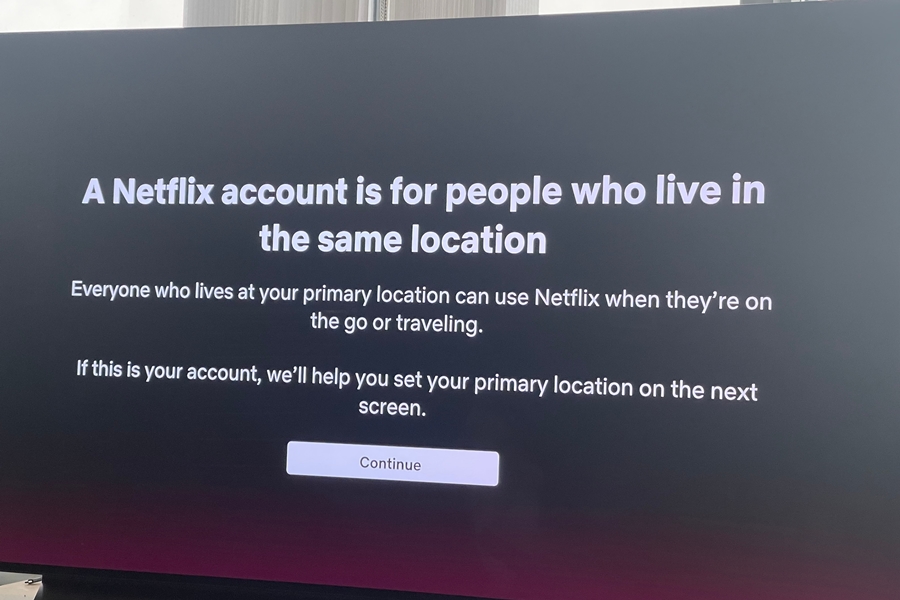

3๏ธโƒฃ Never Share Login Credentials (Ever) #

https://cdn.mediaplaynews.com/wp-content/uploads/2023/05/Password-sharing-Shutterstock-Wesley-Foulds-WEB.jpg
https://s3.ap-south-1.amazonaws.com/images.zerothreat.ai/risks_of_unauthorized_access_1_9494550dd7.jpg

โŒ Do NOT share:

  • Your seller login
  • Your email login
  • One-time codes

Even with:

  • Staff
  • Friends
  • โ€œSupportโ€ messages

๐Ÿ“Œ Kingston Express will never ask for your password.
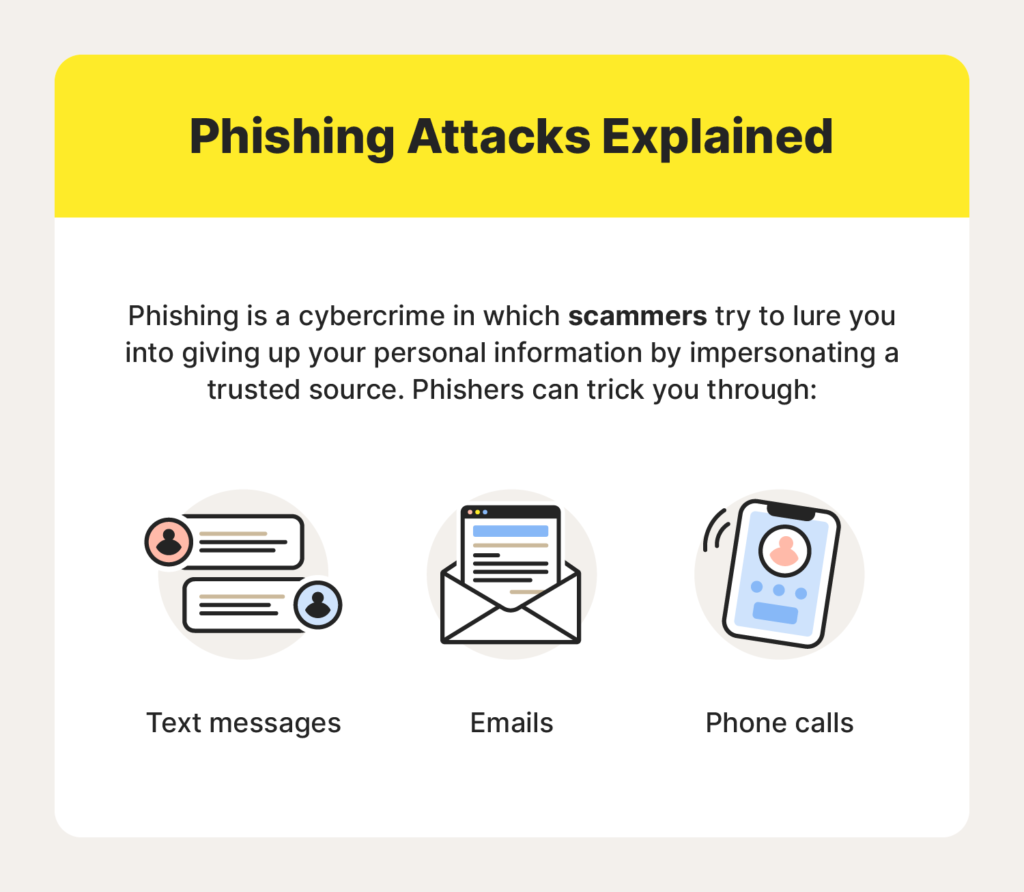

4๏ธโƒฃ Watch for Phishing & Fake Messages #

https://wisernotify.com/wp-content/uploads/2024/07/Phishing-Attack-Explained-1024x892.png
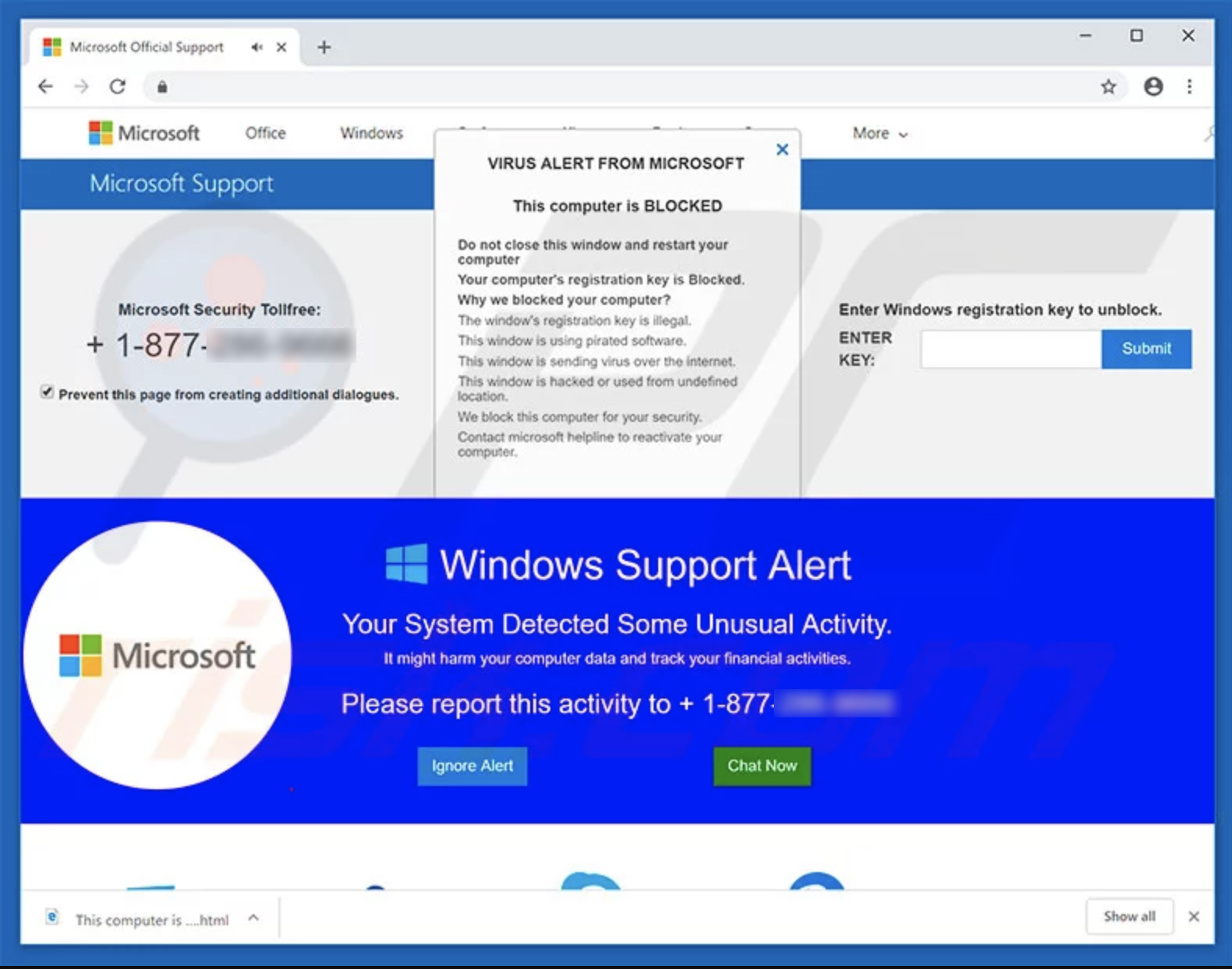
https://dallasnews.imgix.net/1567566645-WindowsSupportScam.jpg

Be alert for messages that:

  • Ask you to โ€œverify your account urgentlyโ€
  • Ask for login or payment details
  • Contain suspicious links

โœ” Always access your account by typing the website directly
โœ” Use the official seller dashboard only

๐Ÿšซ Do not click unknown links.


5๏ธโƒฃ Use Platform Messaging Only #

https://sendbird.imgix.net/cms/Secure-messaging-apps-1.png?auto=format%2Ccompress&crop=faces
https://multimerch.com/wp-content/uploads/2019/02/seller-accounts-dashboards-full-sidebar-left.png

For security:
โœ” Communicate with customers on-platform only
โœ” Keep order conversations inside the system

โŒ Avoid:

  • WhatsApp
  • Email
  • Social media

๐Ÿ“Œ Off-platform communication removes protection.
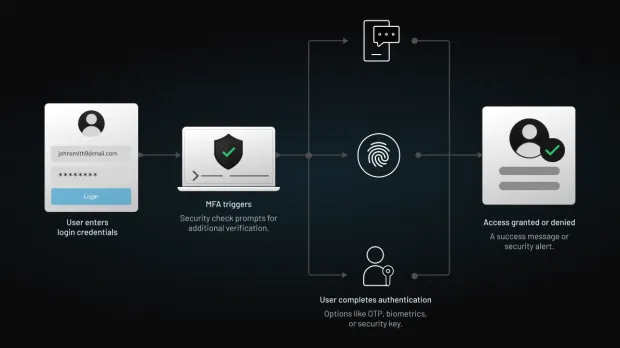

6๏ธโƒฃ Secure Your Devices #

https://www.loginradius.com/assets/blog/identity/device-authentication-methods/lr-mfa-flow.webp
https://timely-benefit-e63d540317.media.strapiapp.com/Hidden_Dangers_of_Public_Wi_Fi_4f741a9571.webp

โœ” Lock your phone and computer
โœ” Avoid public/shared devices
โœ” Be cautious on public Wi-Fi
โœ” Log out after sessions

โš ๏ธ Unsecured devices = easy access for attackers.
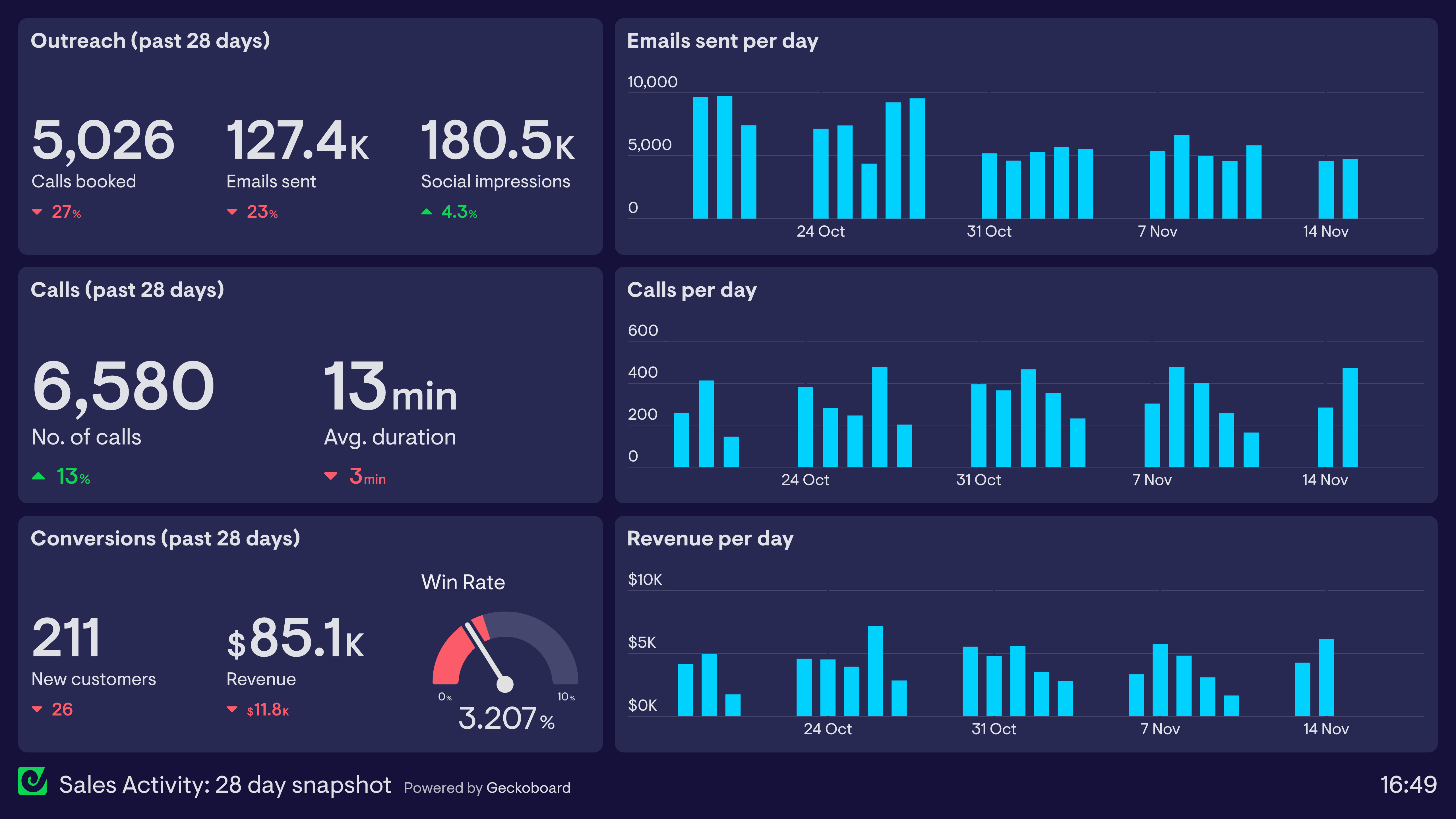

7๏ธโƒฃ Monitor Your Account Regularly #

https://www.geckoboard.com/uploads/Sales-Activity-Dashboard-Snapshot.png
https://cdn.prod.website-files.com/60af32ce0a63dc4f22cc85a1/66fc1ad15bd8fa43ae7176a7_image017.webp

Check regularly for:

  • Unknown orders
  • Unexpected listing changes
  • Payout destination changes
  • Security alerts

๐Ÿ“Š Early detection prevents damage.


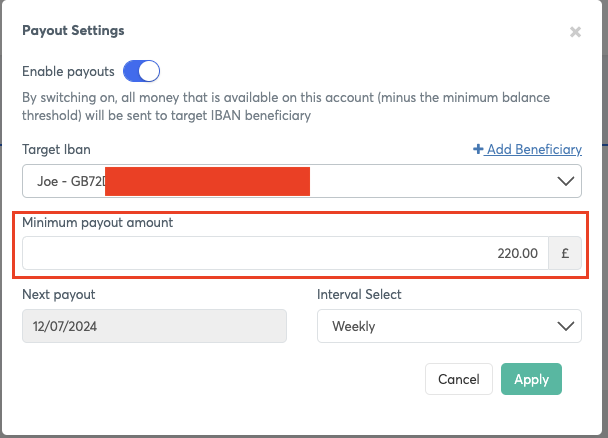
8๏ธโƒฃ Protect Payout & Financial Settings #

https://developer.viva.com/images/minimum-payout-amount.png?classes=border&width=450
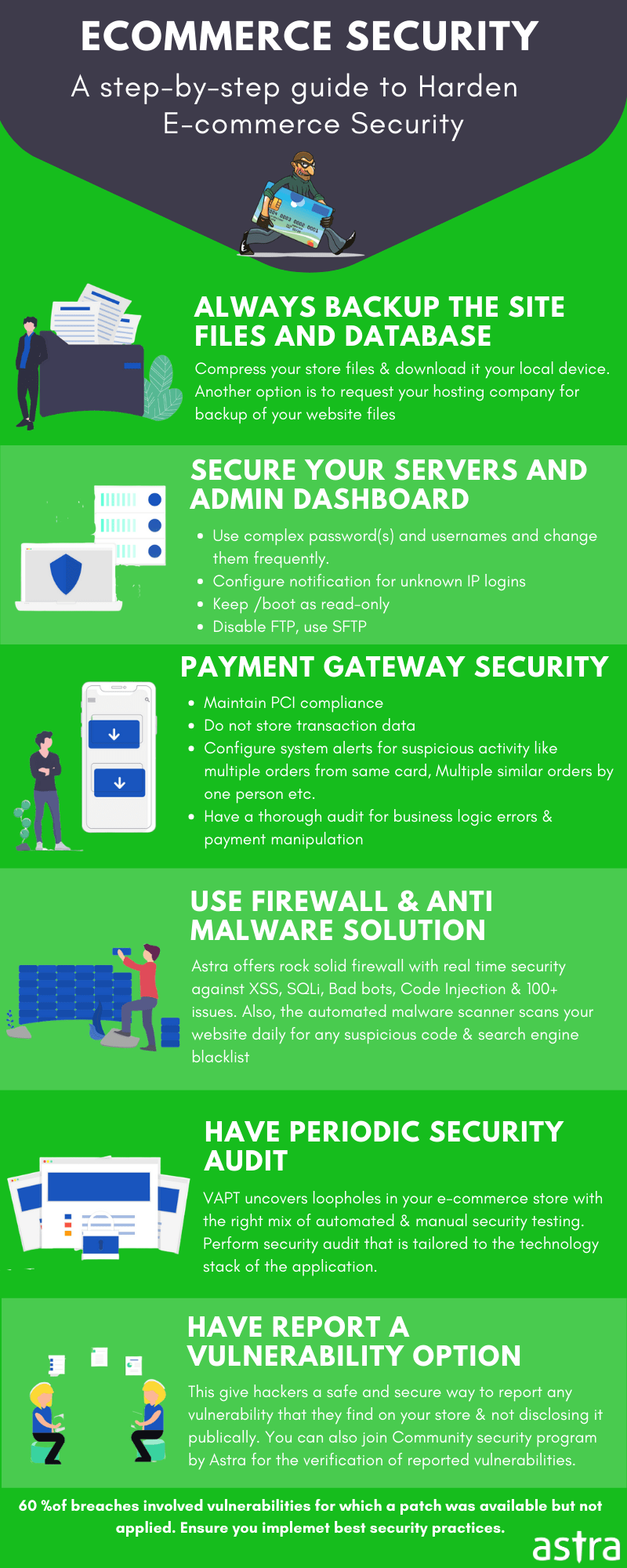
https://cdn-blog.getastra.com/2020/03/Ecommerce-security.png

โœ” Review payout details frequently
โœ” Never update payout info via messages
โœ” Confirm changes only inside your dashboard

๐Ÿšจ Unauthorized payout changes are a major fraud risk.


How Dispatched by Kingston Express Improves Seller Security #

Using Dispatched by Kingston Express:

  • Prevents fake delivery confirmations
  • Removes seller access to shipping manipulation
  • Reduces fraud-related disputes

๐Ÿ“ฆ Dispatchment lowers operational risk.


Common Seller Security Mistakes #

โŒ Reusing passwords
โŒ Trusting โ€œurgentโ€ messages
โŒ Sharing access
โŒ Clicking unknown links
โŒ Ignoring security alerts

โš ๏ธ Fraud relies on speed and pressure.


What to Do If Something Feels Wrong #

https://learn.microsoft.com/en-us/troubleshoot/microsoft-365/admin/admin/account-security/media/account-security-alert-email/security-alert-message.png
https://wallstreetmojo-files.s3.ap-south-1.amazonaws.com/2024/02/Suspicious-Activity-Report.png

If you notice anything suspicious:

  1. Stop all activity
  2. Do not click links
  3. Change your password immediately
  4. Contact **Kingston Express Support

๐Ÿ“ง Fast action limits damage.


Final Rule (This Saves Accounts) #

๐Ÿ‘‰ If someone pressures you to act fast, share access, or move off-platform โ€” itโ€™s a red flag.

Sellers who practice strong security habits, stay alert, and rely on Dispatched by Kingston Express protect their accounts, payouts, and long-term businesses ๐Ÿ”๐Ÿ“ฆ๐Ÿ›ก๏ธ

Leave a Reply

Your email address will not be published. Required fields are marked *

Main Menu

error code: 521