


Lorem ipsum dolor sit amet, dolor siterim consectetur adipiscing elit. Phasellus duio faucibus est sed facilisis viverra. Umero praesent nec accumsan nibh, eu grav da metus.
This is a demo store for testing purposes — no orders shall be fulfilled. Dismiss
 Jamaica
Jamaica
Jamaica
1 min read
If you believe someone has accessed your account without permission, acting quickly is the best way to protect your information, orders, and payments.
This guide explains the warning signs, what to do immediately, and how to prevent it from happening again.

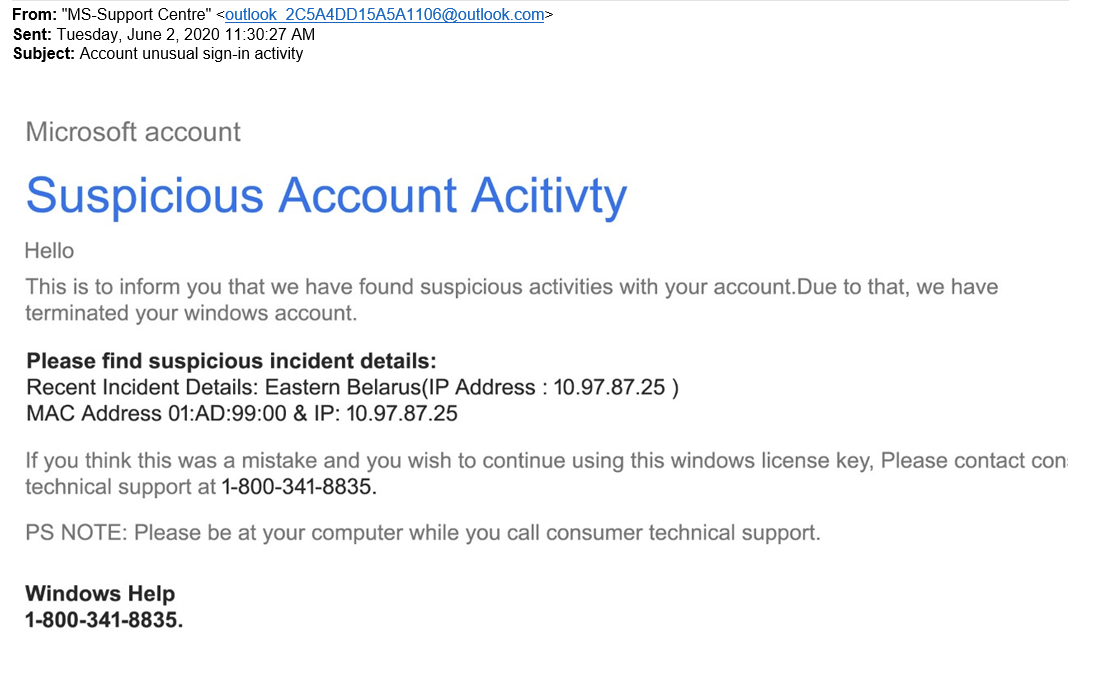
You may notice:
🚨 If you see any of these signs, take action immediately.
If you can still log in:
🔐 This helps block further unauthorized access.
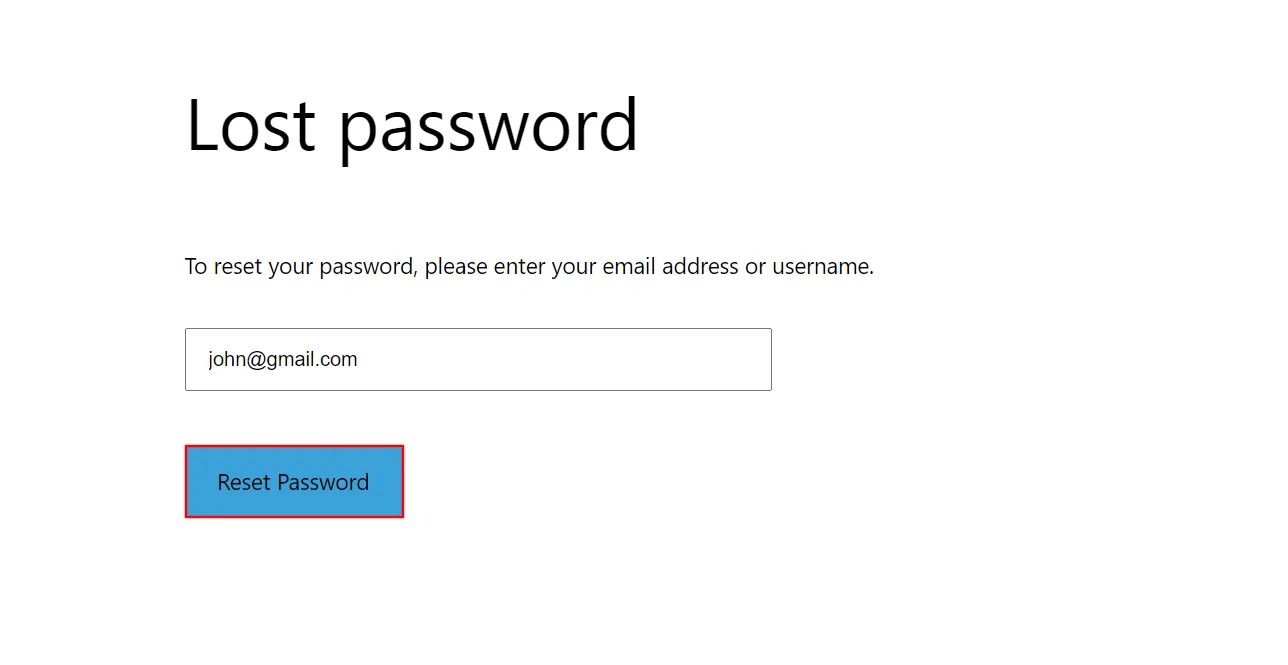
If you’re locked out:
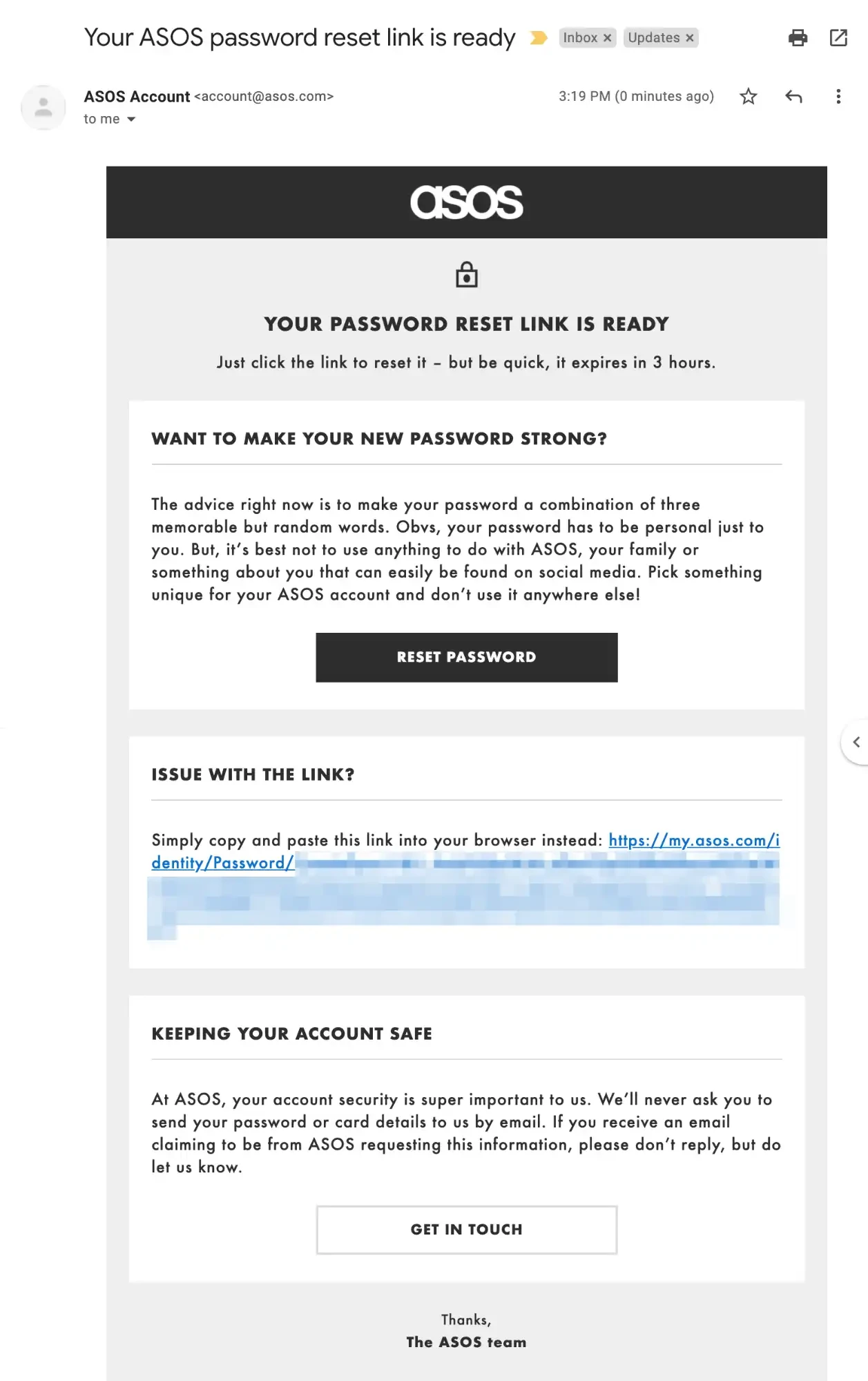
📧 Use the most recent reset email and link.
Your email controls password resets and notifications.
✔ Change your email password
✔ Enable security features if available
✔ Check for unfamiliar login alerts
📌 If your email is compromised, attackers can regain access.
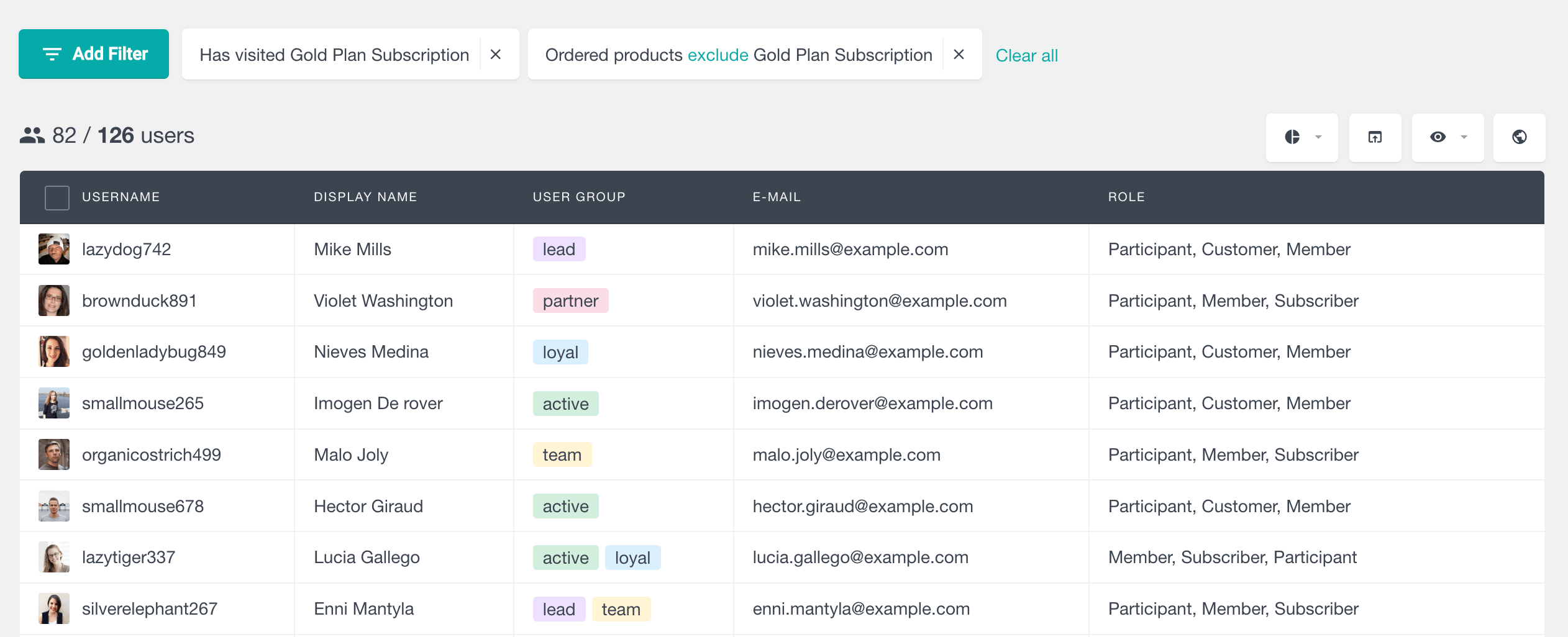
Check:
🚫 Report any activity you don’t recognize.
Even if you’ve secured your account, notify support so they can help investigate.
Contact Kingston Express Support if:
📌 Include:
Check:
💳 Contact your bank if you see unauthorized charges.
After reporting the issue:
⏳ Quick responses help resolve issues faster.

✔ Use a strong, unique password
✔ Don’t reuse passwords across sites
✔ Log out on shared devices
✔ Avoid clicking suspicious links
✔ Keep your email secure
✔ Review account activity regularly
🚫 Don’t:
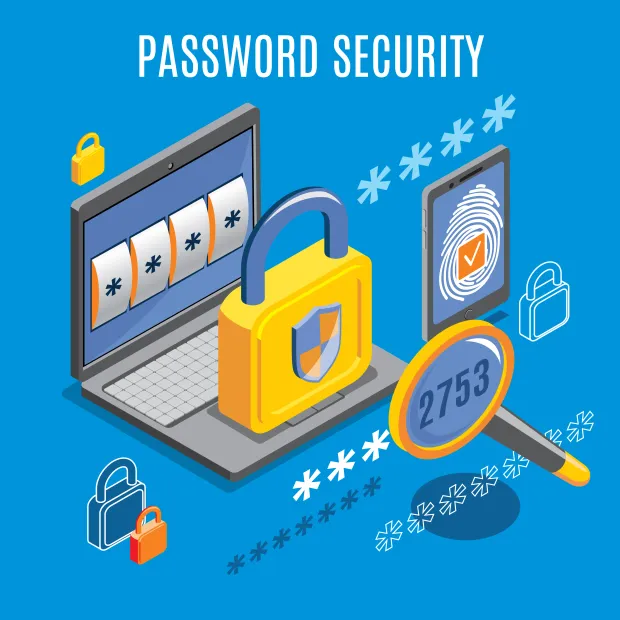
Most compromised account issues can be resolved quickly when reported early. Acting fast and securing both your Kingston Express account and email is the best way to protect yourself 🔒


This chat uses automated responses for general guidance. For binding terms, please refer to our official policies.
Start A Conversation
Click here to chat with me!
Search our website now
Latest Products
Latest Posts
Lorem ipsum dolor sit amet, dolor siterim consectetur adipiscing elit. Phasellus duio faucibus est sed facilisis viverra. Umero praesent nec accumsan nibh, eu grav da metus.
B&O Play – Best Headphone For You
Lorem ipsum dolor sit amet, dolor siterim consectetur adipiscing elit. Phasellus duio faucibus est sed facilisis viverra. Umero praesent nec accumsan nibh, eu grav da metus.
Harman Kadon Onyx Studio Mini, Reviews & Experiences
Lorem ipsum dolor sit amet, dolor siterim consectetur adipiscing elit. Phasellus duio faucibus est sed facilisis viverra. Umero praesent nec accumsan nibh, eu grav da metus.
DeerCo – A New Look About Startup In Product Manufacture Field
Lorem ipsum dolor sit amet, dolor siterim consectetur adipiscing elit. Phasellus duio faucibus est sed facilisis viverra. Umero praesent nec accumsan nibh, eu grav da metus.
Tips how to choise a perfect watch foractive guys
Lorem ipsum dolor sit amet, dolor siterim consectetur adipiscing elit. Phasellus duio faucibus est sed facilisis viverra. Umero praesent nec accumsan nibh, eu grav da metus.

Subscribe to the Martfury mailing list to receive updates on new arrivals, special offers and our promotions.