


Lorem ipsum dolor sit amet, dolor siterim consectetur adipiscing elit. Phasellus duio faucibus est sed facilisis viverra. Umero praesent nec accumsan nibh, eu grav da metus.
This is a demo store for testing purposes — no orders shall be fulfilled. Dismiss
 Jamaica
Jamaica
Jamaica
2 min read
Once your seller account is approved, the Seller Dashboard is where you manage everything — products, orders, customers, and store settings.
This guide shows you exactly how to log in and make sure you’re accessing the seller view, not just the customer account.
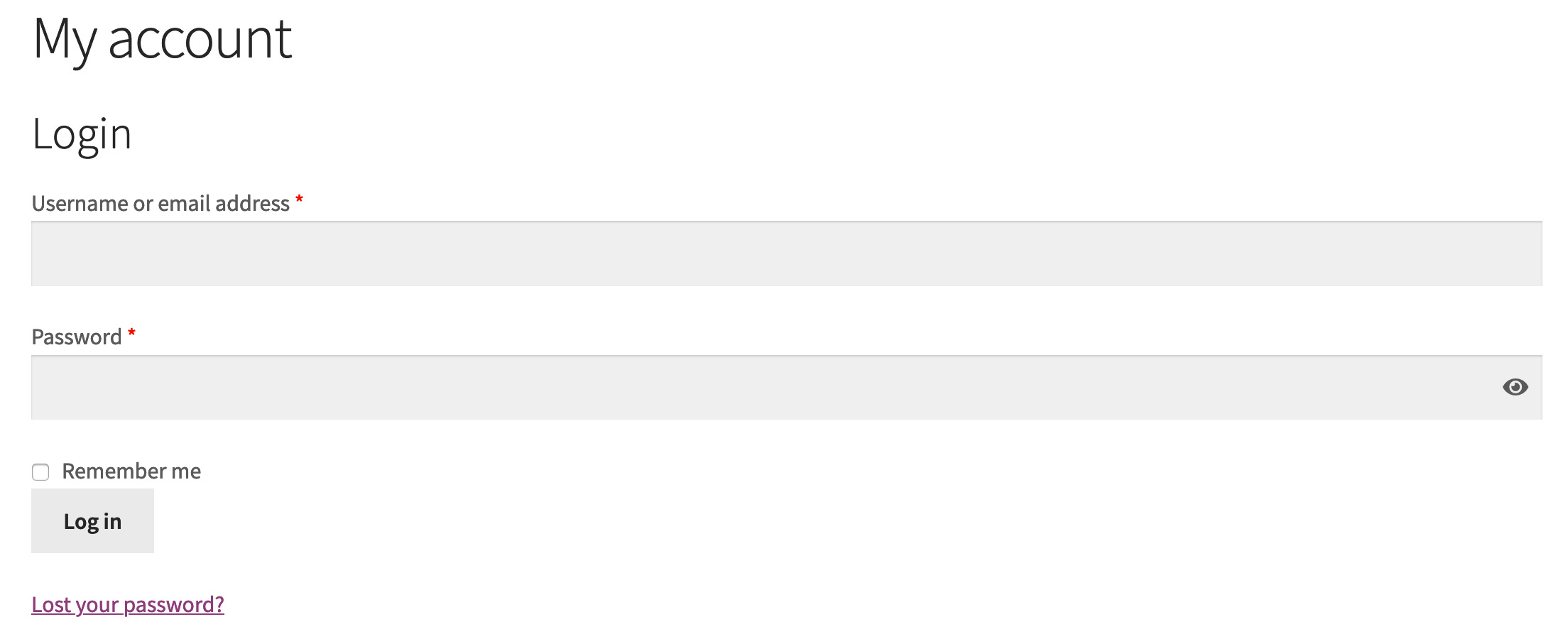
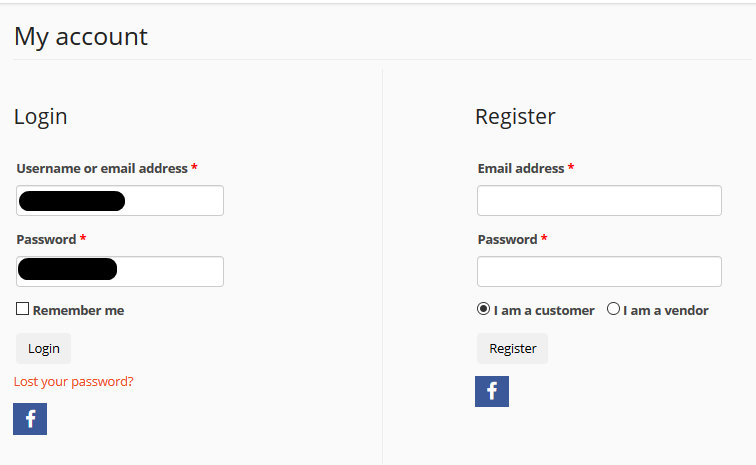
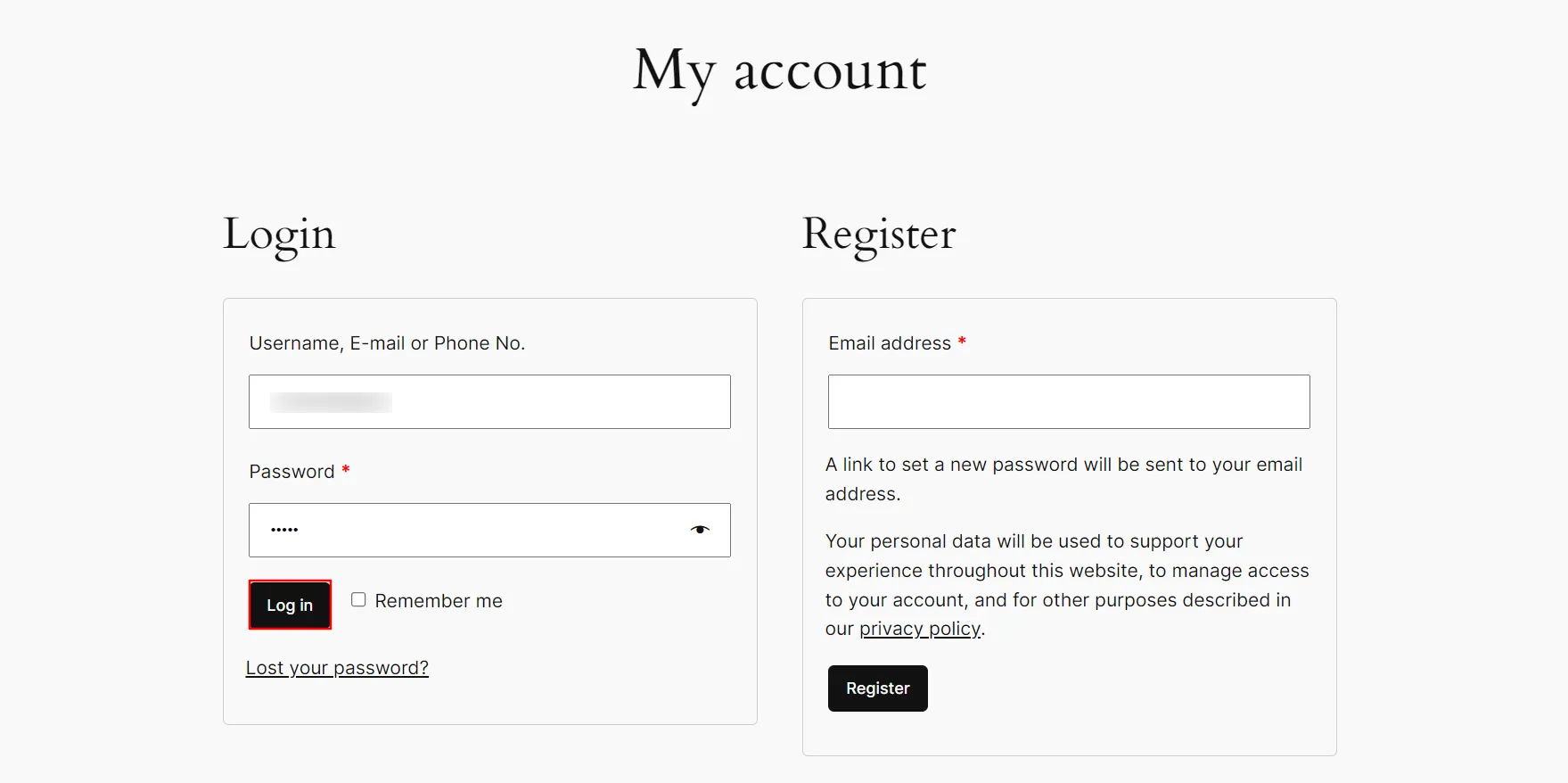
On the login page:
🔐 Use the same details you used during seller registration.

After logging in:
This takes you to your main control panel.
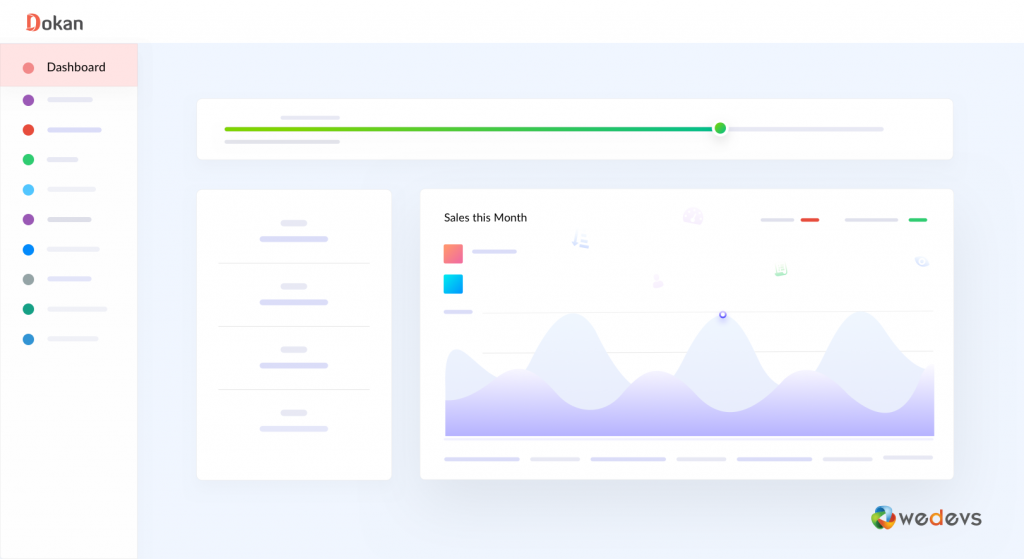
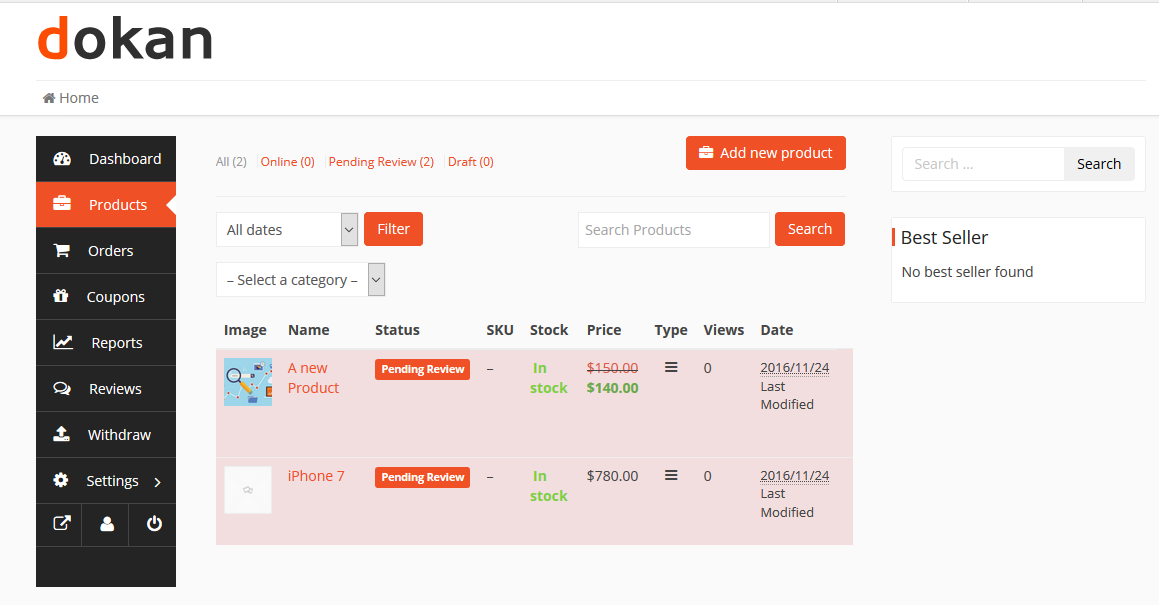
From the dashboard, you can:
📊 This is your seller control center.
If you don’t see seller options:
📌 Do not create a second account.
✔ Same steps apply on mobile
✔ Seller Dashboard is mobile-friendly
✔ Best used in landscape mode for product management
📱 Desktop is recommended for bulk tasks.
✔ Log out on shared devices
✔ Don’t save passwords in public browsers
✔ Change your password regularly
✔ Secure your email account
Contact Kingston Express Support if:
📧 Include your account email and store name.
If you can see the Seller Dashboard, you’re officially ready to sell. Everything else — products, shipping, and orders — starts here 🏪


This chat uses automated responses for general guidance. For binding terms, please refer to our official policies.
Start A Conversation
Click here to chat with me!
Search our website now
Latest Products
Latest Posts
Lorem ipsum dolor sit amet, dolor siterim consectetur adipiscing elit. Phasellus duio faucibus est sed facilisis viverra. Umero praesent nec accumsan nibh, eu grav da metus.
B&O Play – Best Headphone For You
Lorem ipsum dolor sit amet, dolor siterim consectetur adipiscing elit. Phasellus duio faucibus est sed facilisis viverra. Umero praesent nec accumsan nibh, eu grav da metus.
Harman Kadon Onyx Studio Mini, Reviews & Experiences
Lorem ipsum dolor sit amet, dolor siterim consectetur adipiscing elit. Phasellus duio faucibus est sed facilisis viverra. Umero praesent nec accumsan nibh, eu grav da metus.
DeerCo – A New Look About Startup In Product Manufacture Field
Lorem ipsum dolor sit amet, dolor siterim consectetur adipiscing elit. Phasellus duio faucibus est sed facilisis viverra. Umero praesent nec accumsan nibh, eu grav da metus.
Tips how to choise a perfect watch foractive guys
Lorem ipsum dolor sit amet, dolor siterim consectetur adipiscing elit. Phasellus duio faucibus est sed facilisis viverra. Umero praesent nec accumsan nibh, eu grav da metus.

Subscribe to the Martfury mailing list to receive updates on new arrivals, special offers and our promotions.