


Lorem ipsum dolor sit amet, dolor siterim consectetur adipiscing elit. Phasellus duio faucibus est sed facilisis viverra. Umero praesent nec accumsan nibh, eu grav da metus.
This is a demo store for testing purposes — no orders shall be fulfilled. Dismiss
 Jamaica
Jamaica
Jamaica
1 min read
If your Kingston Express account has been suspended and you believe it was a mistake — or the issue has been resolved — you can submit an appeal for review.
This guide explains how the appeal process works, what information to provide, and what happens next.
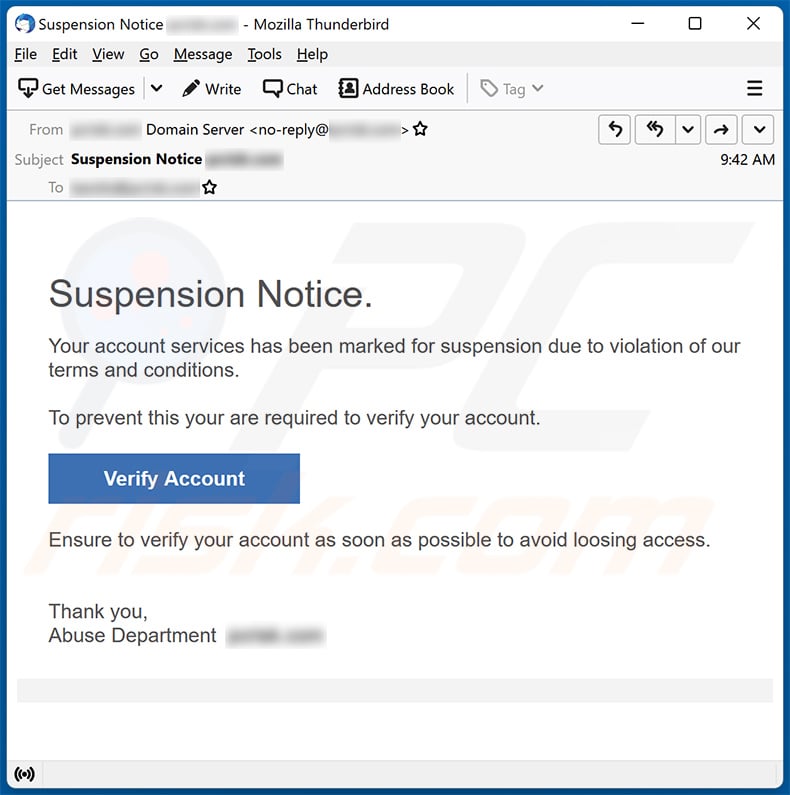

An appeal is a formal request asking Kingston Express to review your account suspension and reconsider access.
📌 Appeals are reviewed individually and fairly.
Before appealing, make sure you:
📧 Most suspensions include instructions sent by email.
Look for an email from Kingston Express explaining:
🔍 Check Spam or Junk folders if needed.
Having clear details helps speed up the review.
Prepare:
📎 Clear and honest information improves appeal success.
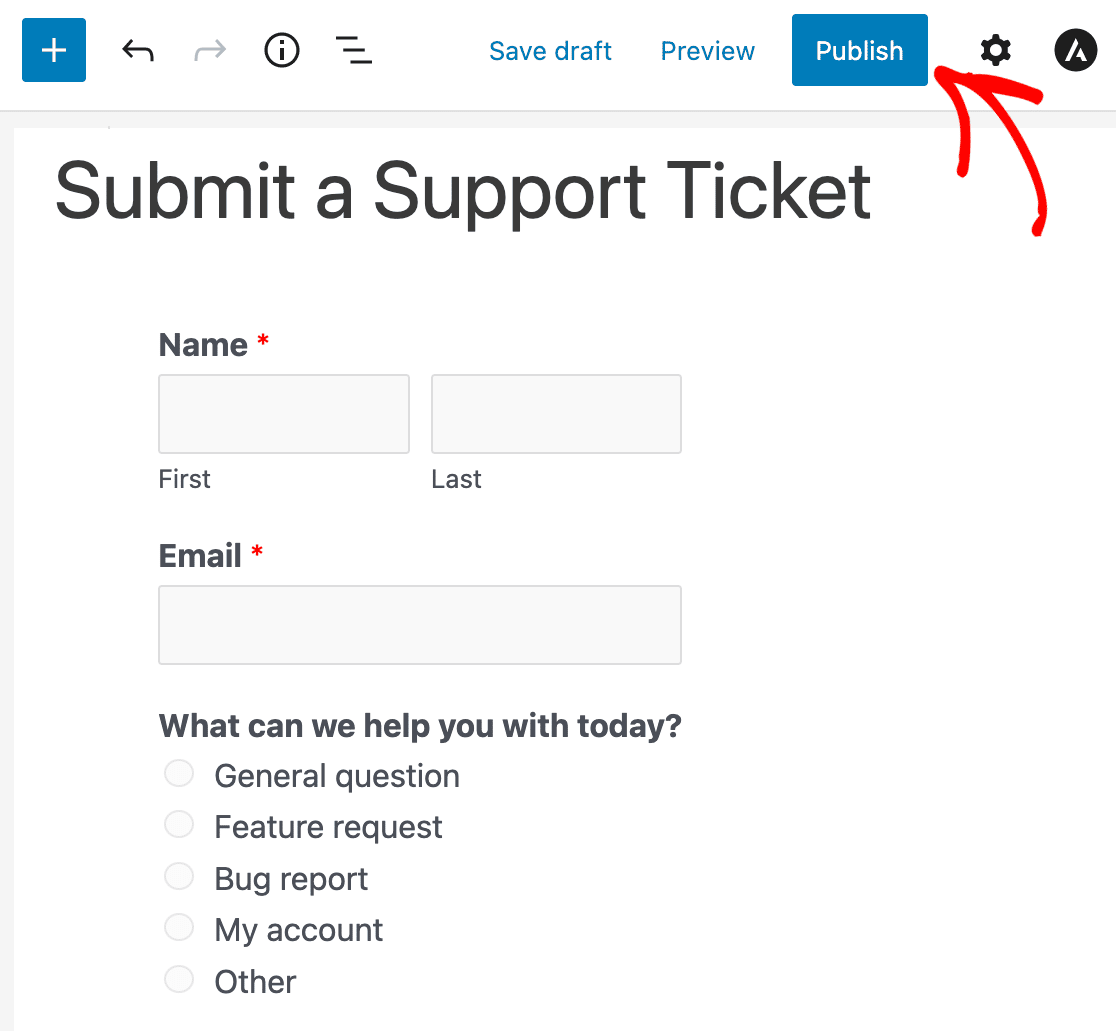
To submit an appeal:
In your message:
📝 Example appeal message:
“Hello, I’m writing to appeal the suspension of my Kingston Express account. I believe the issue has been resolved and would appreciate a review. My account email is [your email]. Thank you.”

After submitting your appeal:
⏳ Some reviews are resolved quickly, others may take a few business days.
After review, one of the following may happen:
📌 All decisions are communicated by email.
🚫 Avoid:
📌 These actions can delay or negatively affect your appeal.
✔ Be honest and respectful
✔ Respond quickly to requests for information
✔ Provide clear explanations
✔ Acknowledge mistakes if applicable
🤝 Cooperation helps resolve appeals faster.
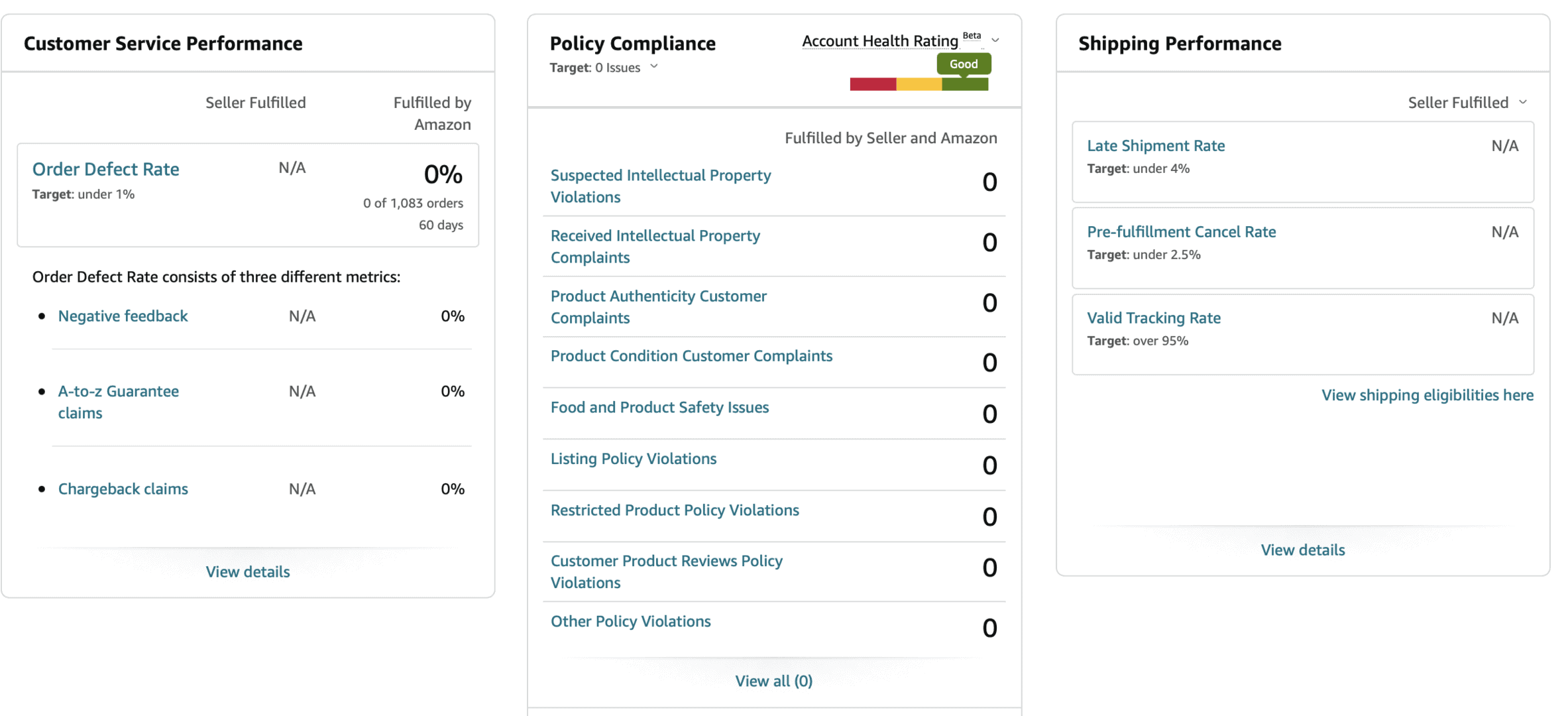
Vendor appeals may also require:
📦 Seller reviews may take slightly longer.
If you haven’t received a response:
📧 Avoid repeated follow-ups.
Account suspensions and appeals are handled carefully to protect everyone on Kingston Express. Clear communication and patience are the best way to get your account reviewed and resolved 💙


This chat uses automated responses for general guidance. For binding terms, please refer to our official policies.
Start A Conversation
Click here to chat with me!
Search our website now
Latest Products
Latest Posts
Lorem ipsum dolor sit amet, dolor siterim consectetur adipiscing elit. Phasellus duio faucibus est sed facilisis viverra. Umero praesent nec accumsan nibh, eu grav da metus.
B&O Play – Best Headphone For You
Lorem ipsum dolor sit amet, dolor siterim consectetur adipiscing elit. Phasellus duio faucibus est sed facilisis viverra. Umero praesent nec accumsan nibh, eu grav da metus.
Harman Kadon Onyx Studio Mini, Reviews & Experiences
Lorem ipsum dolor sit amet, dolor siterim consectetur adipiscing elit. Phasellus duio faucibus est sed facilisis viverra. Umero praesent nec accumsan nibh, eu grav da metus.
DeerCo – A New Look About Startup In Product Manufacture Field
Lorem ipsum dolor sit amet, dolor siterim consectetur adipiscing elit. Phasellus duio faucibus est sed facilisis viverra. Umero praesent nec accumsan nibh, eu grav da metus.
Tips how to choise a perfect watch foractive guys
Lorem ipsum dolor sit amet, dolor siterim consectetur adipiscing elit. Phasellus duio faucibus est sed facilisis viverra. Umero praesent nec accumsan nibh, eu grav da metus.

Subscribe to the Martfury mailing list to receive updates on new arrivals, special offers and our promotions.