


Lorem ipsum dolor sit amet, dolor siterim consectetur adipiscing elit. Phasellus duio faucibus est sed facilisis viverra. Umero praesent nec accumsan nibh, eu grav da metus.
This is a demo store for testing purposes — no orders shall be fulfilled. Dismiss
 Jamaica
Jamaica
Jamaica
1 min read
(Seller Security & Best Practices – Seller Guide)
If you believe your seller account may be compromised, speed and calm action matter more than anything else.
Unauthorized access doesn’t automatically mean permanent damage — many accounts on Kingston Express are successfully secured when sellers act quickly and correctly.
This guide explains:


Watch for:
📌 Any one of these is enough to act.


✔ Change your seller account password
✔ Change your email password
✔ Log out of all devices (if available)
🚨 Do not investigate before securing access.

Review carefully:
📌 Look for anything unfamiliar.

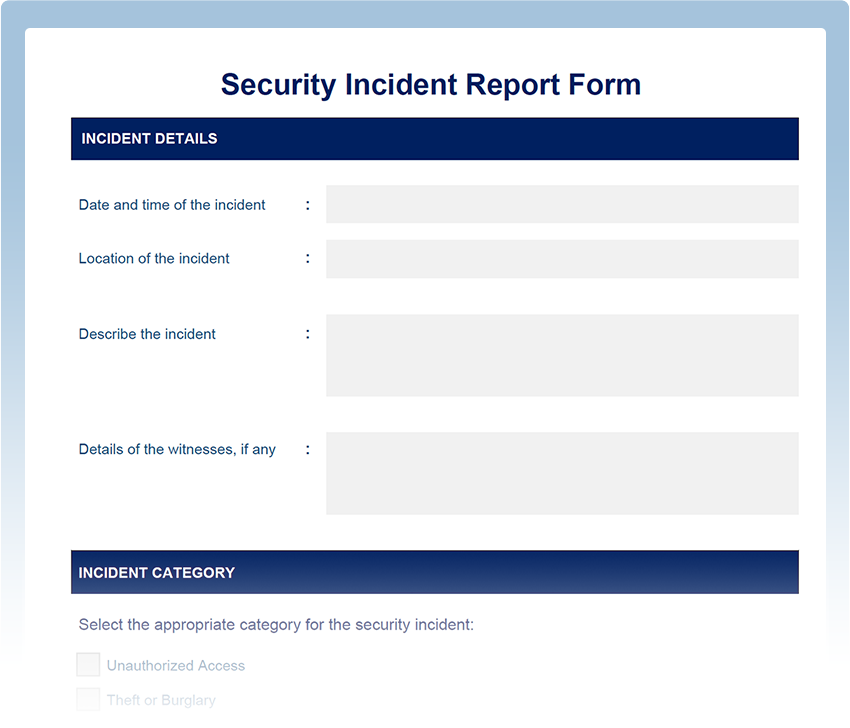
Report the incident to Kingston Express Support and include:
📧 Early reporting helps freeze damage.


Avoid:
❌ Issuing mass refunds
❌ Deleting listings blindly
❌ Creating a new seller account
❌ Arguing with customers
⚠️ These actions can make recovery harder.
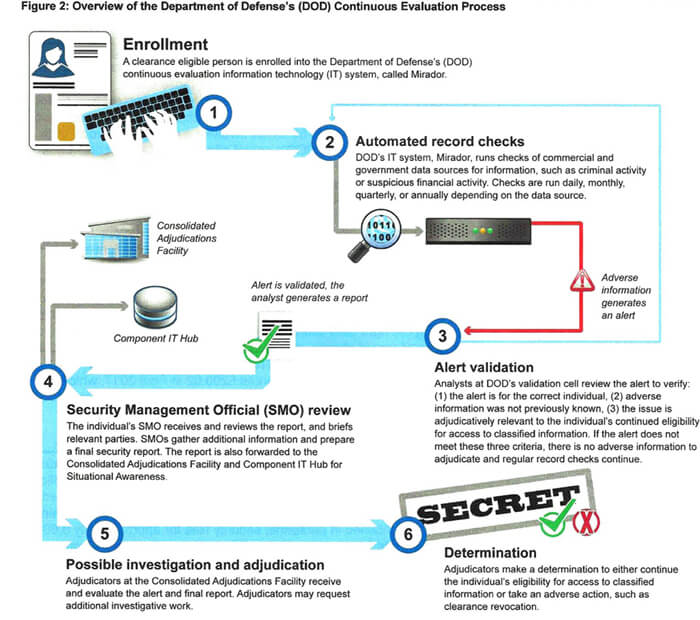

Support may:
📊 Temporary restrictions are protective, not punitive.
If your orders are Dispatched by Kingston Express:
📦 Dispatchment limits operational exposure.


Once access is restored:
✔ Update all passwords
✔ Remove unknown devices
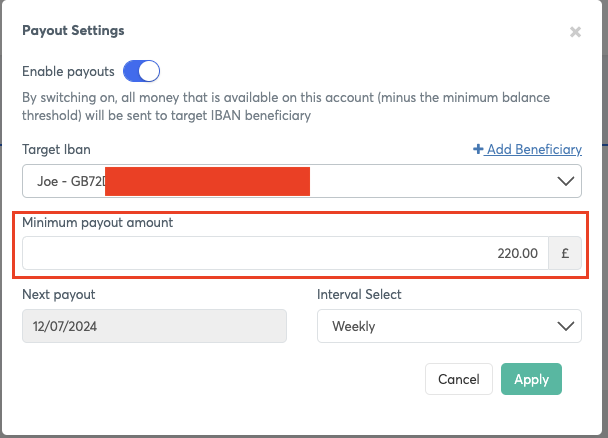
✔ Review payout settings
✔ Stay alert for phishing
📌 Recovery is also prevention.
❌ Permanent suspension
❌ Automatic payout loss
❌ Blame for fraud you didn’t cause
📌 Prompt, honest reporting protects sellers.
❌ Waiting too long to report
❌ Ignoring payout changes
❌ Assuming “it fixed itself”
❌ Reusing old passwords
⚠️ Security incidents require follow-up.
👉 Act fast, secure access first, and report immediately — panic causes more damage than the breach itself.
Sellers who respond quickly, follow process, and rely on Dispatched by Kingston Express recover faster and protect their businesses 🔐📦🛡️


This chat uses automated responses for general guidance. For binding terms, please refer to our official policies.
Start A Conversation
Click here to chat with me!
Search our website now
Latest Products
Latest Posts
Lorem ipsum dolor sit amet, dolor siterim consectetur adipiscing elit. Phasellus duio faucibus est sed facilisis viverra. Umero praesent nec accumsan nibh, eu grav da metus.
B&O Play – Best Headphone For You
Lorem ipsum dolor sit amet, dolor siterim consectetur adipiscing elit. Phasellus duio faucibus est sed facilisis viverra. Umero praesent nec accumsan nibh, eu grav da metus.
Harman Kadon Onyx Studio Mini, Reviews & Experiences
Lorem ipsum dolor sit amet, dolor siterim consectetur adipiscing elit. Phasellus duio faucibus est sed facilisis viverra. Umero praesent nec accumsan nibh, eu grav da metus.
DeerCo – A New Look About Startup In Product Manufacture Field
Lorem ipsum dolor sit amet, dolor siterim consectetur adipiscing elit. Phasellus duio faucibus est sed facilisis viverra. Umero praesent nec accumsan nibh, eu grav da metus.
Tips how to choise a perfect watch foractive guys
Lorem ipsum dolor sit amet, dolor siterim consectetur adipiscing elit. Phasellus duio faucibus est sed facilisis viverra. Umero praesent nec accumsan nibh, eu grav da metus.

Subscribe to the Martfury mailing list to receive updates on new arrivals, special offers and our promotions.