Lorem ipsum dolor sit amet, dolor siterim consectetur adipiscing elit. Phasellus duio faucibus est sed facilisis viverra. Umero praesent nec accumsan nibh, eu grav da metus.
In-House SMS Marketing
2 min read
- What Is In-House SMS Marketing?
- Who Can Use SMS Marketing?
- What Buyers Receive
- How to Create an SMS Campaign
- Writing an Effective SMS Message
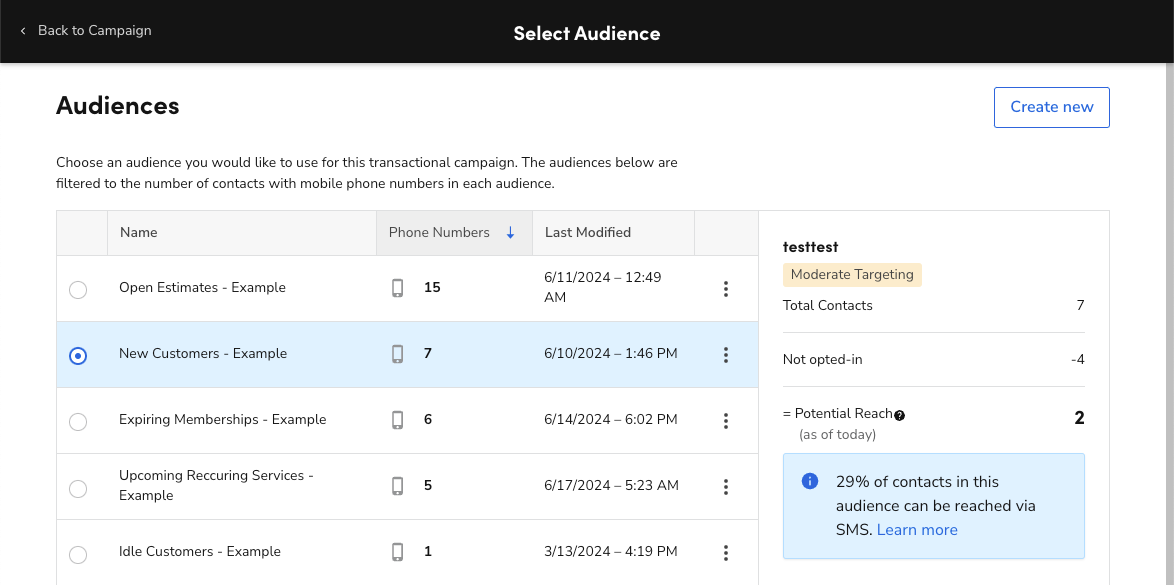
- Audience Targeting
- Scheduling & Timing
- Usage Limits & Controls
- Compliance & Buyer Consent
- Combining SMS with Other Marketing Tools
- Tracking SMS Campaign Performance
- Best Practices for SMS Marketing
- Common Issues & Troubleshooting
- Policy & Compliance
- Need Help?
(Seller Support Article)
In-House SMS Marketing allows sellers to send promotional text messages directly to eligible buyers using Kingston Express’s built-in messaging system. SMS campaigns are designed for high visibility, urgency, and fast conversion.
All SMS delivery, buyer consent management, and compliance are handled by Kingston Express.


4
What Is In-House SMS Marketing? #
SMS Marketing lets sellers communicate promotions directly to buyers via text message. Messages are sent only to eligible and opted-in buyers, based on Kingston Express messaging rules.
SMS is best used for:
- Time-sensitive promotions
- Flash sales
- Back-in-stock alerts
- Campaign reminders
Because SMS is highly visible, usage is monitored to protect buyer experience.
Who Can Use SMS Marketing? #
SMS Marketing availability may depend on:
- Seller account standing
- Policy compliance history
- Campaign eligibility
- Messaging limits
Some sellers may see usage caps based on performance and buyer engagement.
What Buyers Receive #
Buyers may receive SMS messages that include:
- Promotion details
- Product or store references
- Call-to-action links
- Limited-time reminders
Buyers can opt out of promotional messages at any time.
How to Create an SMS Campaign #


4
Follow these steps:
- Log in to your Seller Dashboard
- Go to Marketing & Campaigns
- Select SMS Marketing
- Click Create SMS Campaign
- Choose a campaign objective
- Write your SMS message
- Select eligible buyer audience
- Schedule or send immediately
- Review and confirm
Once confirmed, messages are queued and delivered automatically.
Writing an Effective SMS Message #
SMS messages should be:
- Short and clear
- Action-oriented
- Easy to understand
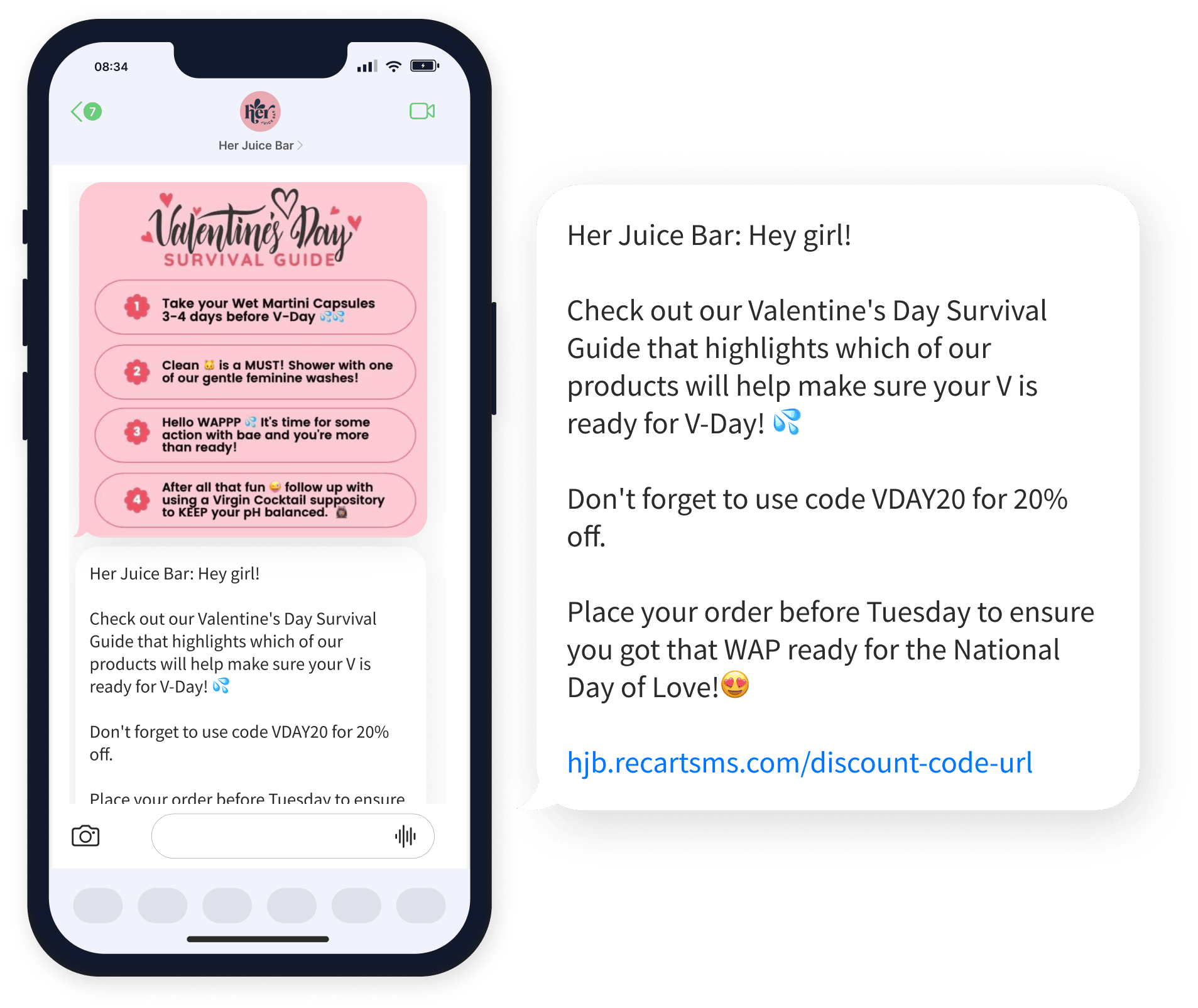
Example Structure: #
- Promotion or value
- Urgency or timeframe
- Clear call to action
Example:
“Flash Sale! 20% off selected items today only. Shop now before it ends.”
Audience Targeting #
Audience selection may be based on:
- Past buyers
- Recently active buyers
- Product or store engagement
Exact targeting options depend on eligibility and campaign type.
Scheduling & Timing #
Sellers can:
- Send SMS immediately
- Schedule messages in advance
Timing Best Practices: #
- Avoid very late or early hours
- Align messages with campaign start times
- Do not resend the same message repeatedly
Usage Limits & Controls #
To protect buyers:
- SMS campaigns may have daily or monthly limits
- Repeated low-engagement campaigns may reduce eligibility
- Excessive messaging can result in restrictions
Kingston Express automatically enforces messaging caps.
Compliance & Buyer Consent #
- Buyer opt-in and opt-out are fully managed by Kingston Express
- Sellers do not see buyer phone numbers
- Sellers cannot message buyers outside the system
- All messages are monitored for policy compliance
Non-compliant messaging may lead to tool suspension.
Combining SMS with Other Marketing Tools #
SMS campaigns work best when combined with:
- Seller discounts
- Vouchers & coupons
- Platform campaigns
- Sponsored ads
SMS should reinforce, not replace, other promotions.
Tracking SMS Campaign Performance #


4
After sending, sellers can track:
- Messages sent
- Delivery rate
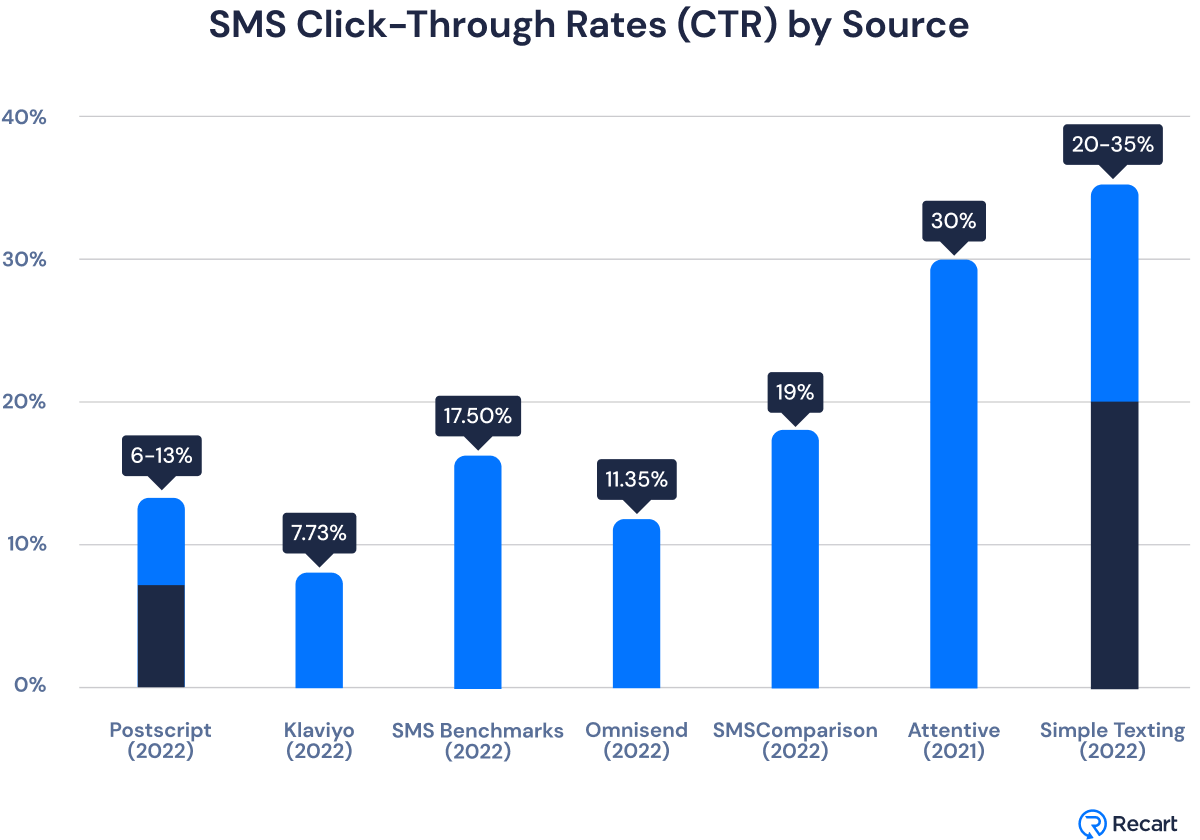
- Click-through rate (CTR)
- Orders generated
Performance data is available under Analytics & Reports.
Best Practices for SMS Marketing #
- Use SMS only for high-value promotions
- Create urgency without being misleading
- Limit message frequency
- Combine with fast fulfillment options
- Monitor engagement metrics regularly
Using Dispatched by Kingston Express can improve buyer satisfaction after SMS-driven order spikes.
Common Issues & Troubleshooting #
My SMS campaign didn’t send
Check eligibility, usage limits, and scheduling time.
Low engagement or clicks
Message may be too long, unclear, or sent at a poor time.
SMS tool is unavailable
This may be due to eligibility limits or compliance review.
Policy & Compliance #
- SMS must be promotional and relevant
- Misleading claims are not allowed
- Spam-like behavior may result in restrictions
Repeated violations can lead to permanent loss of SMS access.
Need Help? #
If you need help with SMS Marketing:
- Contact Seller Support
- Provide campaign name or date
- Include screenshots if available