Lorem ipsum dolor sit amet, dolor siterim consectetur adipiscing elit. Phasellus duio faucibus est sed facilisis viverra. Umero praesent nec accumsan nibh, eu grav da metus.
In-House Email Marketing
3 min read
- What Is In-House Email Marketing?
- Who Can Use Email Marketing?
- What Buyers Receive
- How to Create an Email Campaign
- Email Content Guidelines
- Audience Targeting
- Scheduling & Timing
- Compliance & Buyer Consent
- Combining Email with Other Marketing Tools
- Tracking Email Campaign Performance
- Best Practices for Email Marketing
- Common Issues & Troubleshooting
- Policy & Compliance
- Need Help?
(Seller Support Article)
In-House Email Marketing allows sellers to send promotional emails to eligible buyers using Kingston Express’s built-in email system. Email campaigns help sellers drive repeat purchases, promote products, and maintain long-term buyer engagement.
All email delivery, buyer consent, and compliance are managed by Kingston Express.
4
What Is In-House Email Marketing? #
Email Marketing allows sellers to communicate promotions, updates, and product highlights to buyers who have opted in to receive emails from Kingston Express.
Email campaigns are best suited for:
- Store-wide promotions
- Product launches
- Campaign announcements
- Repeat buyer engagement
Email provides more space and flexibility than SMS, making it ideal for detailed messaging.
Who Can Use Email Marketing? #
Email Marketing availability may depend on:
- Seller account standing
- Policy compliance history
- Campaign eligibility
- Engagement performance
Sellers with strong buyer engagement typically receive higher email access.
What Buyers Receive #
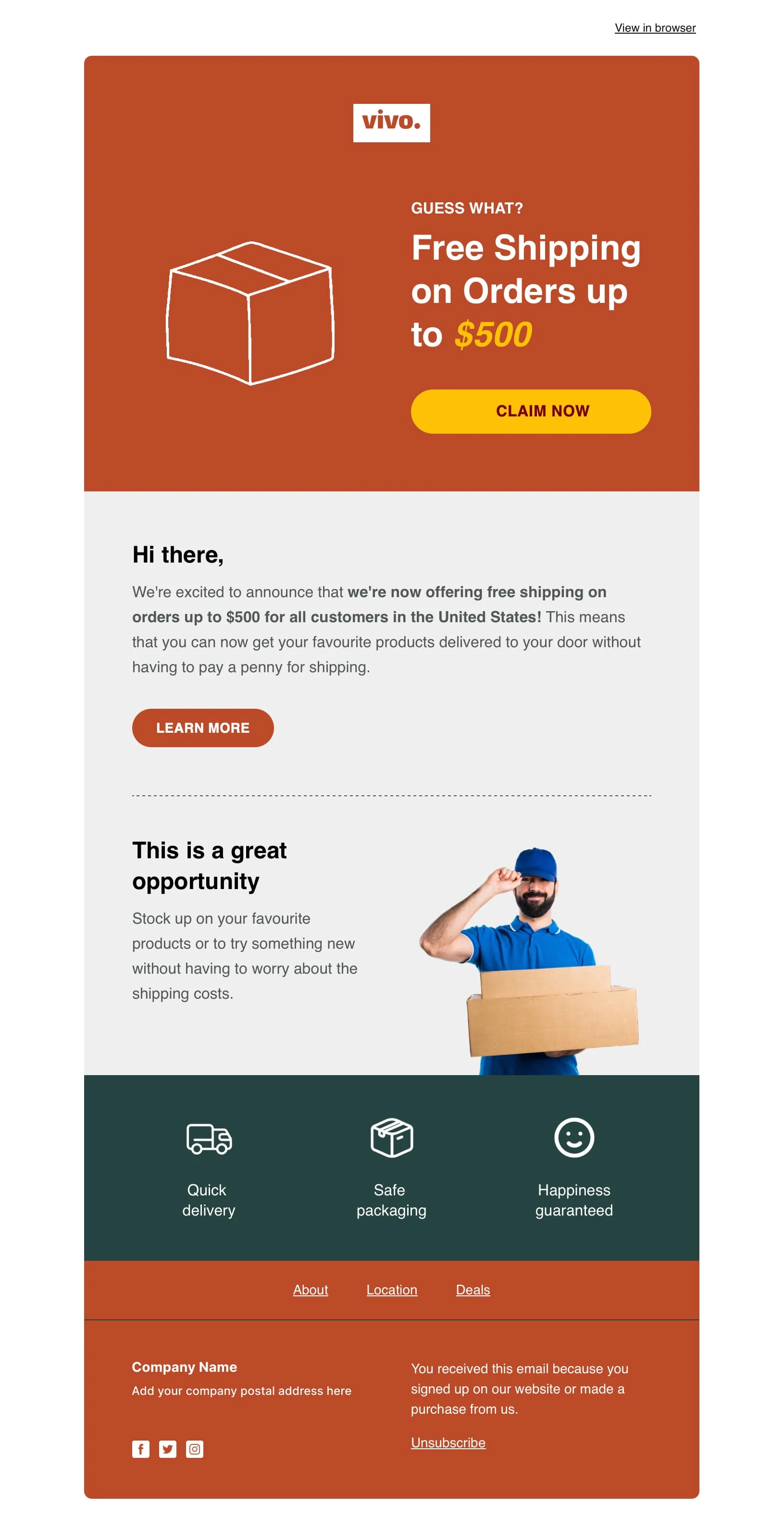
Buyers may receive emails that include:
- Promotional offers
- Featured products
- Store updates
- Campaign reminders
Emails are branded and delivered by Kingston Express.
How to Create an Email Campaign #


4
Follow these steps:
- Log in to your Seller Dashboard
- Navigate to Marketing & Campaigns
- Select Email Marketing
- Click Create Email Campaign
- Choose campaign objective
- Select an email template
- Customize content and products
- Preview the email
- Schedule or send immediately
- Review and confirm
Once confirmed, emails are queued and delivered automatically.
Email Content Guidelines #
Effective emails should:
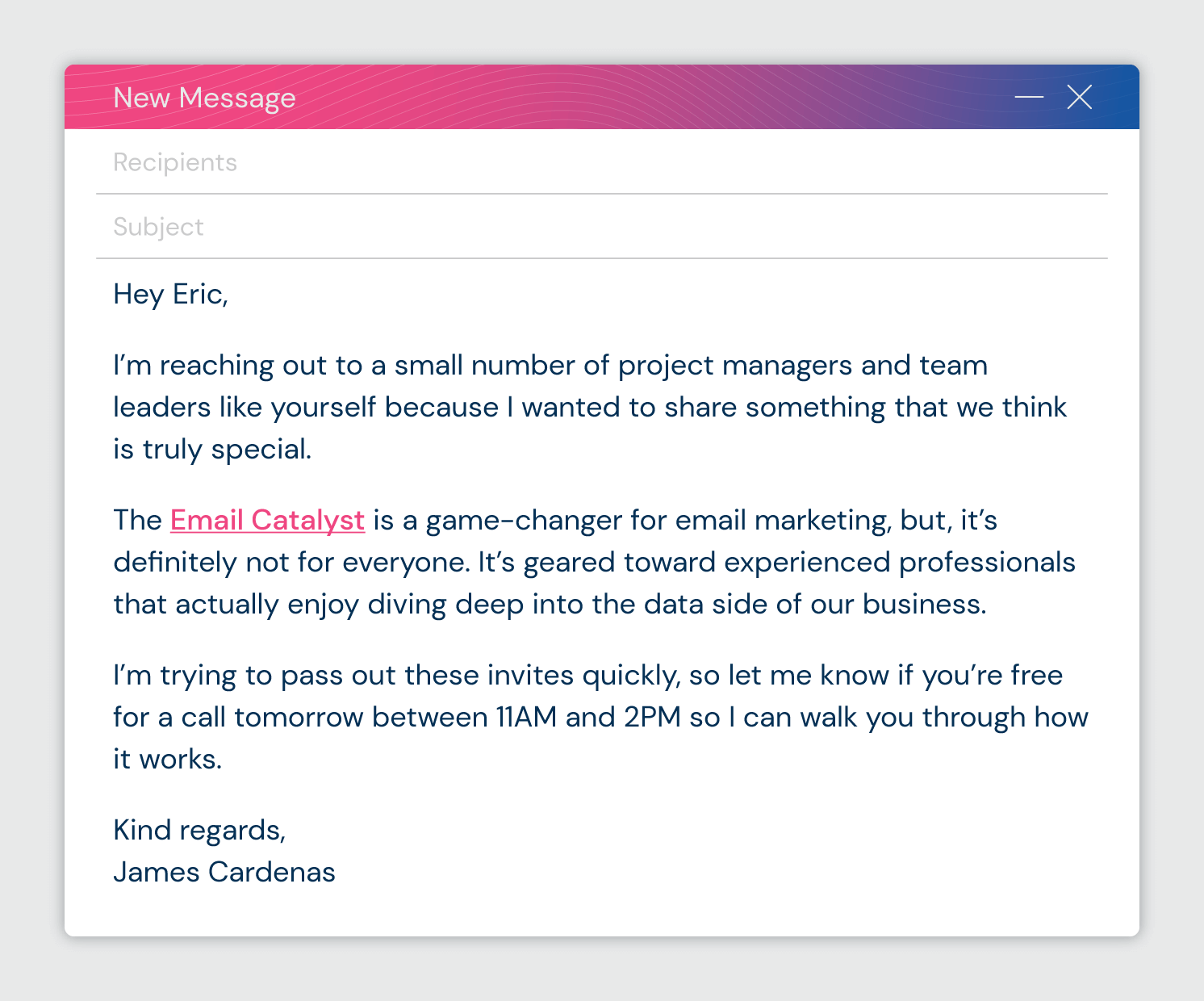
- Have a clear subject line
- Focus on one primary message
- Highlight strong products or offers
- Include a clear call to action
Avoid overloading emails with too many products or messages.
Audience Targeting #
Email audiences may be selected based on:
- Past buyers
- Buyer activity
- Product or store engagement
Audience options depend on eligibility and campaign type.
Scheduling & Timing #
Sellers can:
- Schedule emails in advance
- Align emails with campaign start times
Timing Best Practices: #
- Avoid excessive frequency
- Allow time between campaigns
- Monitor open and click rates
Repeated low-engagement campaigns may reduce future eligibility.
Compliance & Buyer Consent #
- Buyer opt-in and unsubscribe are managed by Kingston Express
- Sellers do not access buyer email addresses
- Emails must comply with messaging and content policies
- All campaigns are reviewed for compliance
Non-compliant emails may be rejected or removed.
Combining Email with Other Marketing Tools #
Email campaigns work best when combined with:
- Seller discounts
- Vouchers & coupons
- Platform campaigns
- Sponsored ads
Email is effective for building awareness, while SMS and ads drive urgency.
Tracking Email Campaign Performance #


4
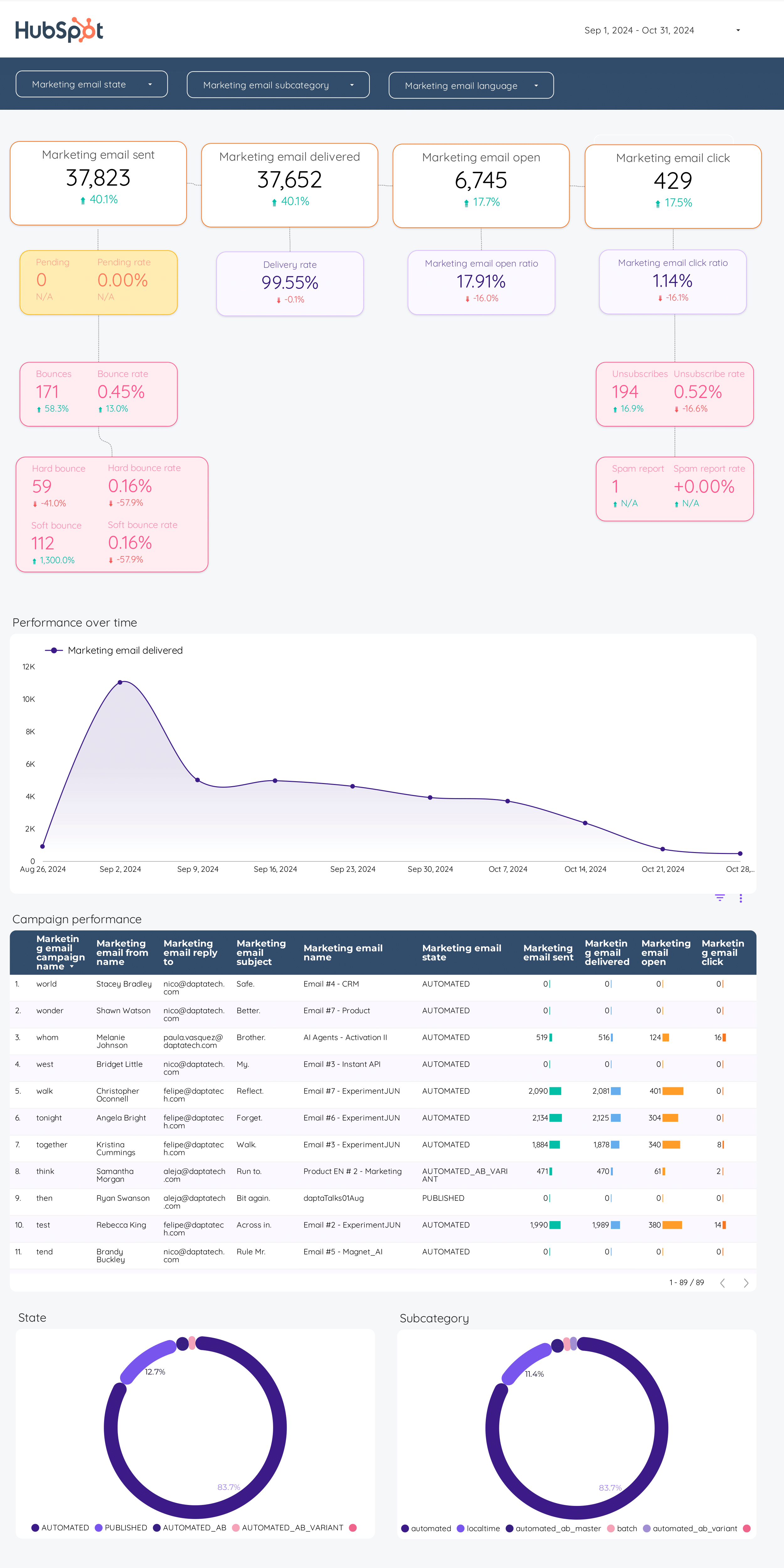
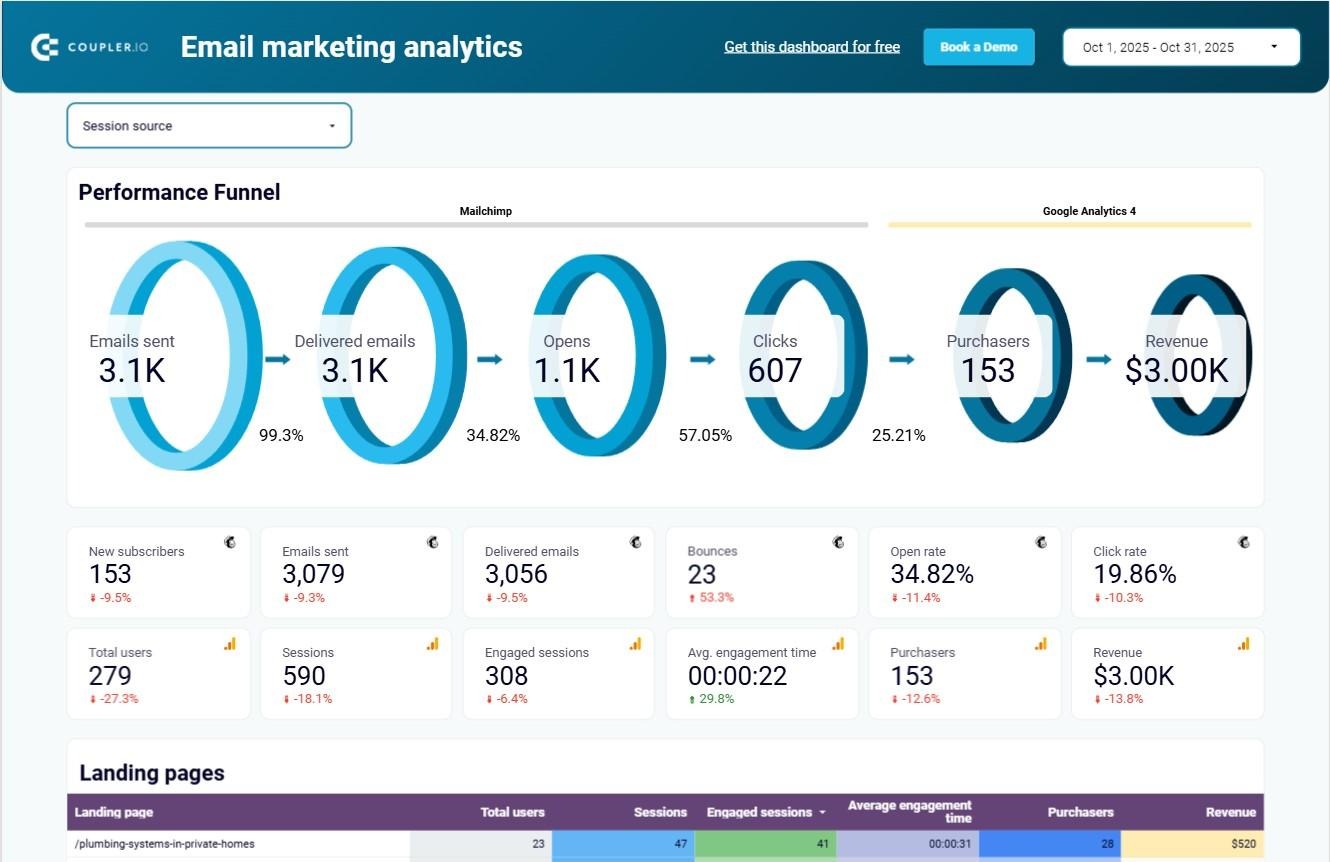
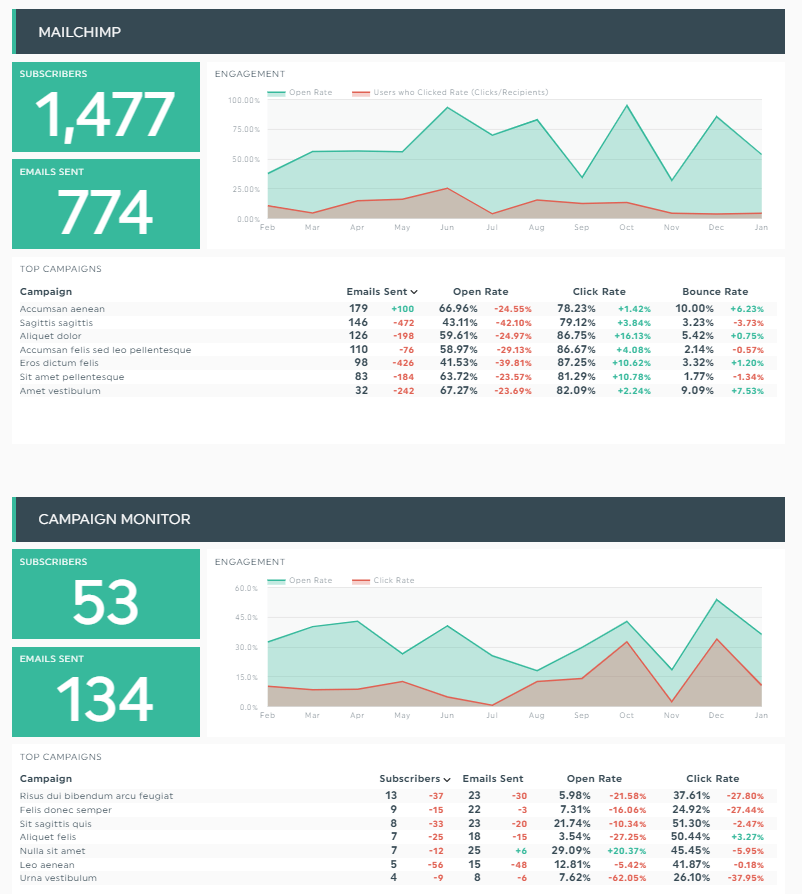
After sending, sellers can track:
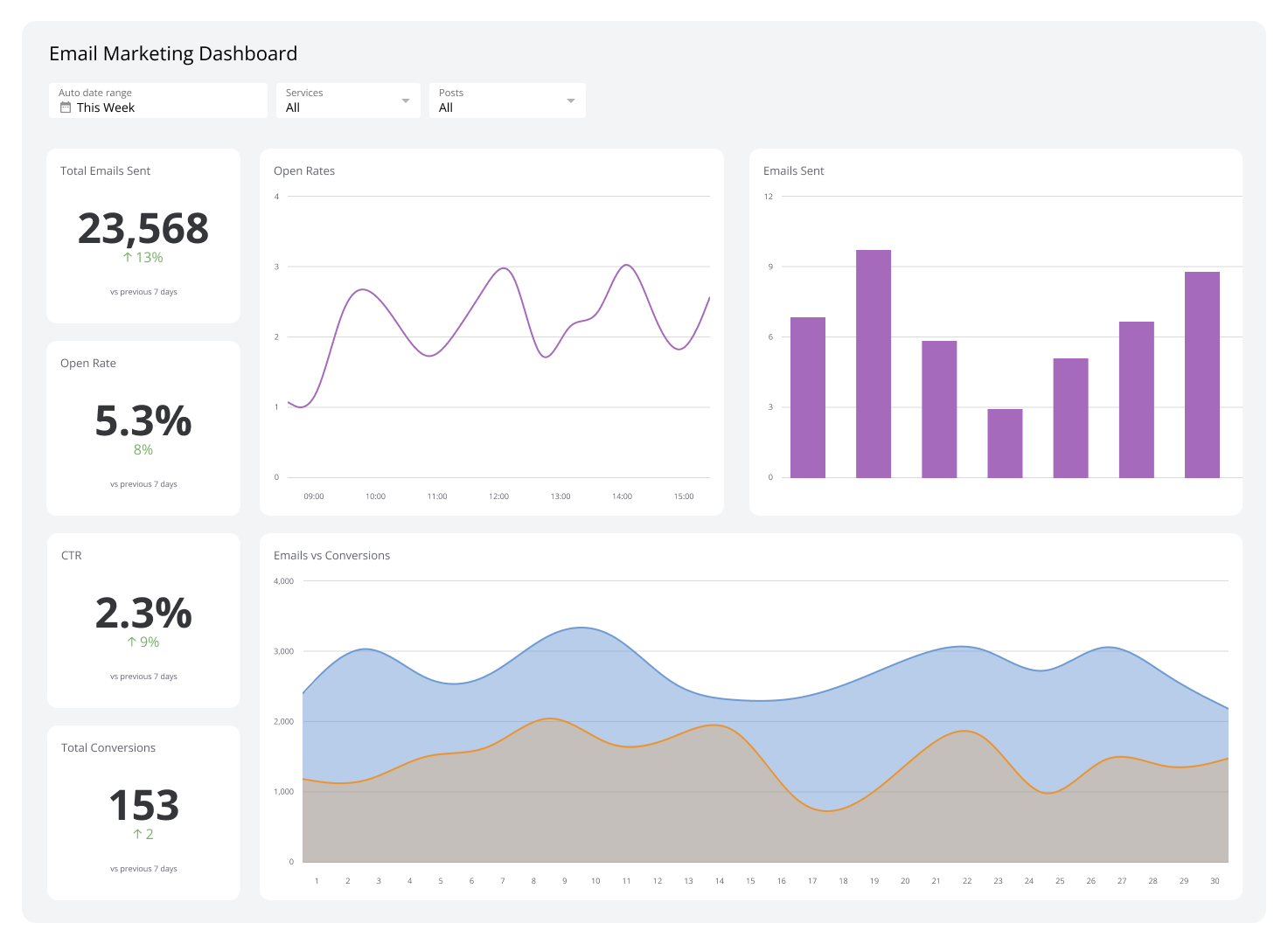
- Emails sent
- Open rate
- Click-through rate (CTR)
- Orders generated
Performance data is available under Analytics & Reports.
Best Practices for Email Marketing #
- Use clear, compelling subject lines
- Focus on high-performing products
- Keep messaging concise and visual
- Avoid sending too frequently
- Review analytics after each campaign
Using Dispatched by Kingston Express helps ensure a smooth buyer experience after email-driven traffic spikes.
Common Issues & Troubleshooting #
My email campaign didn’t send
Check eligibility, scheduling time, and content approval status.
Low open or click rates
Subject lines or content may need improvement.
Email tool unavailable
This may be due to eligibility limits or compliance review.
Policy & Compliance #
- Emails must be accurate and non-misleading
- Spam-like behavior is not allowed
- Repeated violations may restrict access
Need Help? #
If you need assistance with Email Marketing:

- Contact Seller Support
- Provide campaign name or date
- Include screenshots if applicable