Lorem ipsum dolor sit amet, dolor siterim consectetur adipiscing elit. Phasellus duio faucibus est sed facilisis viverra. Umero praesent nec accumsan nibh, eu grav da metus.
Why a Payment Might Fail on Kingston Express
3 min read
- Where Payment Issues Usually Happen
- Common Reasons a Payment Might Fail
- 1. Incorrect Payment Details
- 2. Insufficient Funds or Balance
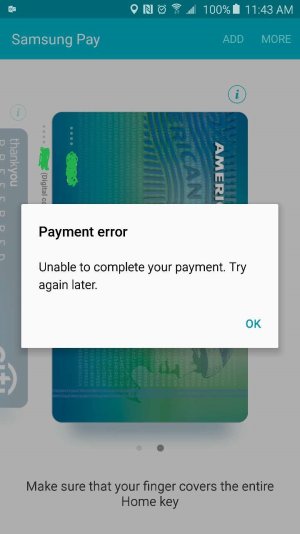
- 3. Bank or Payment Provider Declined the Transaction
- 4. Wallet, Points, or Gift Card Issues
- 5. Payment Method Not Supported by the Seller
- 6. Internet or Connection Issues
- 7. Temporary System or Gateway Issues
- What You Should Do If a Payment Fails
- If You Were Charged but the Order Failed
- When to Contact Kingston Express Support
- Helpful Tips to Avoid Payment Issues
- Final Tip
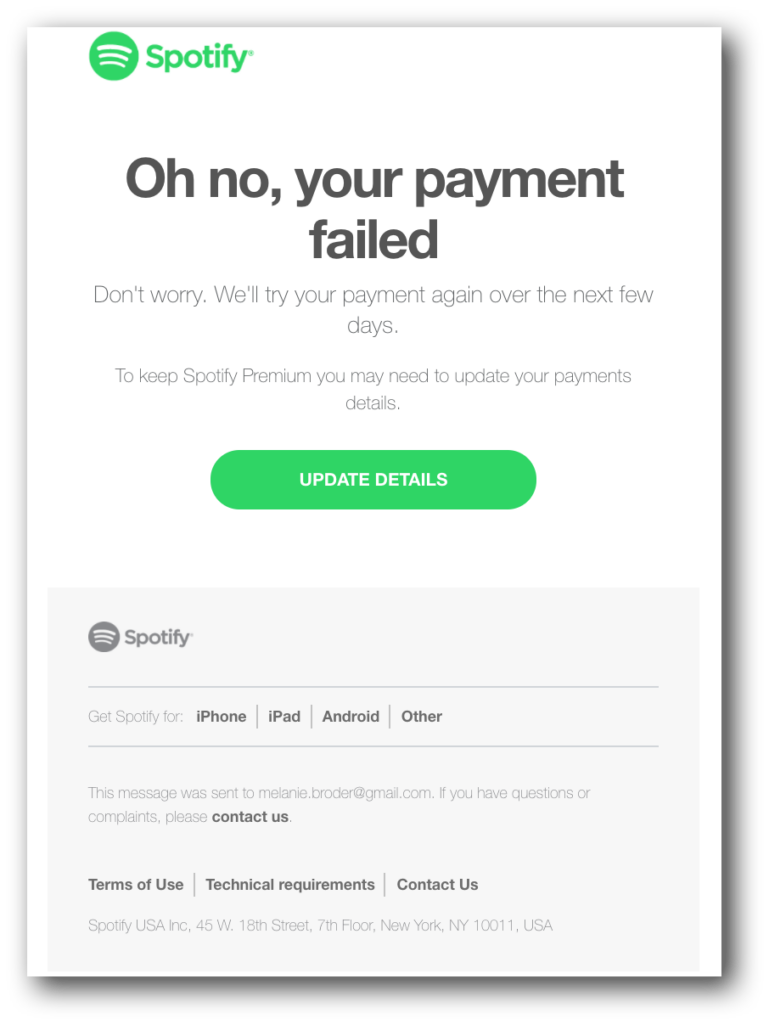
Payment failures can be frustrating, but they’re usually caused by simple, fixable issues.
This guide explains the most common reasons payments fail, what you can do immediately, and when to contact support.
Where Payment Issues Usually Happen #
Payment failures usually occur:
- At checkout, after clicking Place Order
- When confirming card or online payment
- When applying wallet balance, points, or gift cards


Common Reasons a Payment Might Fail #
1. Incorrect Payment Details #
What happens:
The payment provider rejects the transaction.
Common causes:
- Incorrect card number
- Wrong expiry date or CVV
- Billing address doesn’t match the card
✔ Double-check your details and try again.
2. Insufficient Funds or Balance #
What happens:
There isn’t enough balance to complete the payment.
This can apply to:
- Credit or debit cards
- Kingston Express Wallet
- Gift cards
- Reward points
💡 Make sure your selected payment method has enough balance.
3. Bank or Payment Provider Declined the Transaction #
What happens:
Your bank blocks the payment for security reasons.
Possible reasons:
- Suspicious or unusual activity
- International transaction restrictions
- Daily spending limits
🏦 Contact your bank or try another payment method.
4. Wallet, Points, or Gift Card Issues #


Payment may fail if:
- Wallet balance is too low
- Points are not eligible for that order
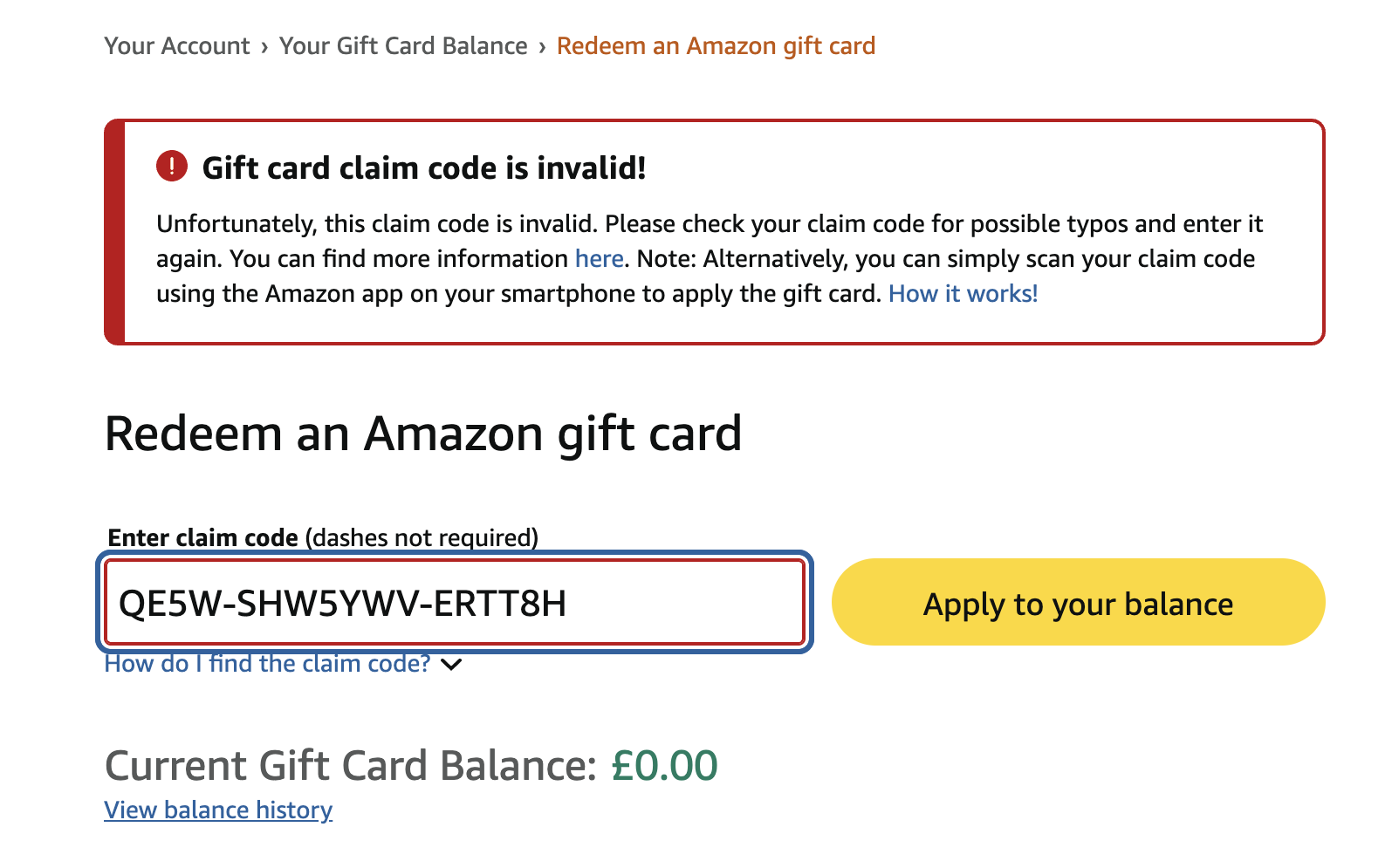
- Gift card code is expired or already used
- Gift card value doesn’t fully cover the order
📌 You may need to combine with another payment method.
5. Payment Method Not Supported by the Seller #
Because Kingston Express is a multivendor marketplace:
- Sellers choose which payment methods they accept
- Some methods may not be available for certain products
🛒 You’ll only see supported methods at checkout.
6. Internet or Connection Issues #
What happens:
The payment doesn’t complete properly.
Common causes:
- Poor internet connection
- Page refresh or browser closing mid-payment
- Timeout during payment confirmation
🔄 Wait a few minutes, refresh, and try again.
7. Temporary System or Gateway Issues #


Sometimes:
- The payment gateway is temporarily unavailable
- The system is undergoing maintenance
⏳ These issues are usually resolved quickly.
What You Should Do If a Payment Fails #
- Do not place multiple orders immediately
- Check your email or bank app for pending charges
- Refresh your My Orders page
- Try the payment again after a few minutes
- Use a different payment method if available
📌 A failed payment does not usually create a completed order.
If You Were Charged but the Order Failed #
If you see a charge but no confirmed order:
- The amount may be pending and will drop off
- Or it may be automatically refunded
⏳ Banks can take a few business days to release pending funds.
When to Contact Kingston Express Support #
Contact support if:
- You were charged but no order appears
- Wallet, points, or gift card balances are incorrect
- Payments fail repeatedly
📌 Include screenshots, transaction references, and your email address.
Helpful Tips to Avoid Payment Issues #
✔ Use a stable internet connection
✔ Double-check payment details
✔ Ensure enough balance before checkout
✔ Avoid refreshing during payment
✔ Contact your bank if issues persist
Final Tip #
Most payment failures are temporary and easy to fix. Trying again carefully or switching payment methods usually solves the issue quickly 💳