


Lorem ipsum dolor sit amet, dolor siterim consectetur adipiscing elit. Phasellus duio faucibus est sed facilisis viverra. Umero praesent nec accumsan nibh, eu grav da metus.
This is a demo store for testing purposes — no orders shall be fulfilled. Dismiss
 Jamaica
Jamaica
Jamaica
1 min read
If you entered the wrong delivery address or need to update it after placing an order, don’t worry.
This guide explains when an address can be changed, how to request the change, and what to do if it’s too late.
🔔 Delivery addresses cannot be edited directly after checkout.
However, you may still be able to change the address depending on the order status and seller approval.
⏳ The sooner you act, the better the chance the change can be made.
Before requesting an address change, confirm your order’s current status.


You may be able to change the delivery address if the order is:
📦 Changes are usually not possible once the order has shipped or is out for delivery.
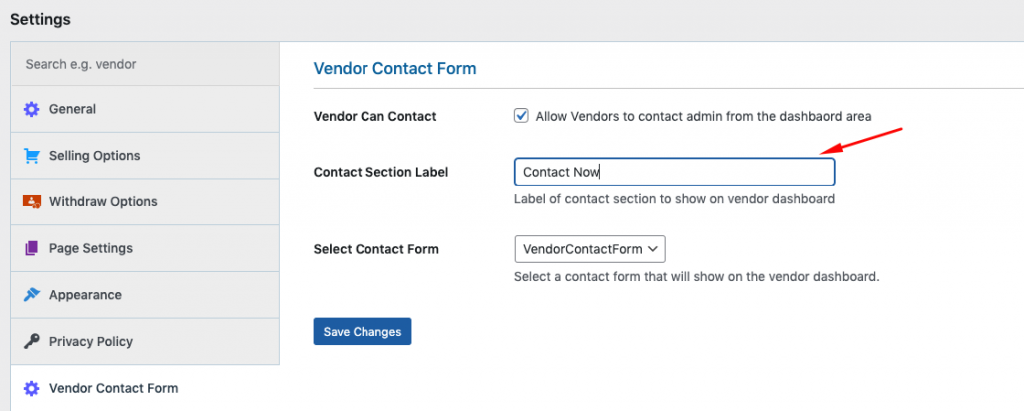
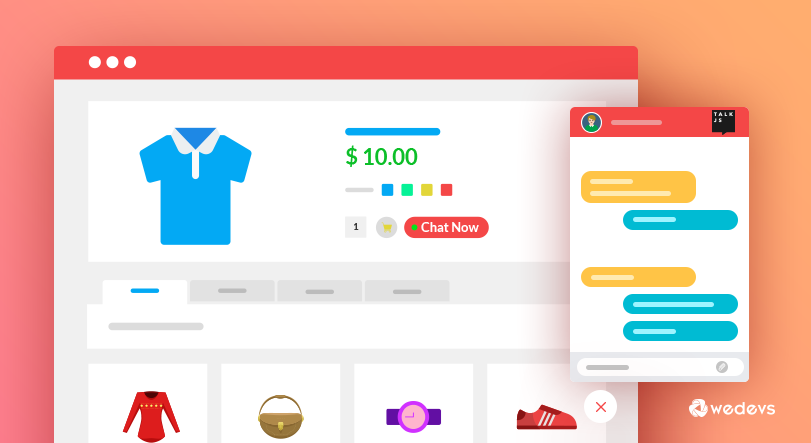
Kingston Express is a multivendor marketplace, so the seller must approve and apply address changes.
📝 Example message:
“Hello, I need to update the delivery address for order #12345. The correct address is: [new address]. Please let me know if this is still possible. Thank you.”
If the seller confirms the change:
📧 Always keep written confirmation for reference.
If your order is already:
🚫 The delivery address usually cannot be changed.
For international deliveries:
🌍 Always double-check international addresses before checkout.
To avoid issues next time:
📍 This does not affect orders already placed.
Contact Kingston Express Support if:
📌 Always include your order number.
✔ Double-check addresses before placing orders
✔ Include landmarks or delivery notes if needed
✔ Use a valid phone number
✔ Act quickly if you spot an error
Most address issues can be fixed if reported early. Reviewing your delivery details at checkout is the best way to avoid delays 🚚


This chat uses automated responses for general guidance. For binding terms, please refer to our official policies.
Start A Conversation
Click here to chat with me!
Search our website now
Latest Products
Latest Posts
Lorem ipsum dolor sit amet, dolor siterim consectetur adipiscing elit. Phasellus duio faucibus est sed facilisis viverra. Umero praesent nec accumsan nibh, eu grav da metus.
B&O Play – Best Headphone For You
Lorem ipsum dolor sit amet, dolor siterim consectetur adipiscing elit. Phasellus duio faucibus est sed facilisis viverra. Umero praesent nec accumsan nibh, eu grav da metus.
Harman Kadon Onyx Studio Mini, Reviews & Experiences
Lorem ipsum dolor sit amet, dolor siterim consectetur adipiscing elit. Phasellus duio faucibus est sed facilisis viverra. Umero praesent nec accumsan nibh, eu grav da metus.
DeerCo – A New Look About Startup In Product Manufacture Field
Lorem ipsum dolor sit amet, dolor siterim consectetur adipiscing elit. Phasellus duio faucibus est sed facilisis viverra. Umero praesent nec accumsan nibh, eu grav da metus.
Tips how to choise a perfect watch foractive guys
Lorem ipsum dolor sit amet, dolor siterim consectetur adipiscing elit. Phasellus duio faucibus est sed facilisis viverra. Umero praesent nec accumsan nibh, eu grav da metus.

Subscribe to the Martfury mailing list to receive updates on new arrivals, special offers and our promotions.