


Lorem ipsum dolor sit amet, dolor siterim consectetur adipiscing elit. Phasellus duio faucibus est sed facilisis viverra. Umero praesent nec accumsan nibh, eu grav da metus.
This is a demo store for testing purposes — no orders shall be fulfilled. Dismiss
 Jamaica
Jamaica
Jamaica
1 min read
Keeping your Kingston Express account secure helps protect your personal information, orders, payments, and rewards.
This guide explains simple but effective steps you can take to keep your account safe at all times.
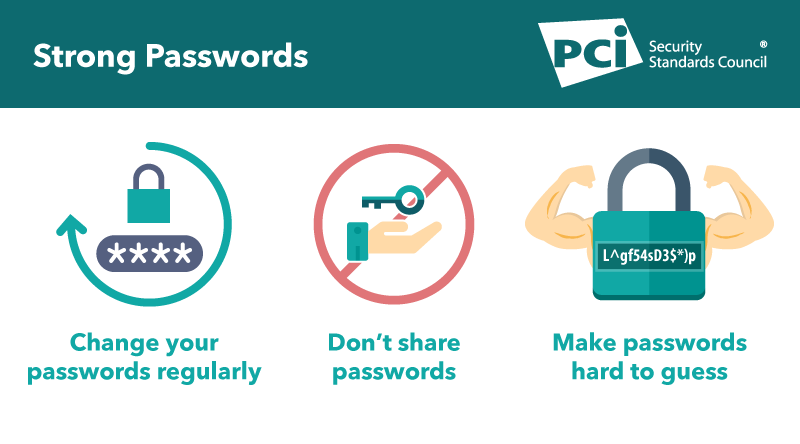
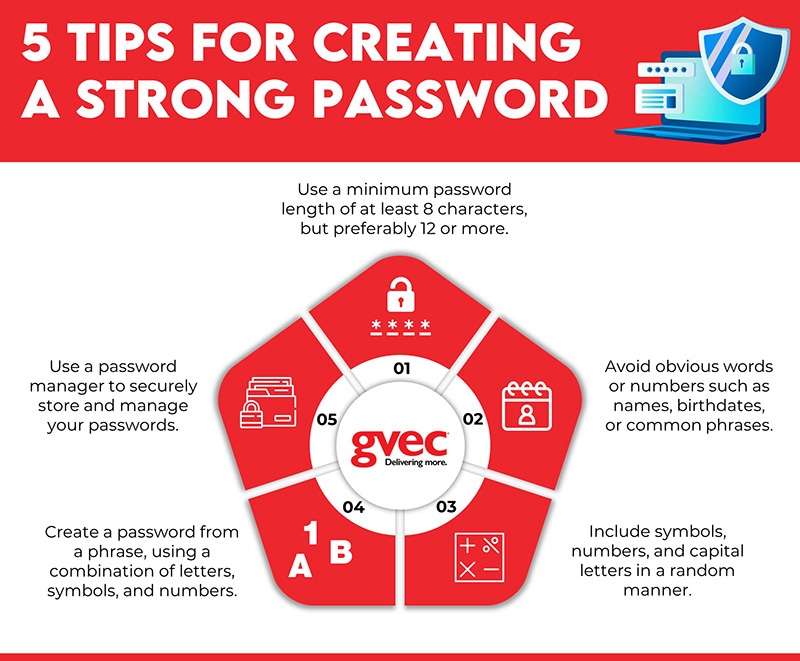
Your password is the first line of defense.
🔐 A strong password greatly reduces the risk of unauthorized access.
Even strong passwords should be updated from time to time.
✔ Change your password:
📌 You can change your password in My Account → Account Details.
Your email controls:
📧 Make sure your email account is also secure:
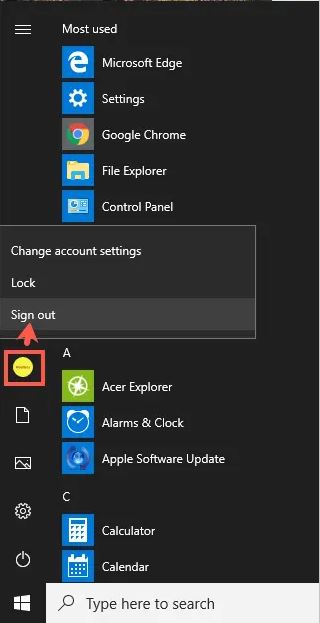
If you log in from:
Always:
🚫 Never leave your account signed in on shared devices.
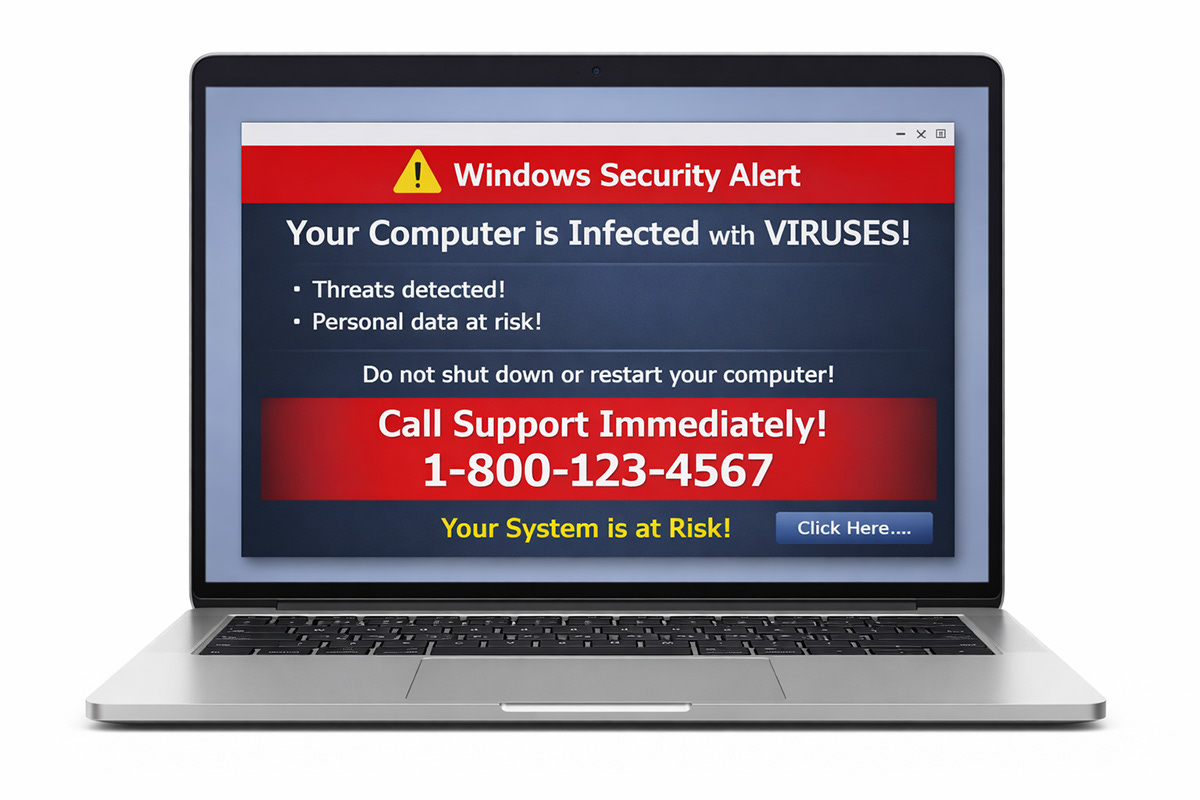
Fraudulent messages may try to trick you into revealing your details.
⚠️ Be cautious of:
📌 Kingston Express will never ask for your password by email.

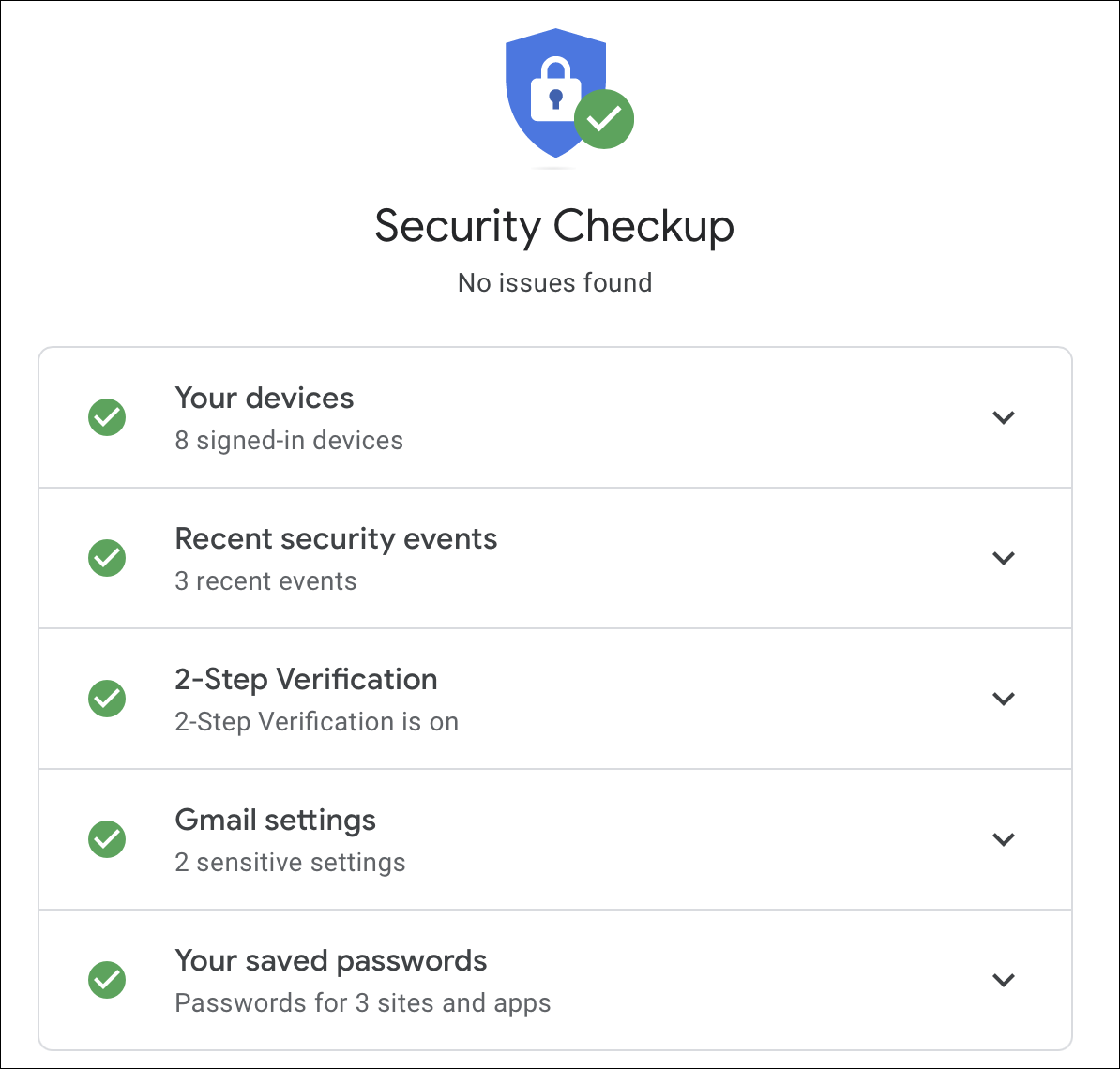
🔍 Early detection helps prevent bigger issues.
Regularly check:
📦 Report any unfamiliar activity immediately.
✔ Log out when:
📌 Logging out prevents unauthorized access.
If you think your account may be compromised:
🚨 Acting quickly helps limit potential damage.
Contact Kingston Express Support if:
📌 Provide your account email and details of the issue.
✔ Never share your password
✔ Avoid logging in on unknown networks
✔ Use secure internet connections
✔ Keep your browser and device updated
Account security is a shared responsibility. A few careful habits go a long way in keeping your Kingston Express account safe and secure 🔒


This chat uses automated responses for general guidance. For binding terms, please refer to our official policies.
Start A Conversation
Click here to chat with me!
Search our website now
Latest Products
Latest Posts
Lorem ipsum dolor sit amet, dolor siterim consectetur adipiscing elit. Phasellus duio faucibus est sed facilisis viverra. Umero praesent nec accumsan nibh, eu grav da metus.
B&O Play – Best Headphone For You
Lorem ipsum dolor sit amet, dolor siterim consectetur adipiscing elit. Phasellus duio faucibus est sed facilisis viverra. Umero praesent nec accumsan nibh, eu grav da metus.
Harman Kadon Onyx Studio Mini, Reviews & Experiences
Lorem ipsum dolor sit amet, dolor siterim consectetur adipiscing elit. Phasellus duio faucibus est sed facilisis viverra. Umero praesent nec accumsan nibh, eu grav da metus.
DeerCo – A New Look About Startup In Product Manufacture Field
Lorem ipsum dolor sit amet, dolor siterim consectetur adipiscing elit. Phasellus duio faucibus est sed facilisis viverra. Umero praesent nec accumsan nibh, eu grav da metus.
Tips how to choise a perfect watch foractive guys
Lorem ipsum dolor sit amet, dolor siterim consectetur adipiscing elit. Phasellus duio faucibus est sed facilisis viverra. Umero praesent nec accumsan nibh, eu grav da metus.

Subscribe to the Martfury mailing list to receive updates on new arrivals, special offers and our promotions.