Lorem ipsum dolor sit amet, dolor siterim consectetur adipiscing elit. Phasellus duio faucibus est sed facilisis viverra. Umero praesent nec accumsan nibh, eu grav da metus.
Shipping Statuses Explained (Seller Guide)
1 min read
- Why Shipping Statuses Matter
- Common Shipping Statuses (Overview)
- 1. Processing
- 2. Ready for Dispatch
- 3. Dispatched
- 4. In Transit
- 5. Out for Delivery
- 6. Delivered
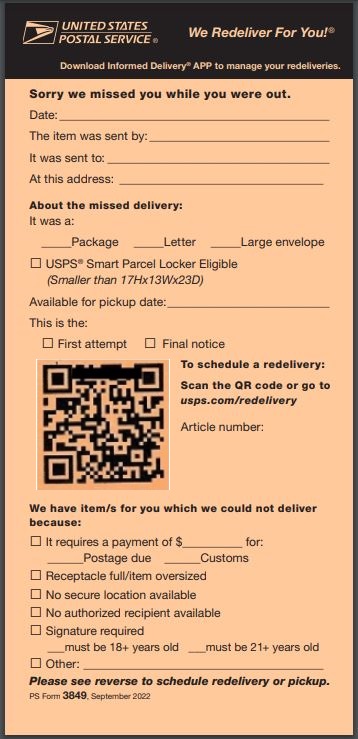
- 7. Failed Delivery
- 8. Returned
- How Dispatchment Changes Seller Responsibility
- Common Seller Mistakes With Statuses
- When Sellers Should Take Action
- Final Tip
(Including Dispatched by Kingston Express)
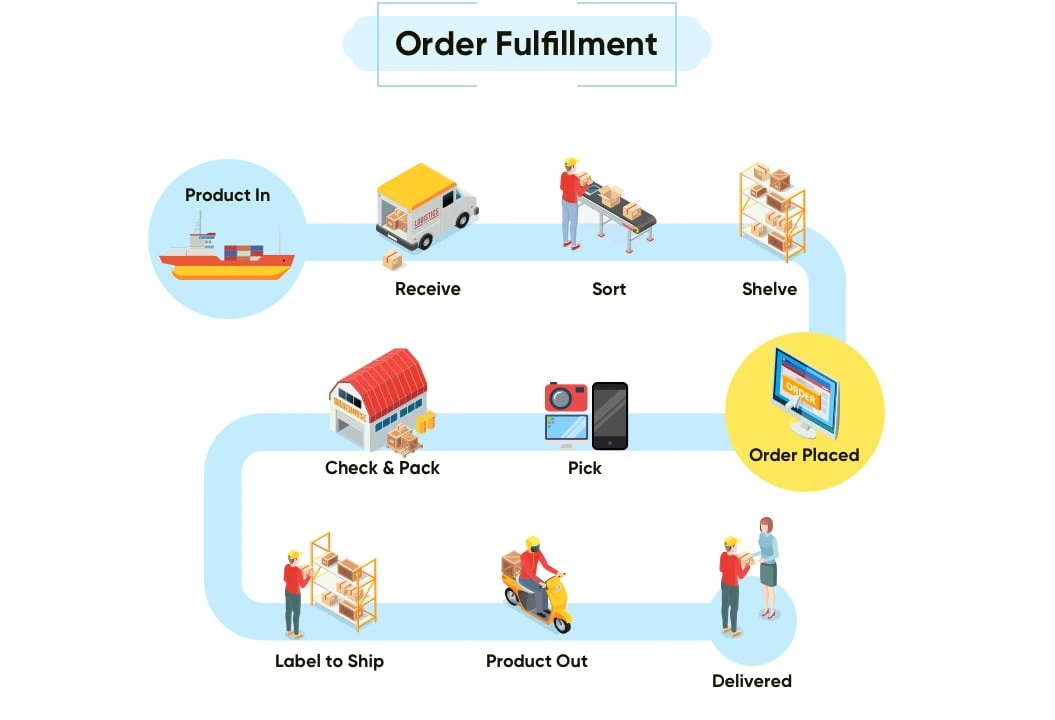
Understanding shipping statuses helps sellers know what stage an order is in, what action is required, and who is responsible at each step — especially when using Dispatched by Kingston Express.
This guide explains every common shipping status, what it means, and what you should (or should not) do as a seller.
Why Shipping Statuses Matter #


Shipping statuses help:
- Prevent missed actions
- Reduce customer messages
- Avoid accidental cancellations
- Keep delivery smooth and predictable
📌 Each status tells you something important.
Common Shipping Statuses (Overview) #
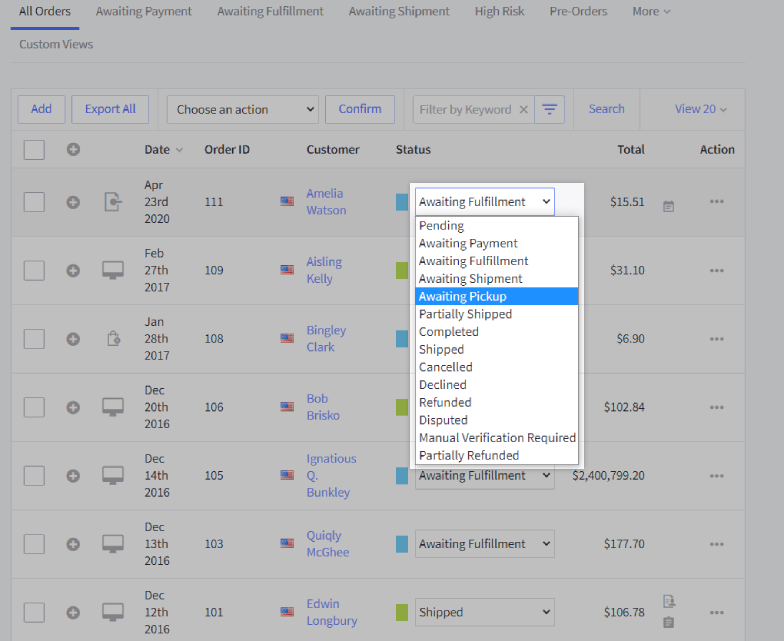
| Status | What It Means | Seller Action |
|---|---|---|
| Processing | Order received | Prepare / wait |
| Ready for Dispatch | Order is being prepared | None (dispatchment) |
| Dispatched | Package has left | None |
| In Transit | On the way to customer | None |
| Out for Delivery | Delivery scheduled | Be available if needed |
| Delivered | Order completed | Done |
| Failed Delivery | Delivery attempt failed | Review & respond |
| Returned | Item sent back | Review outcome |
1. Processing #


What it means: #
- Customer has placed and paid for the order
- Order is confirmed
Seller responsibility: #
- Dispatchment: No action needed
- Seller delivery: Prepare the order
📦 This is the starting point for all orders.
2. Ready for Dispatch #


What it means: #
- Order is being picked and packed
Seller responsibility: #
- Dispatched by Kingston Express: None
- Seller delivery: Ensure order is packed
📌 This stage is handled internally for dispatchment orders.
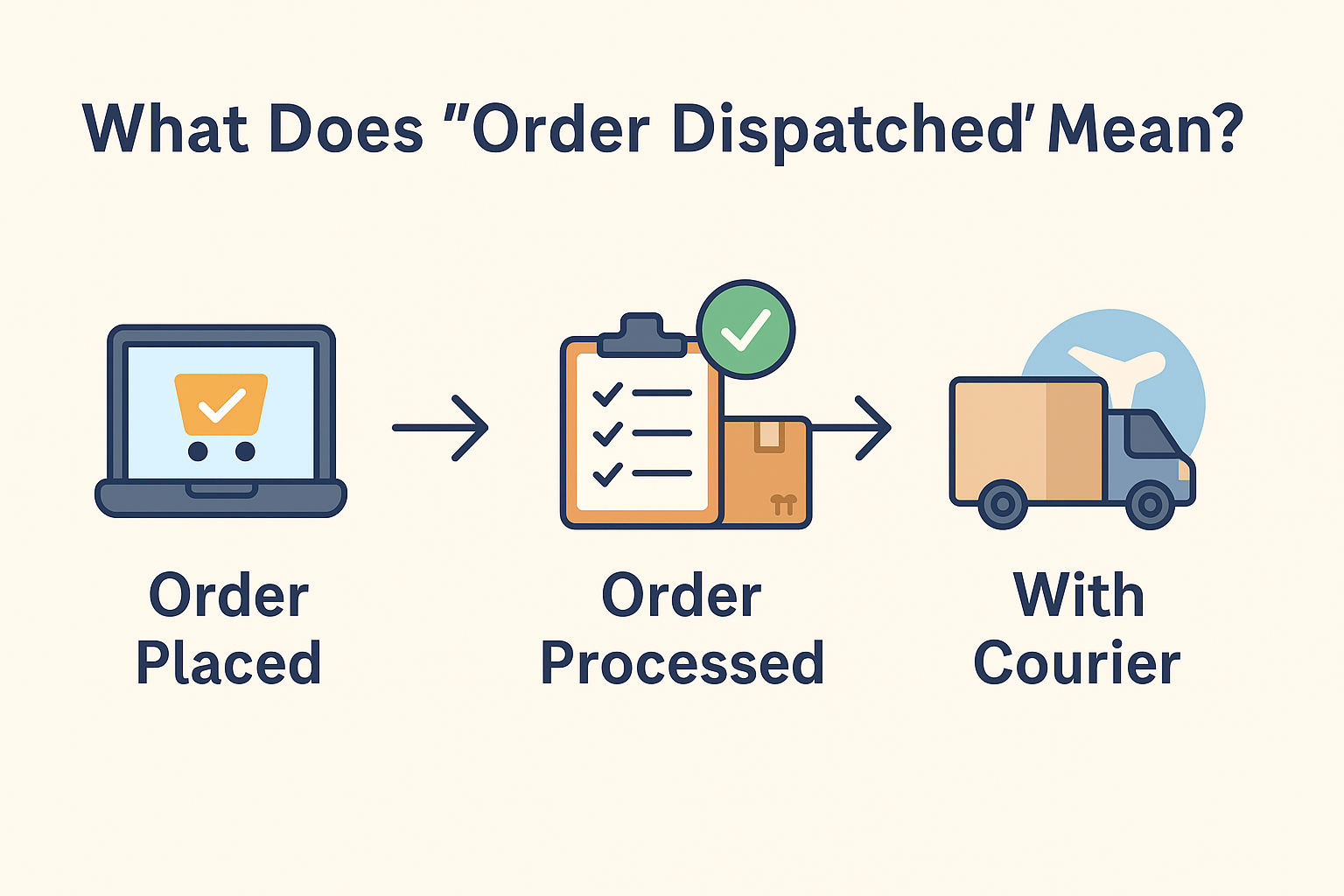
3. Dispatched #


What it means: #
- Order has left the dispatchment center or seller
Seller responsibility: #
- None
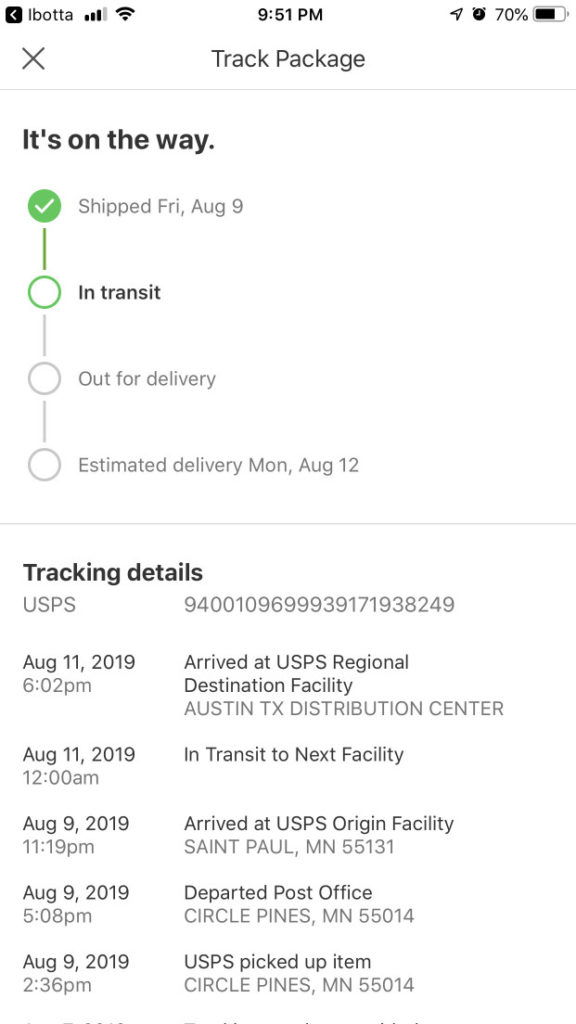
🚚 Tracking begins here.
4. In Transit #


What it means: #
- Package is moving toward the customer
Seller responsibility: #
- None
📌 Delays here are usually logistics-related.
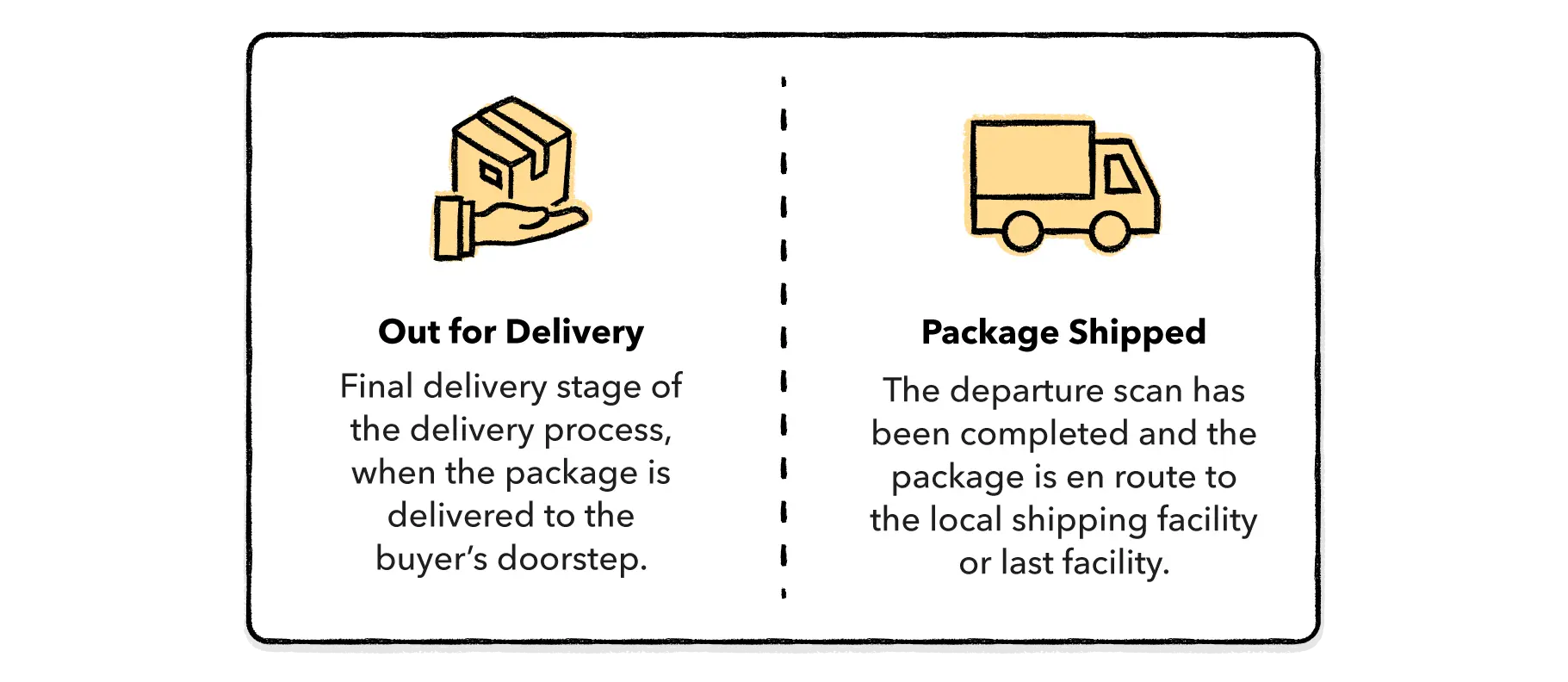
5. Out for Delivery #


What it means: #
- Delivery attempt is scheduled for that day
Seller responsibility: #
- Be reachable if customer or support contacts you
📞 Most deliveries complete at this stage.
6. Delivered #


What it means: #
- Customer has received the order
Seller responsibility: #
- None
- Order may move to completed
✅ Funds proceed through normal settlement.

7. Failed Delivery #


What it means: #
- Delivery could not be completed
Common reasons: #
- Customer unavailable
- Incorrect address
- Access issues
Seller responsibility: #
- Dispatchment: Support handles follow-up
- Seller delivery: Contact customer and retry
⚠️ Failed deliveries need attention.
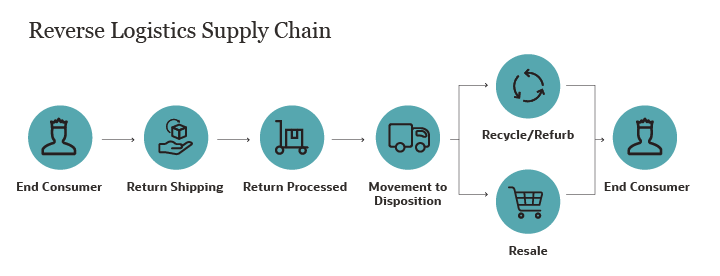
8. Returned #

What it means: #
- Item has been returned
Seller responsibility: #
- Review return outcome
- Monitor inventory adjustment
📦 Returns are processed according to policy.
How Dispatchment Changes Seller Responsibility #


With Dispatched by Kingston Express:
- Kingston Express updates statuses automatically
- Sellers do not manage delivery steps
- Most statuses are informational only
📌 Less work, fewer mistakes.
Common Seller Mistakes With Statuses #
❌ Taking action when none is needed
❌ Ignoring failed delivery notices
❌ Messaging customers unnecessarily
❌ Confusing processing vs dispatched
⚠️ Statuses are guidance — not panic signals.
When Sellers Should Take Action #
You should act if:
- A failed delivery repeats
- A return affects your stock
- Support requests clarification
- Status seems stuck unusually long
📧 When unsure, contact support — don’t guess.
Final Tip #
If you’re using Dispatched by Kingston Express, shipping statuses are mostly for visibility, not action.
Trust the system, monitor key changes, and step in only when needed 🚚📦