Lorem ipsum dolor sit amet, dolor siterim consectetur adipiscing elit. Phasellus duio faucibus est sed facilisis viverra. Umero praesent nec accumsan nibh, eu grav da metus.
Recognizing Fraud, Scams & Phishing Attempts
1 min read
- Why Sellers Are Targeted
- The Most Common Seller Scams (Know These)
- 1️⃣ Fake “Support” Messages
- 2️⃣ Phishing Links & Fake Login Pages
- 3️⃣ Fake Orders or Refund Pressure
- 4️⃣ Requests to Move Off-Platform
- 5️⃣ Fake Payout or Bank Update Requests
- How to Tell a Real Message From a Scam
- How Dispatched by Kingston Express Reduces Fraud Risk
- What to Do If You Receive a Suspicious Message
- What to Do If You Clicked a Link by Mistake
- Common Seller Mistakes That Enable Scams
- Final Rule (Memorize This)
(Seller Security & Best Practices – Seller Guide)
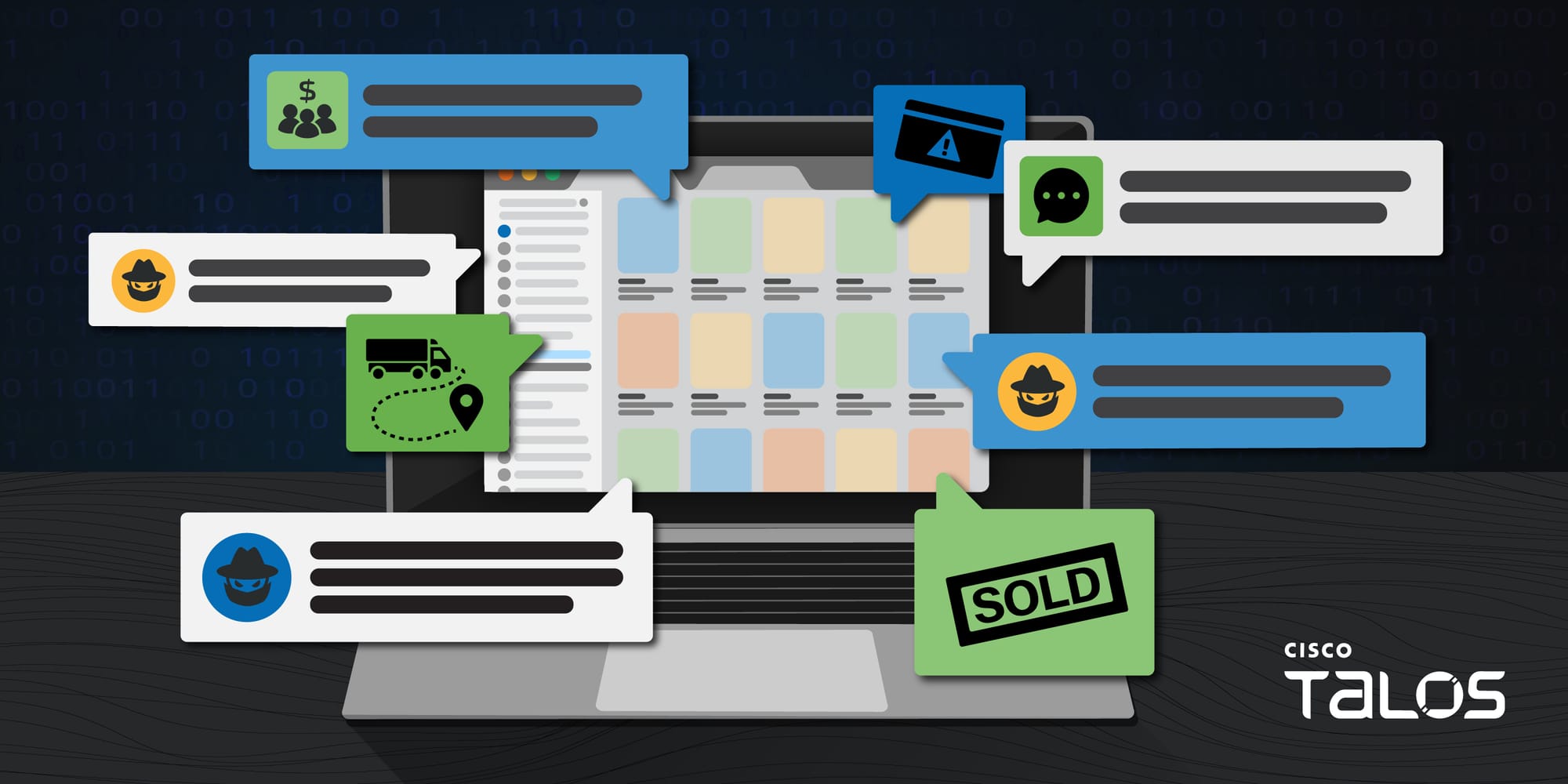
Fraudsters actively target online sellers — especially those receiving regular payouts.
On Kingston Express, most fraud attempts fail when sellers know what to look for and how to respond.
This guide teaches sellers how to:
- Spot common scam tactics
- Identify fake messages and phishing attempts
- Protect accounts and payouts
- Respond safely and quickly
Why Sellers Are Targeted #


Scammers target sellers because:
- Seller accounts control money
- Sellers manage inventory and orders
- New or busy sellers may act quickly
📌 Fraud relies on urgency and confusion.
The Most Common Seller Scams (Know These) #
1️⃣ Fake “Support” Messages #


Scammers may pretend to be:
- “Kingston Express Support”
- “Payments Team”
- “Security Department”
🚩 Red flags:
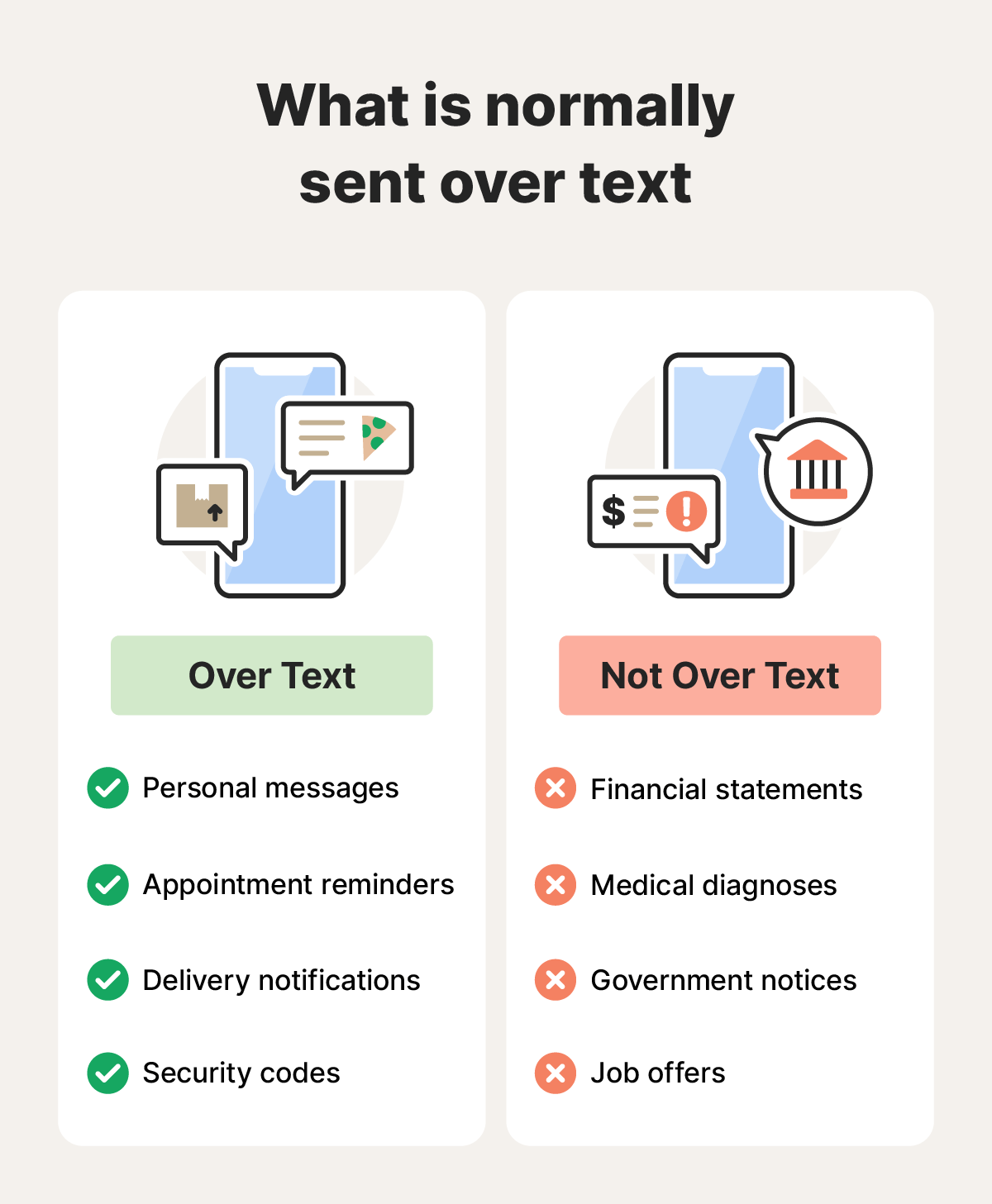
- Asking for passwords or codes
- Urgent threats (“account will be closed”)
- Links asking you to log in
📌 Kingston Express will never ask for your password.
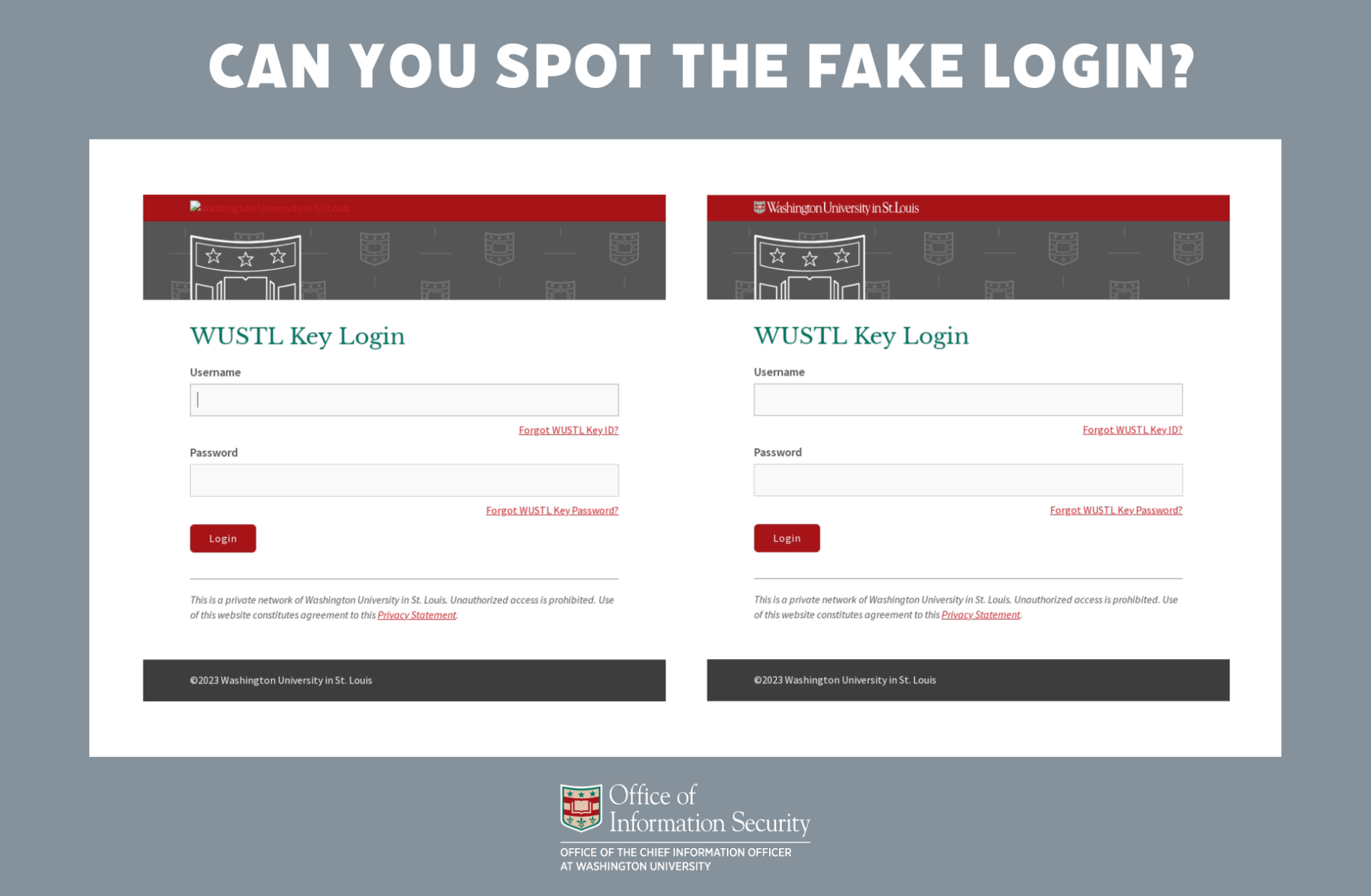
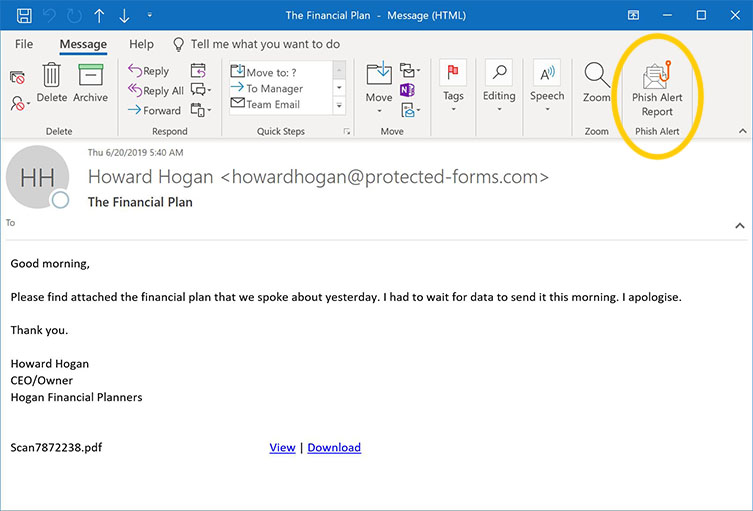
2️⃣ Phishing Links & Fake Login Pages #


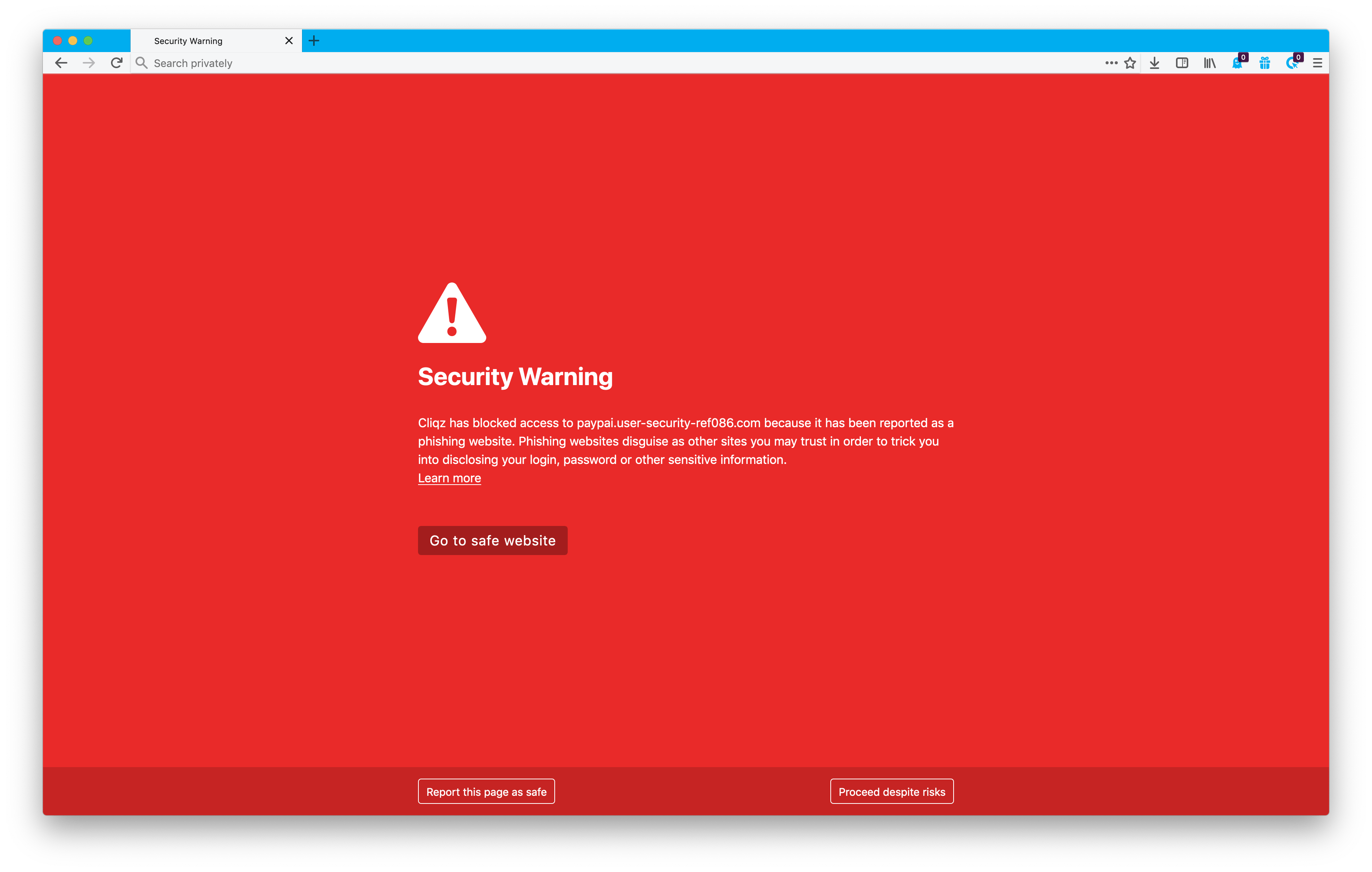
These scams:
- Look like real login pages
- Steal your username and password
- Redirect you to the real site afterward
🚫 Never log in through links in messages.
✔ Always type the website address directly.
3️⃣ Fake Orders or Refund Pressure #


Scammers may:
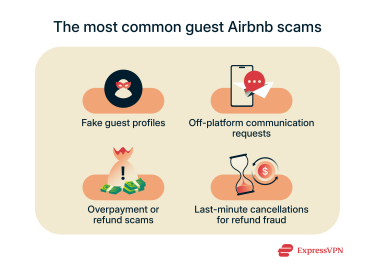
- Create pressure to refund immediately
- Claim “bank issues”
- Ask for off-platform refunds
📌 All refunds must follow platform process.
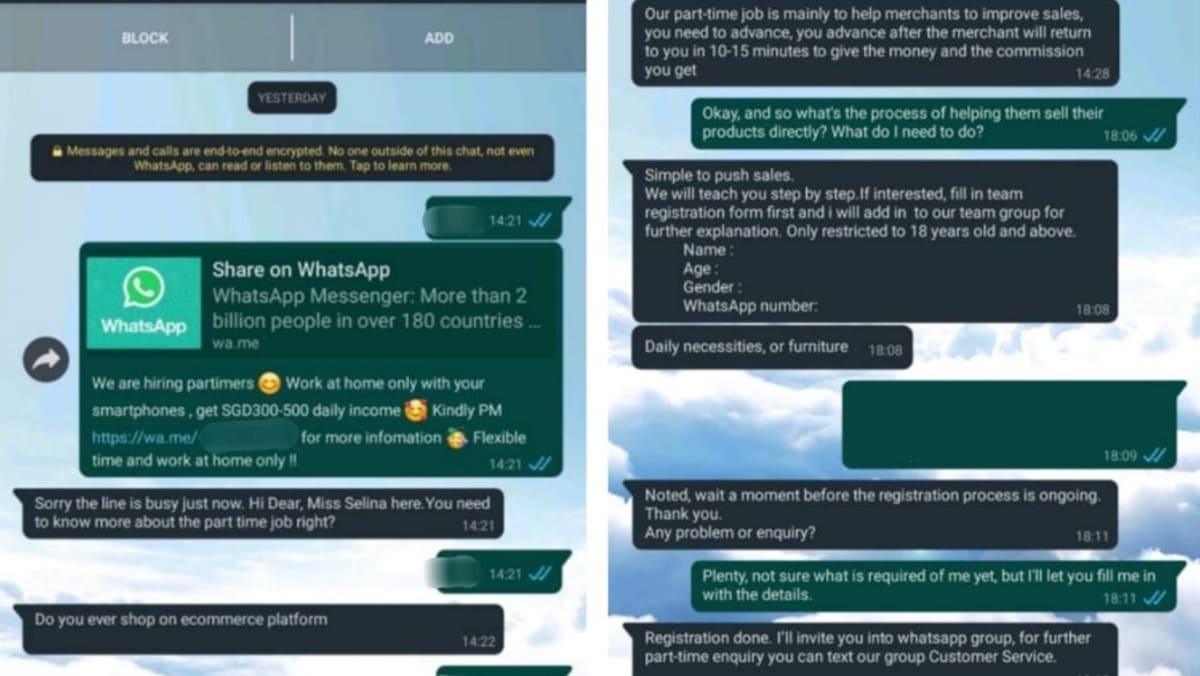
4️⃣ Requests to Move Off-Platform #


Common requests:
- “Message me on WhatsApp”
- “Let’s finish this by email”
🚨 This removes platform protection and is often fraud-related.
5️⃣ Fake Payout or Bank Update Requests #

Scammers may ask you to:
- “Confirm payout details”
- “Fix a failed payout” via a link
🚫 Never update payout info via messages.
✔ Only update inside your seller dashboard.
How to Tell a Real Message From a Scam #


Legitimate Messages: #
✔ Appear inside your seller dashboard
✔ Do NOT ask for passwords
✔ Do NOT contain login links
Scam Messages: #
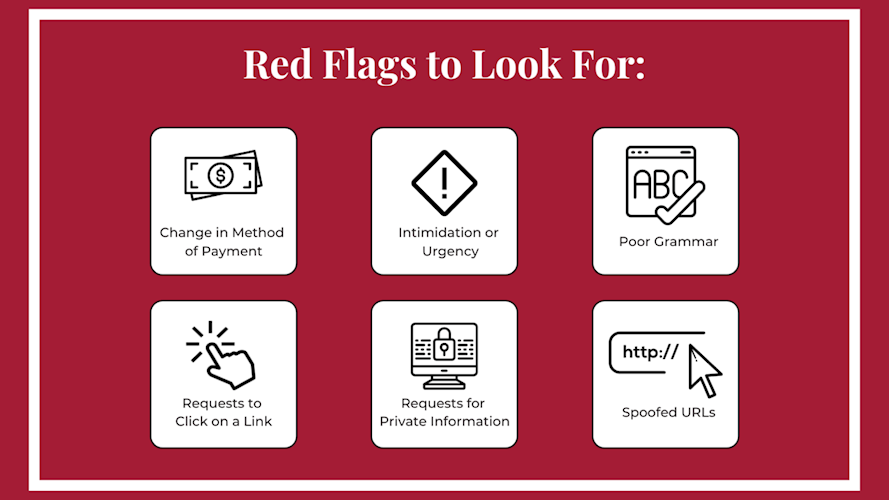
❌ Urgent threats
❌ Spelling or grammar errors
❌ External links
❌ Requests for private info
📌 When in doubt — don’t click.
How Dispatched by Kingston Express Reduces Fraud Risk #
Using Dispatched by Kingston Express:
- Removes seller access to delivery manipulation
- Prevents fake delivery confirmations
- Reduces refund and dispute fraud
📦 Dispatchment limits attack points.
What to Do If You Receive a Suspicious Message #

Do This Immediately: #
- Do NOT click any links
- Do NOT reply
- Screenshot the message
- Report it to **Kingston Express Support
📧 Early reporting protects everyone.
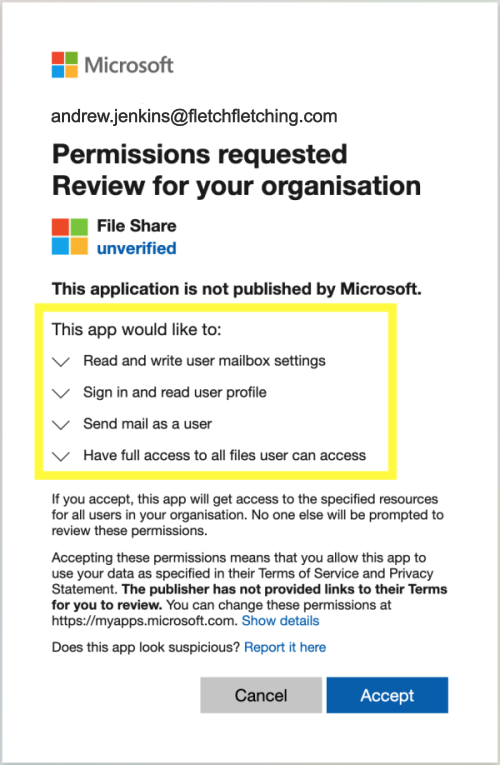
What to Do If You Clicked a Link by Mistake #


- Change your password immediately
- Secure your email account
- Review payout settings
- Contact Kingston Express Support
🚨 Fast action limits damage.
Common Seller Mistakes That Enable Scams #
❌ Acting on urgency
❌ Trusting message sender names
❌ Reusing passwords
❌ Communicating off-platform
❌ Ignoring security warnings
⚠️ Fraud succeeds when sellers rush.
Final Rule (Memorize This) #
👉 If a message pressures you, asks for access, or sends a login link — it’s a scam.
Sellers who stay alert, verify everything, and rely on Dispatched by Kingston Express operate safely and keep control of their accounts and payouts 🔐📦🚫