
 Jamaica




Lorem ipsum dolor sit amet, dolor siterim consectetur adipiscing elit. Phasellus duio faucibus est sed facilisis viverra. Umero praesent nec accumsan nibh, eu grav da metus.
1 min read
Editing your product listings is a normal — and essential — part of selling.
Whether you’re updating prices, improving descriptions, or fixing details, this guide walks you step by step through editing your products on Kingston Express using Seller Hub.
Before making changes, make sure:
✔ Your seller account is approved
✔ Your product is already published
✔ You know what needs updating (price, images, stock, etc.)
📌 Clear intent prevents accidental mistakes.
Log in to your Seller Dashboard
Click Products
Find the product you want to edit
Click Edit
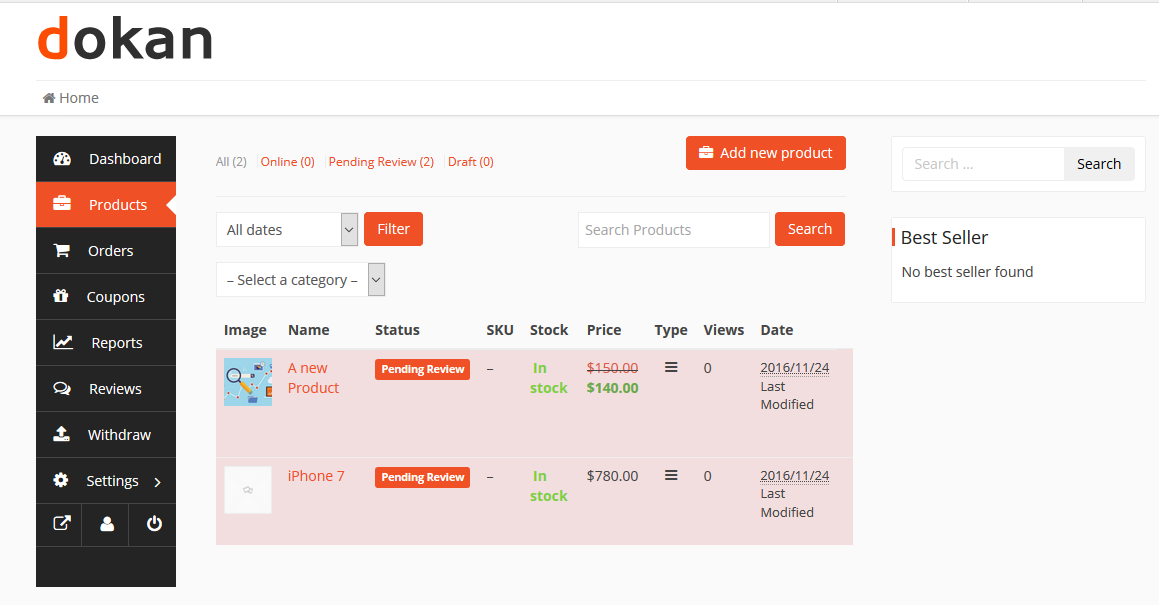
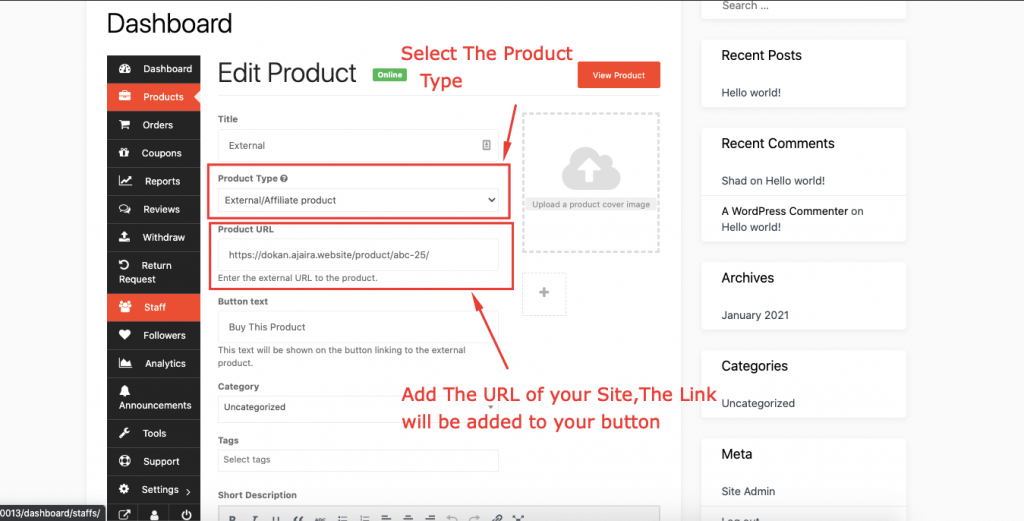
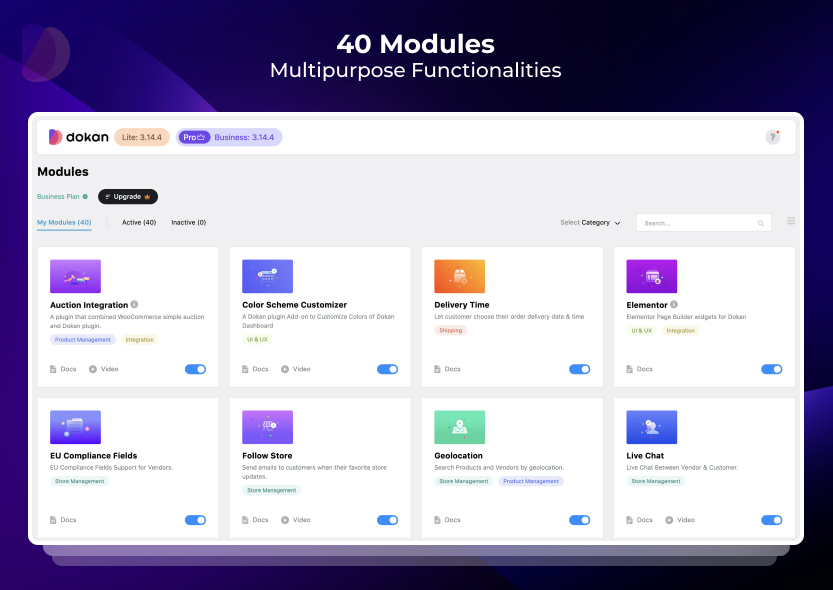
4
You may want to refine your title to improve visibility.
Avoid unclear titles like:
❌ “Cool Headphones”
✅ Better examples:
“Wireless Bluetooth Headphones – Noise Cancelling”
“Women’s Leather Handbag – Brown”
📌 A strong title improves search results and clicks.



4
You can update:
✔ Regular price
✔ Sale price
💡 When updating prices:
✔ Consider platform commission
✔ Stay competitive
✔ Avoid frequent drastic changes
📌 Sudden price swings may confuse customers.
Editing descriptions is one of the fastest ways to boost conversions.
Consider adding:
✔ More details
✔ Clear benefits
✔ Specifications
✔ FAQs or sizing info
Example improvement:
Before:
“Comfortable running shoes.”
After:
“Lightweight running shoes with breathable mesh material, cushioned sole, and anti-slip grip. Ideal for daily workouts and long-distance runs.”
📌 Better descriptions reduce buyer hesitation.
Updating visuals can dramatically improve sales.
Image best practices:
✔ Clear and well-lit
✔ Consistent style
✔ Multiple angles
✔ Clean background
Avoid:
❌ Blurry images
❌ Distorted photos
❌ Irrelevant pictures
📸 Customers often decide visually first.



4
If your product isn’t getting visibility, check its category.
✔ Select the most accurate category
✔ Avoid misclassification
✔ Ensure logical placement
📌 Wrong categories limit discoverability.
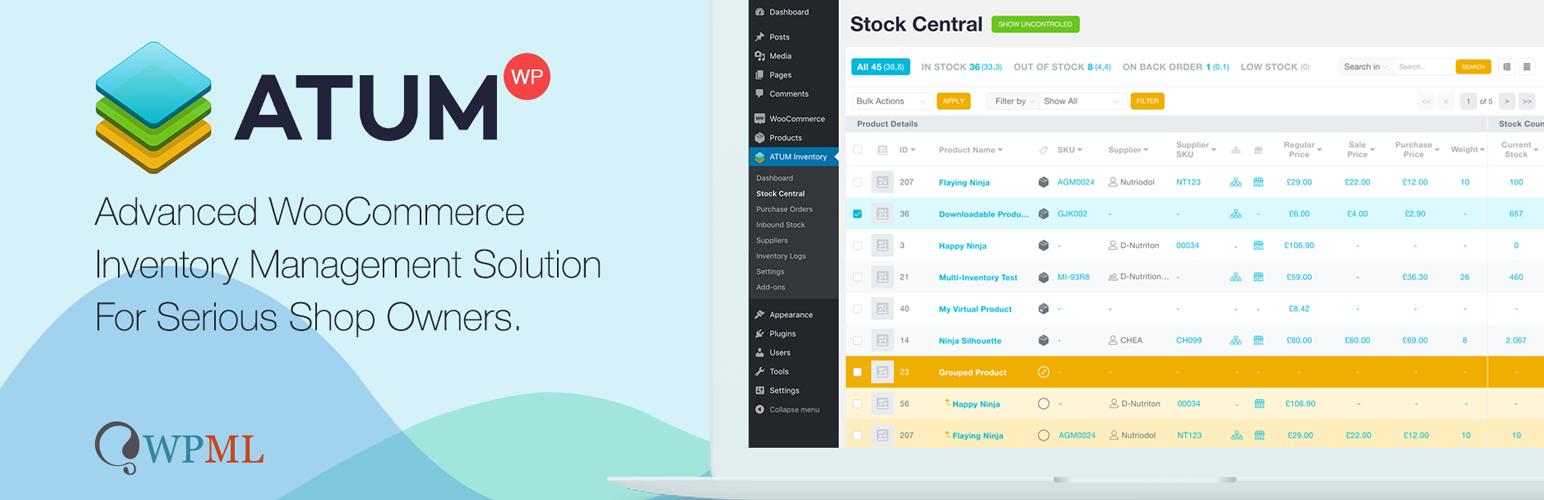
Editing stock settings helps prevent order issues.
You can:
✔ Adjust stock quantity
✔ Enable / disable stock management
✔ Mark in / out of stock
📦 Always keep inventory accurate.
📌 Stock mismatches create negative buyer experiences.

4
If product specs changed, update:
✔ Weight
✔ Shipping class
✔ Dimensions (if used)
📌 Incorrect shipping data may affect delivery costs.
Once updates are complete:
Click Update Product
⏳ Some edits may require admin review depending on store rules.
✔ Changes reflect on your store page
✔ Customers see updated information
✔ Orders continue normally
📌 Always double-check your edits live.
❌ Forgetting to save updates
❌ Accidentally deleting descriptions
❌ Uploading mismatched images
❌ Changing categories incorrectly
❌ Setting wrong prices
⚠️ Quick review prevents costly errors.
✔ Update listings regularly
✔ Improve descriptions over time
✔ Refresh images periodically
✔ Adjust pricing strategically
✔ Monitor performance after edits
📌 Optimization is an ongoing process.
Editing isn’t fixing mistakes — it’s refining your store.
The best sellers constantly improve their listings. Small updates often lead to noticeable sales improvements 📦✨
