



Lorem ipsum dolor sit amet, dolor siterim consectetur adipiscing elit. Phasellus duio faucibus est sed facilisis viverra. Umero praesent nec accumsan nibh, eu grav da metus.
This is a demo store for testing purposes — no orders shall be fulfilled. Dismiss
 Jamaica
Jamaica
Jamaica
2 min read
Product images are one of the biggest reasons customers decide to buy or not.
Even a great product won’t sell well with poor photos.
This guide shows you how to upload strong product images, what works best, and common mistakes to avoid as a seller.
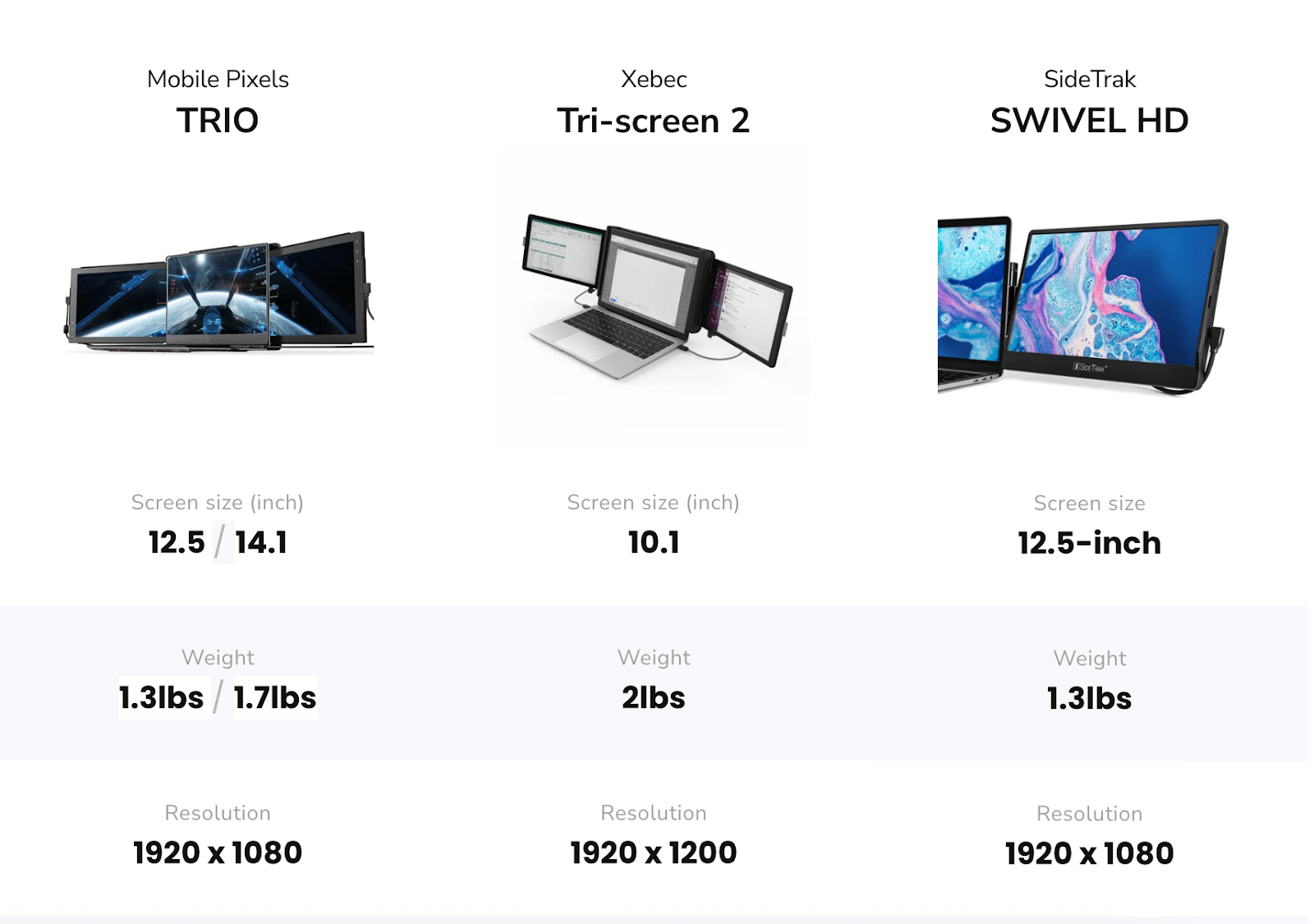

Good images:
📌 Customers can’t touch the product — images do the selling.
At a minimum, every product should have:
📸 More angles = more confidence.
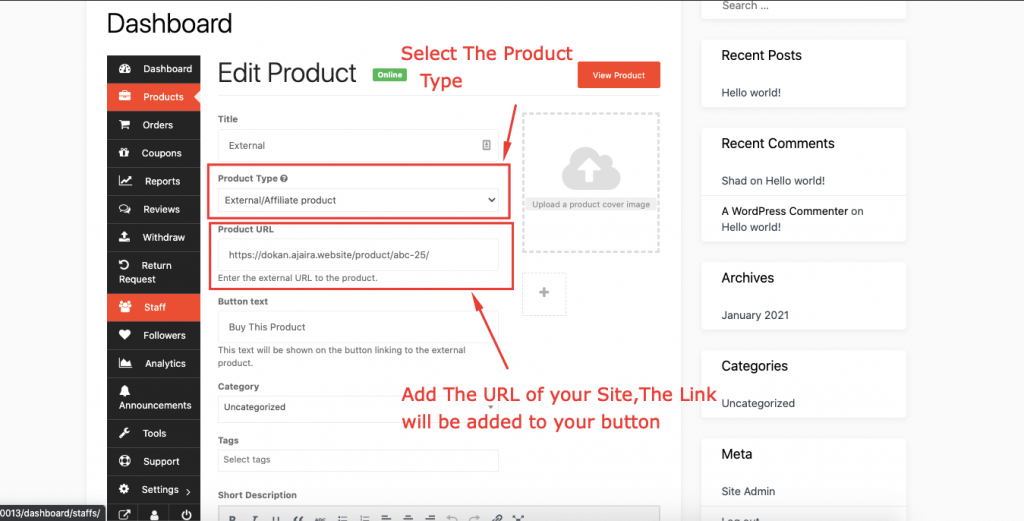
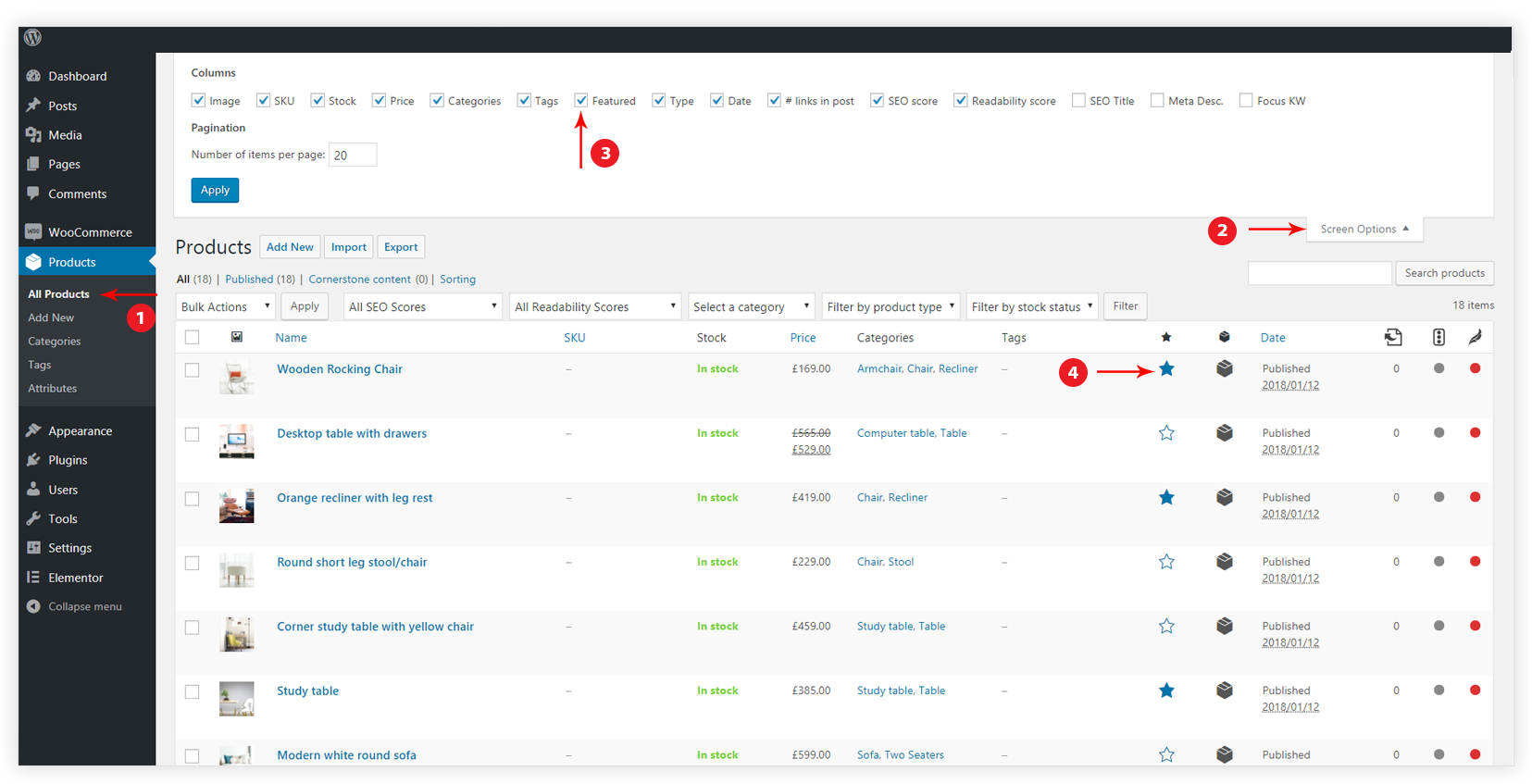
Your main image should:
✅ This image appears:


Use gallery images to show:
📌 Customers scroll through images before reading descriptions.
✔ Use natural light if possible
✔ Avoid harsh shadows
✔ Avoid dark or yellow lighting
✔ White or plain background works best
✔ Avoid clutter
✔ Keep focus on the product
✔ Sharp and clear
✔ Not blurry or pixelated
✔ JPG or PNG format
📌 Large images look better but should load fast.
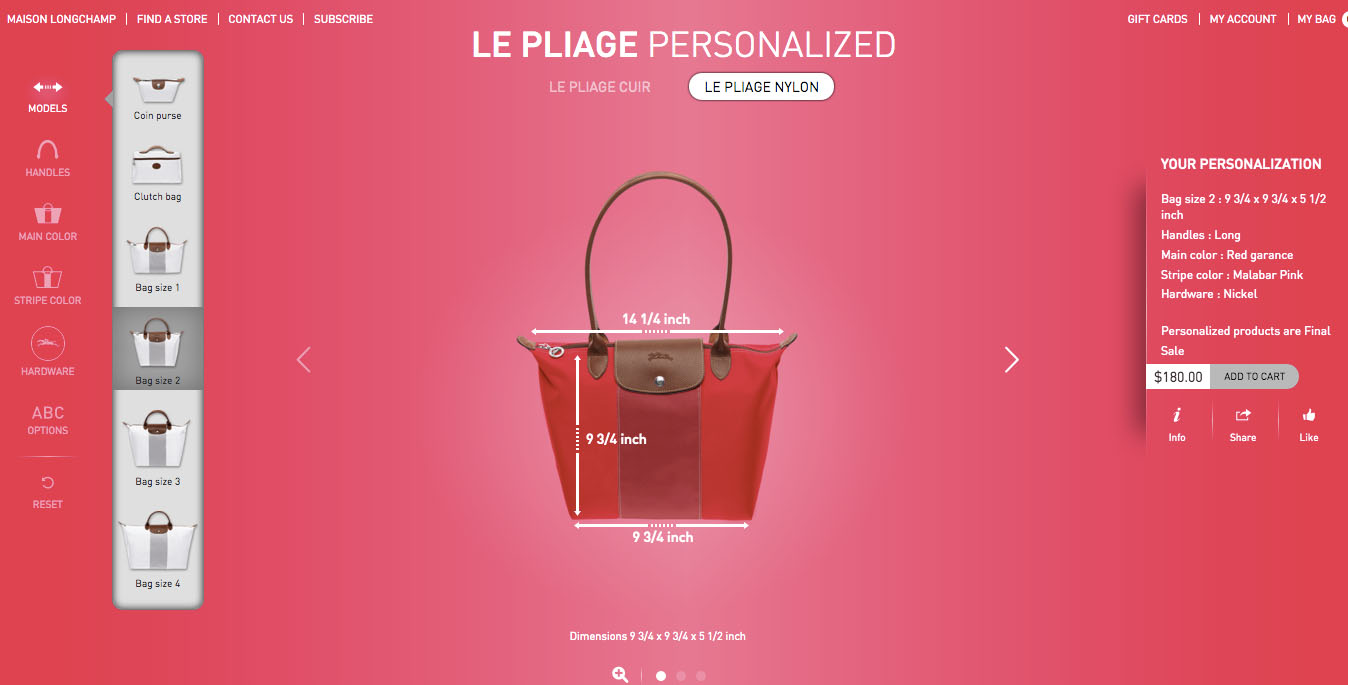

If size matters:
📏 This reduces “item smaller than expected” complaints.
❌ Use images taken from Google
❌ Upload blurry photos
❌ Use images with watermarks
❌ Misrepresent color or size
⚠️ Misleading images lead to refunds and bad reviews.


Lifestyle images show:
🛍️ These increase emotional connection and sales.
✔ Main image clear and centered
✔ At least 3 images total
✔ Good lighting
✔ Accurate representation
✔ No text-heavy graphics
If you only improve one thing about your products, improve your images.
Good photos sell even before the customer reads a single word 📸🔥



This chat uses automated responses for general guidance. For binding terms, please refer to our official policies.
Start A Conversation
Click here to chat with me!
Search our website now
Latest Products
Latest Posts
Tips how to choise a perfect watch foractive guys
Lorem ipsum dolor sit amet, dolor siterim consectetur adipiscing elit. Phasellus duio faucibus est sed facilisis viverra. Umero praesent nec accumsan nibh, eu grav da metus.
Harman Kadon Onyx Studio Mini, Reviews & Experiences
Lorem ipsum dolor sit amet, dolor siterim consectetur adipiscing elit. Phasellus duio faucibus est sed facilisis viverra. Umero praesent nec accumsan nibh, eu grav da metus.
Lorem ipsum dolor sit amet, dolor siterim consectetur adipiscing elit. Phasellus duio faucibus est sed facilisis viverra. Umero praesent nec accumsan nibh, eu grav da metus.
Lorem ipsum dolor sit amet, dolor siterim consectetur adipiscing elit. Phasellus duio faucibus est sed facilisis viverra. Umero praesent nec accumsan nibh, eu grav da metus.
Lorem ipsum dolor sit amet, dolor siterim consectetur adipiscing elit. Phasellus duio faucibus est sed facilisis viverra. Umero praesent nec accumsan nibh, eu grav da metus.

Subscribe to the Martfury mailing list to receive updates on new arrivals, special offers and our promotions.