



Lorem ipsum dolor sit amet, dolor siterim consectetur adipiscing elit. Phasellus duio faucibus est sed facilisis viverra. Umero praesent nec accumsan nibh, eu grav da metus.
This is a demo store for testing purposes — no orders shall be fulfilled. Dismiss
 Jamaica
Jamaica
Jamaica
2 min read
A complete seller profile builds trust, improves visibility, and helps customers feel confident buying from you.
This guide shows you exactly how to complete your seller profile using the **Dokan Multivendor dashboard.

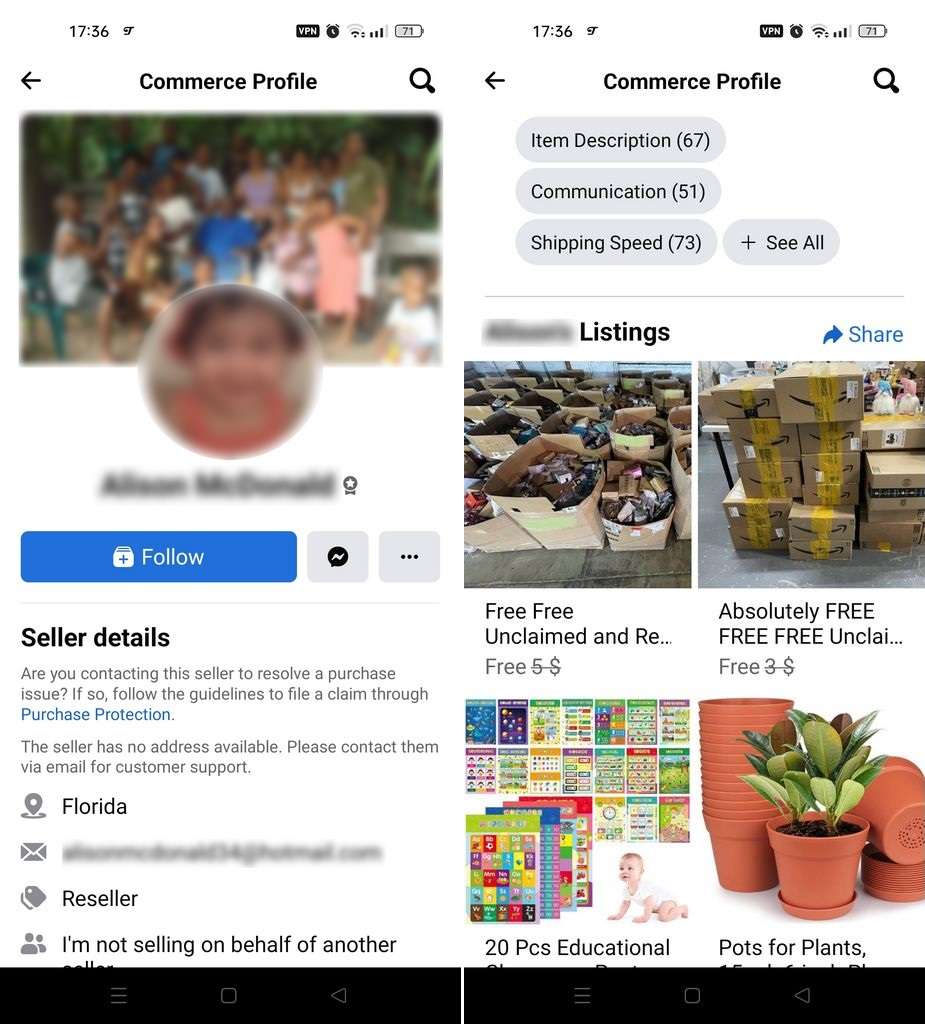
A strong profile helps:
📌 Incomplete profiles often lead to fewer orders.
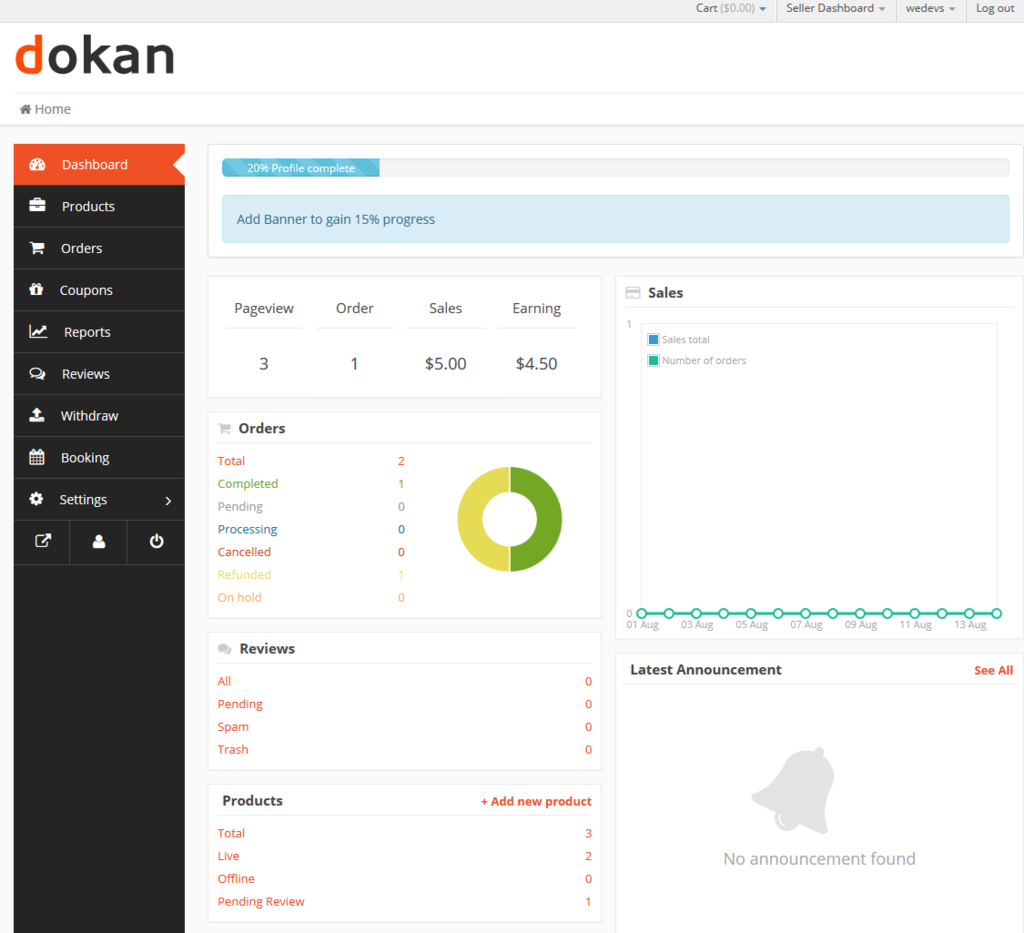
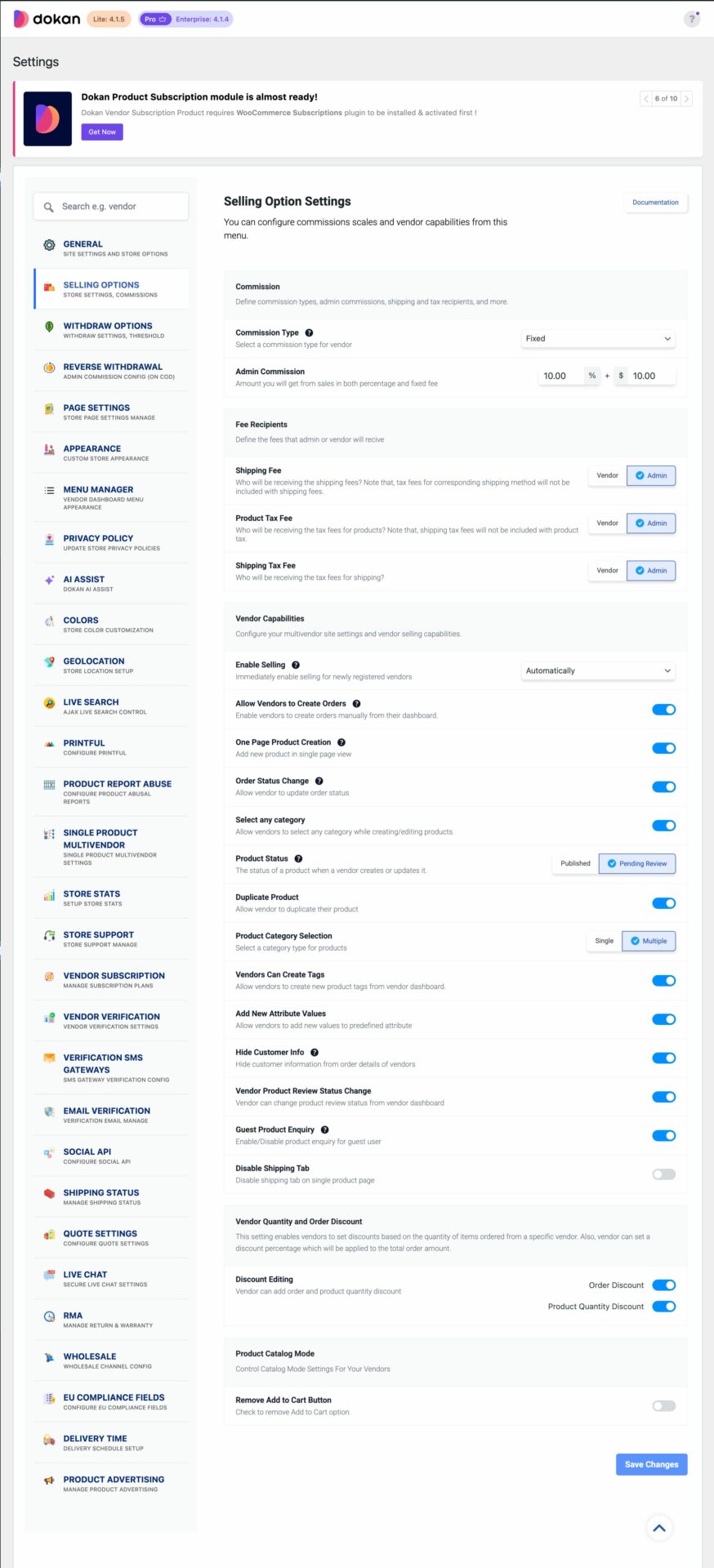
Inside Settings, click Store.
This is where you manage:
🏪 Your store name is your brand.
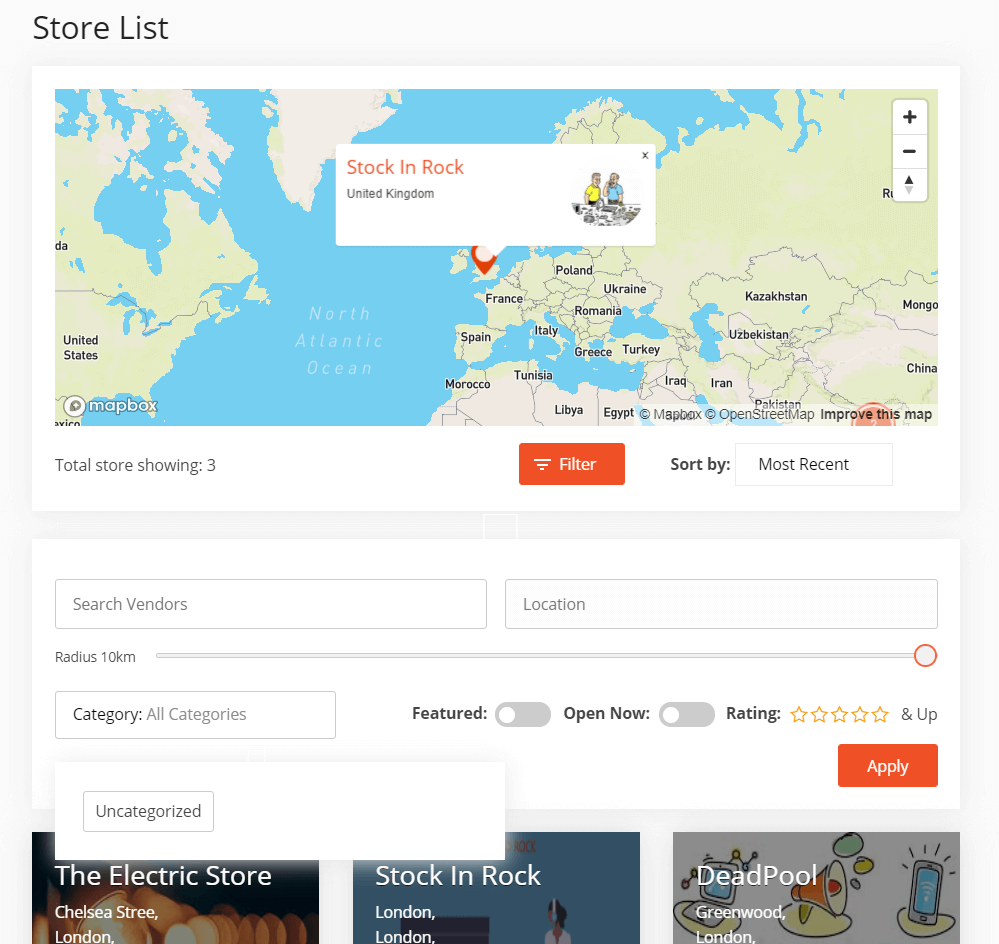
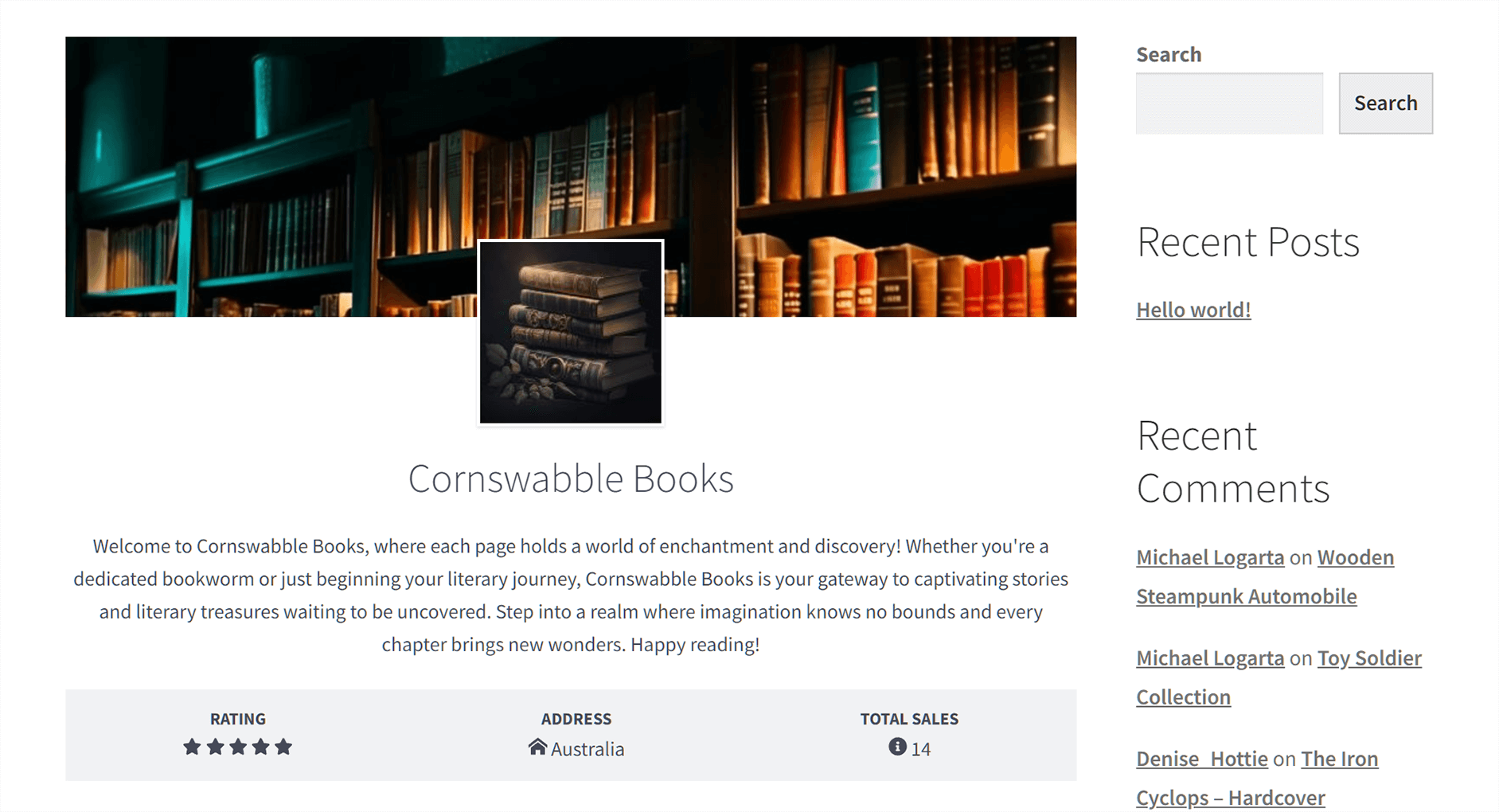
Write a short but clear description:
📝 Example:
“We sell quality fashion and accessories with fast local delivery across Kingston.”
✔ Keep it simple
✔ Avoid spammy language
Provide:
📞 Accurate contact info helps with deliveries and customer trust.
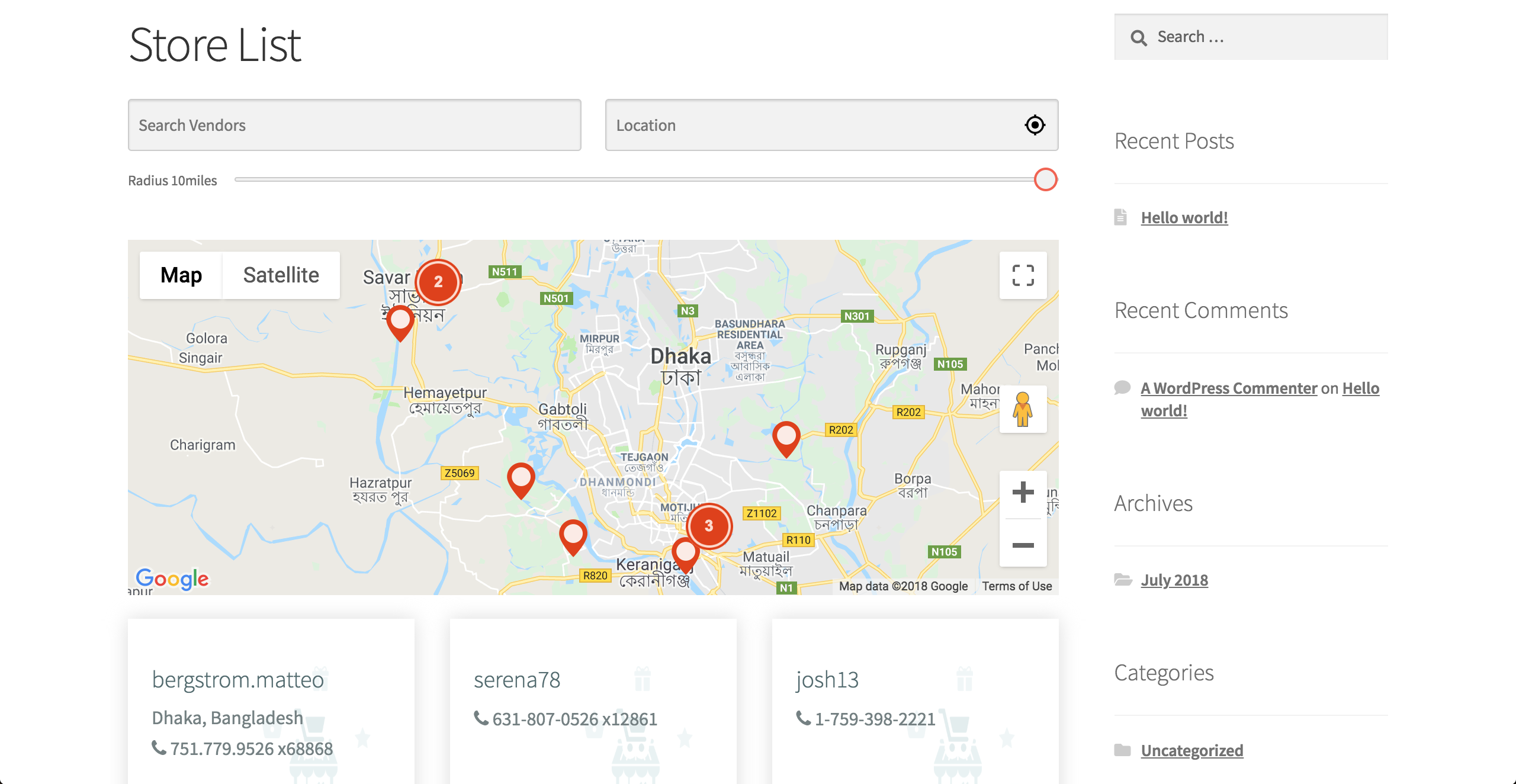

Add:
📍 This helps with shipping calculations and local visibility.
After completing your profile:
✅ Your profile updates immediately.
Customers can see:
🛍️ Your profile is your storefront.
❌ Leaving the description empty
❌ Using unprofessional store names
❌ Missing contact info
❌ Incorrect location details
⚠️ These reduce buyer confidence.
✔ Be honest and clear
✔ Keep information up to date
✔ Use friendly, professional language
✔ Review your profile as a customer
Your seller profile is often the first impression customers have of your business. Completing it properly sets you up for long-term success on Kingston Express ⭐



This chat uses automated responses for general guidance. For binding terms, please refer to our official policies.
Start A Conversation
Click here to chat with me!
Search our website now
Latest Products
Latest Posts
Tips how to choise a perfect watch foractive guys
Lorem ipsum dolor sit amet, dolor siterim consectetur adipiscing elit. Phasellus duio faucibus est sed facilisis viverra. Umero praesent nec accumsan nibh, eu grav da metus.
Harman Kadon Onyx Studio Mini, Reviews & Experiences
Lorem ipsum dolor sit amet, dolor siterim consectetur adipiscing elit. Phasellus duio faucibus est sed facilisis viverra. Umero praesent nec accumsan nibh, eu grav da metus.
Lorem ipsum dolor sit amet, dolor siterim consectetur adipiscing elit. Phasellus duio faucibus est sed facilisis viverra. Umero praesent nec accumsan nibh, eu grav da metus.
Lorem ipsum dolor sit amet, dolor siterim consectetur adipiscing elit. Phasellus duio faucibus est sed facilisis viverra. Umero praesent nec accumsan nibh, eu grav da metus.
Lorem ipsum dolor sit amet, dolor siterim consectetur adipiscing elit. Phasellus duio faucibus est sed facilisis viverra. Umero praesent nec accumsan nibh, eu grav da metus.

Subscribe to the Martfury mailing list to receive updates on new arrivals, special offers and our promotions.