



Lorem ipsum dolor sit amet, dolor siterim consectetur adipiscing elit. Phasellus duio faucibus est sed facilisis viverra. Umero praesent nec accumsan nibh, eu grav da metus.
This is a demo store for testing purposes — no orders shall be fulfilled. Dismiss
 Jamaica
Jamaica
Jamaica
2 min read
Logging in to your Kingston Express account lets you track orders, manage your profile, access rewards, and contact sellers.
This guide walks you through step by step how to log in and what to do if you have trouble.
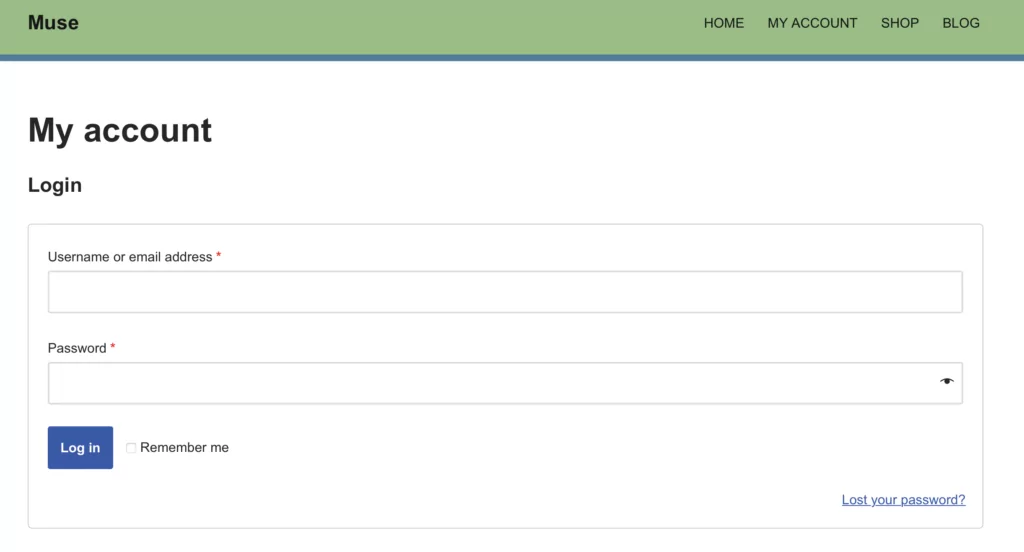

On the login page:
🔐 Make sure you use the same email you used when creating your account.
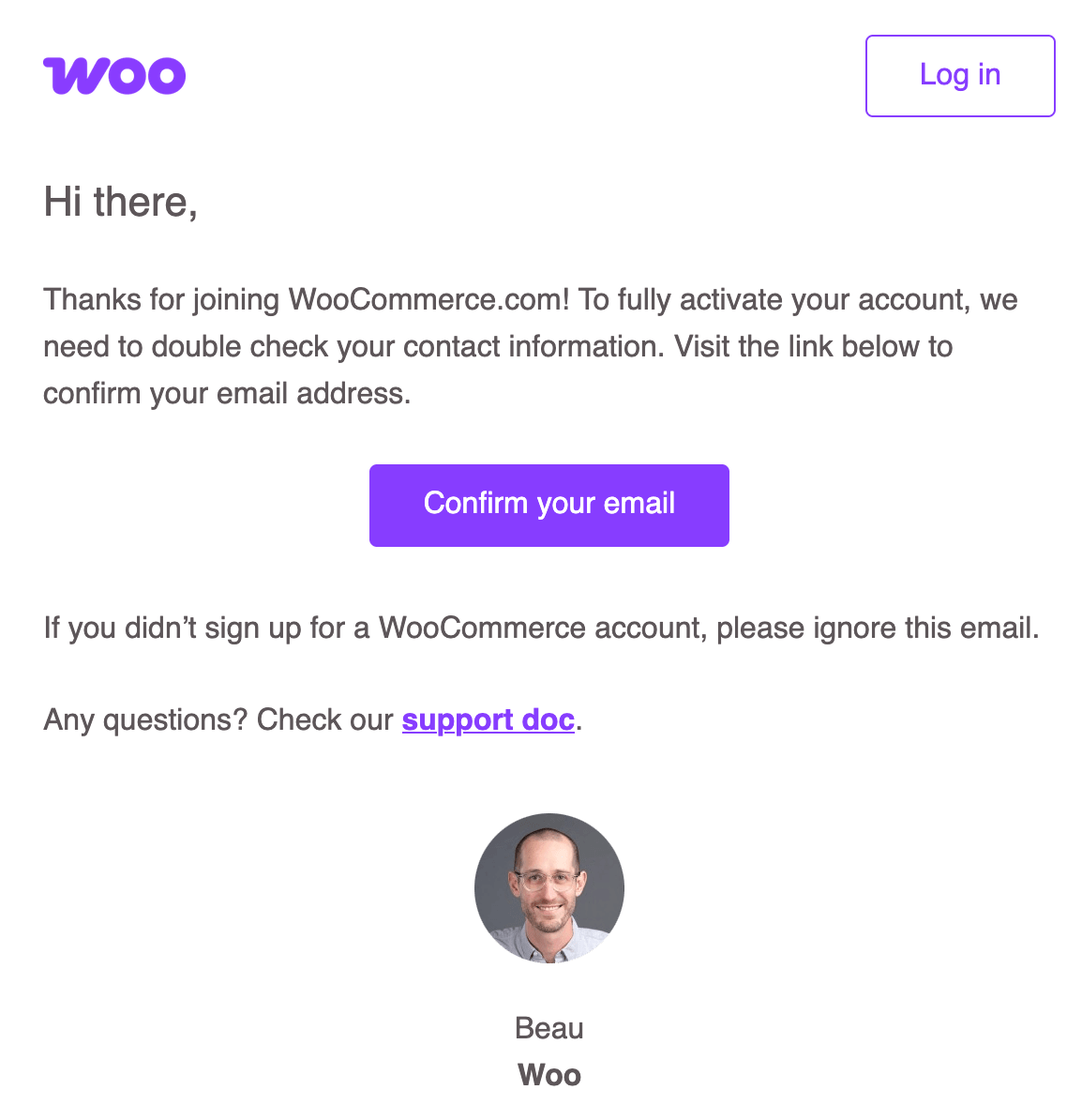
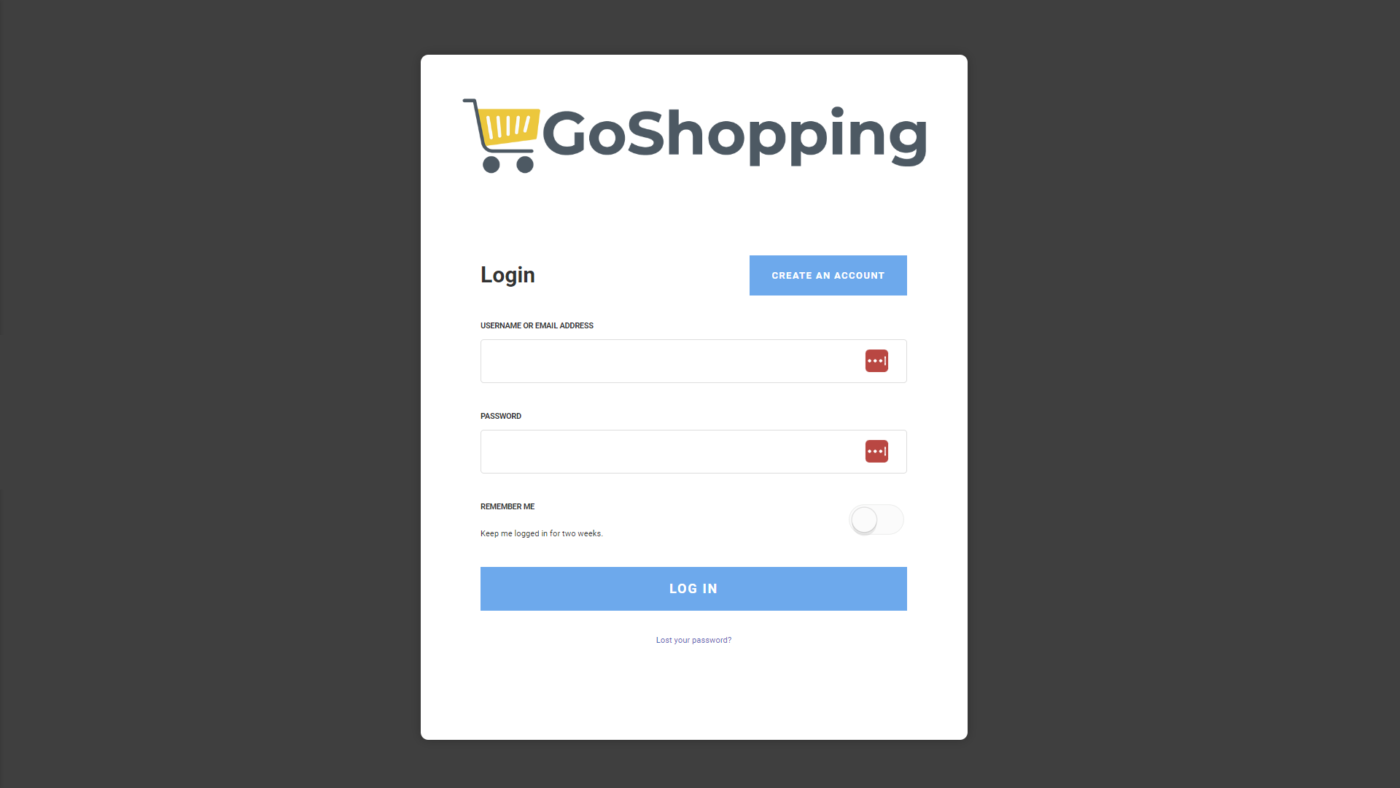
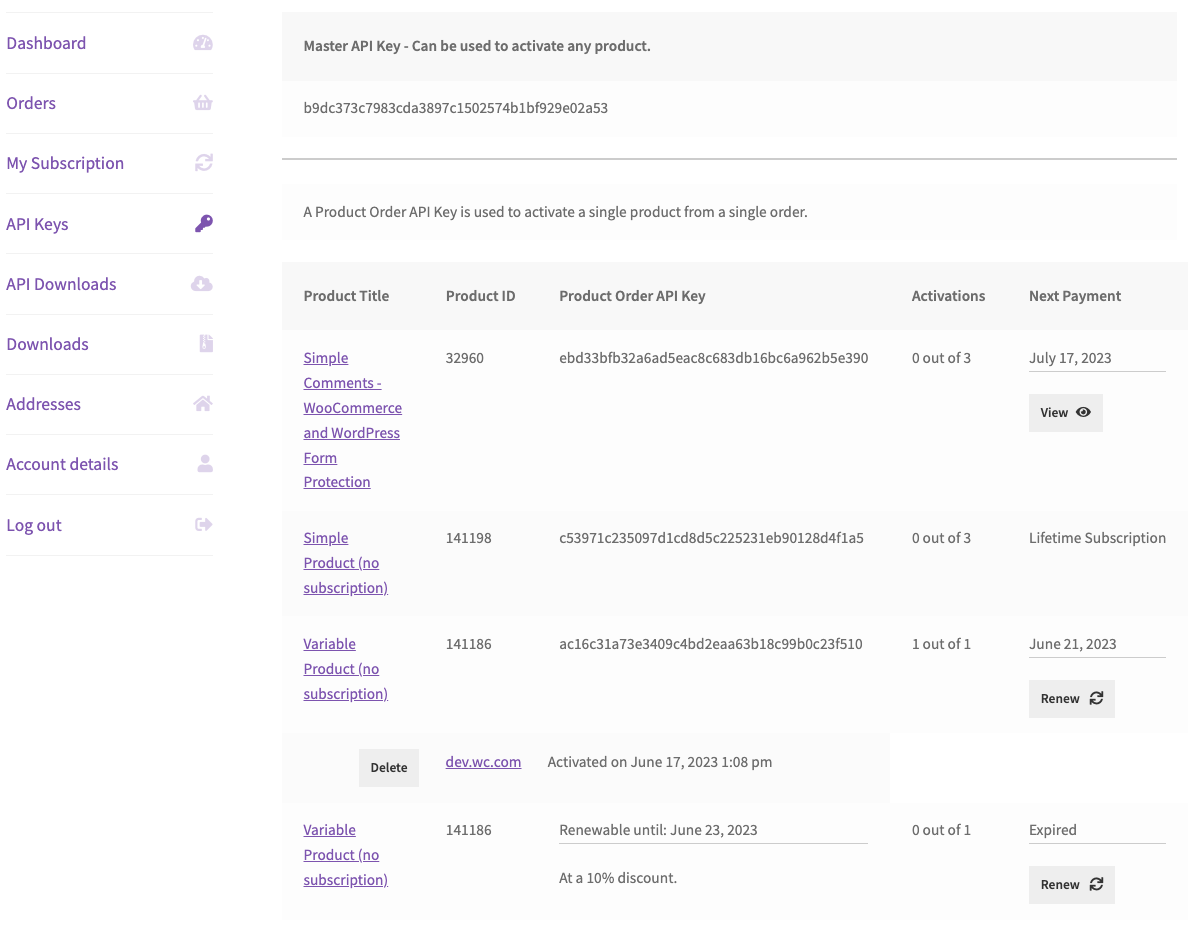
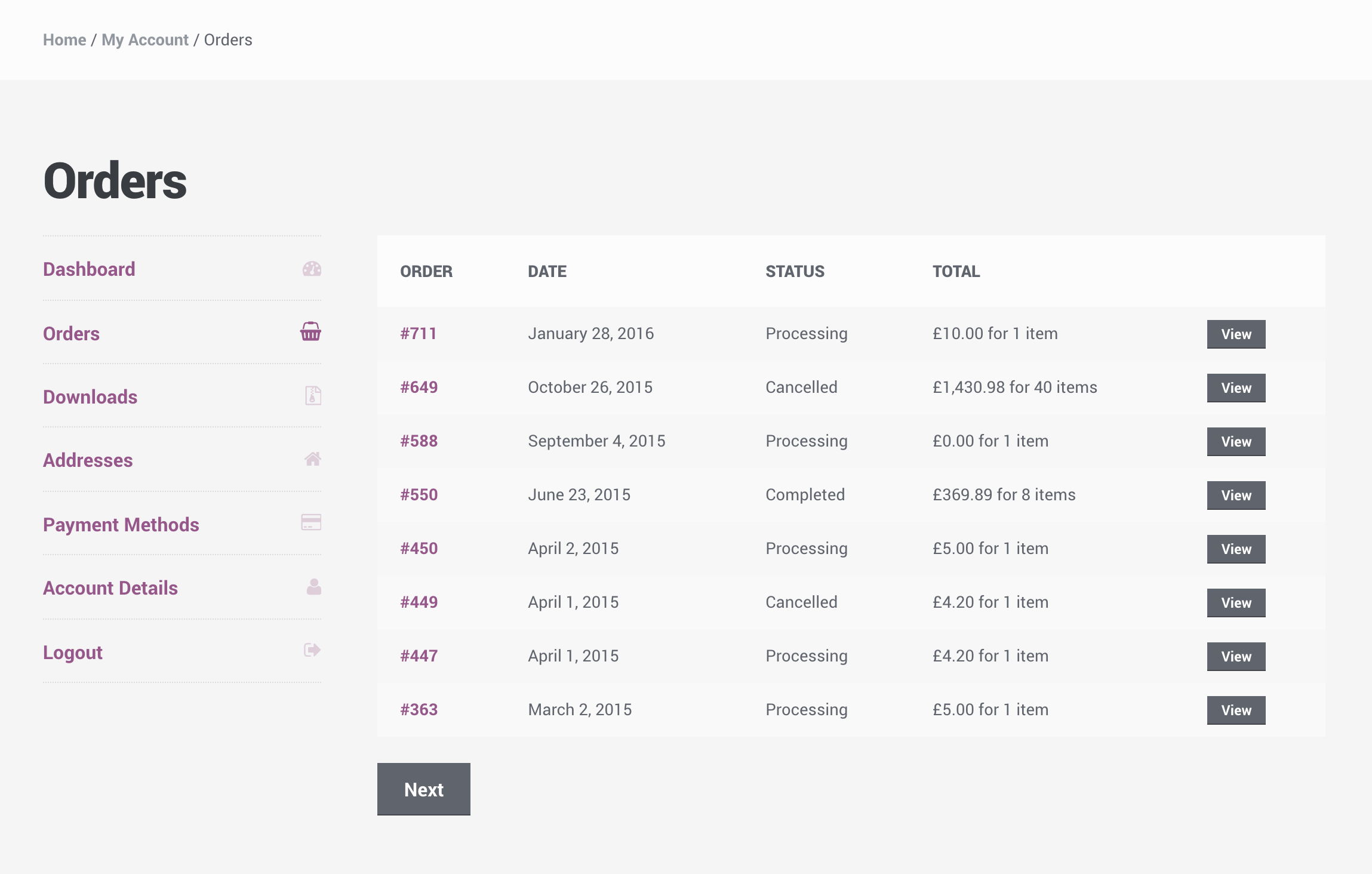
Once logged in, you’ll be taken to your My Account dashboard, where you can:
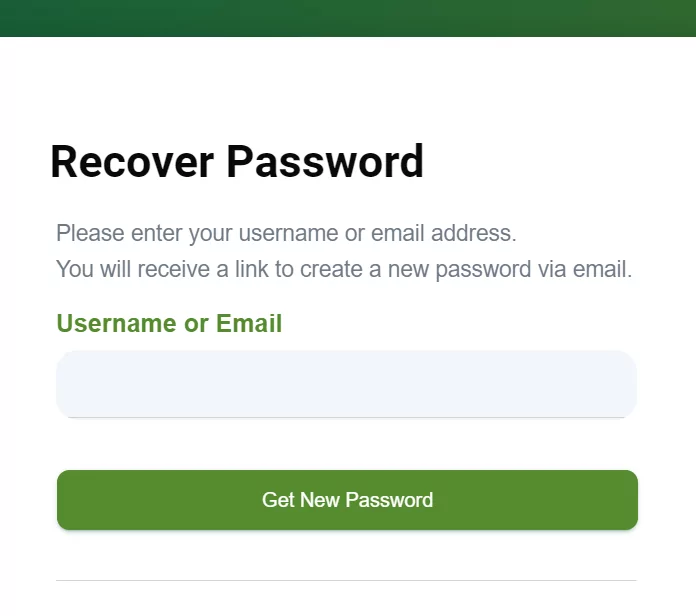
If you can’t remember your password:
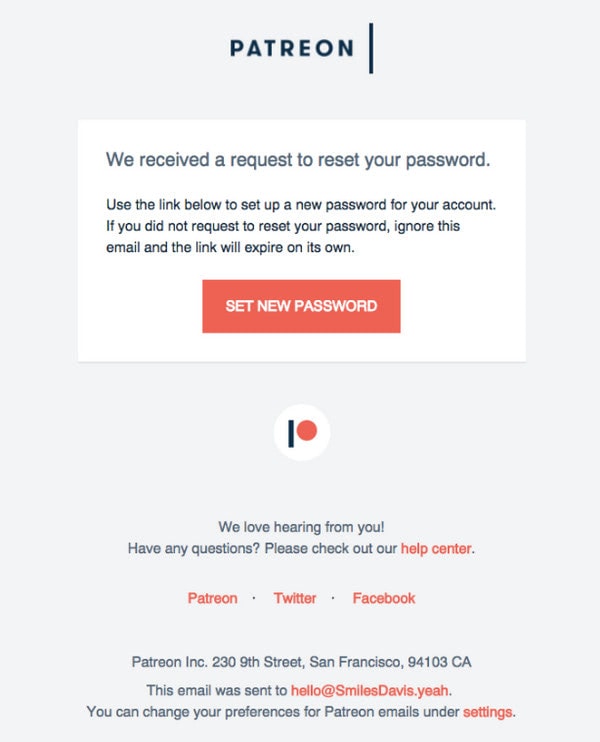
📧 Check your Spam/Junk folder if you don’t see the email.
✔ The login steps are the same on mobile
✔ Use a stable internet connection
✔ Make sure your browser is up to date
📱 The Kingston Express website is mobile-friendly.
Contact Kingston Express Support if:
📌 Provide your full name and email used at signup.
✔ Save your login details securely
✔ Log out on shared devices
✔ Use a strong password
✔ Keep your email address up to date
Logging in gives you full access to your Kingston Express experience. If you ever have trouble, password reset and support options are always available 😊



This chat uses automated responses for general guidance. For binding terms, please refer to our official policies.
Start A Conversation
Click here to chat with me!
Search our website now
Latest Products
Latest Posts
Tips how to choise a perfect watch foractive guys
Lorem ipsum dolor sit amet, dolor siterim consectetur adipiscing elit. Phasellus duio faucibus est sed facilisis viverra. Umero praesent nec accumsan nibh, eu grav da metus.
Harman Kadon Onyx Studio Mini, Reviews & Experiences
Lorem ipsum dolor sit amet, dolor siterim consectetur adipiscing elit. Phasellus duio faucibus est sed facilisis viverra. Umero praesent nec accumsan nibh, eu grav da metus.
Lorem ipsum dolor sit amet, dolor siterim consectetur adipiscing elit. Phasellus duio faucibus est sed facilisis viverra. Umero praesent nec accumsan nibh, eu grav da metus.
Lorem ipsum dolor sit amet, dolor siterim consectetur adipiscing elit. Phasellus duio faucibus est sed facilisis viverra. Umero praesent nec accumsan nibh, eu grav da metus.
Lorem ipsum dolor sit amet, dolor siterim consectetur adipiscing elit. Phasellus duio faucibus est sed facilisis viverra. Umero praesent nec accumsan nibh, eu grav da metus.

Subscribe to the Martfury mailing list to receive updates on new arrivals, special offers and our promotions.