Lorem ipsum dolor sit amet, dolor siterim consectetur adipiscing elit. Phasellus duio faucibus est sed facilisis viverra. Umero praesent nec accumsan nibh, eu grav da metus.
How to Replenish Dispatchment Stock
1 min read
- What Is Dispatchment Stock Replenishment?
- When Should You Replenish Dispatchment Stock?
- Step 1: Check Your Dispatchment Stock Levels
- Step 2: Decide How Much to Replenish
- Step 3: Submit a Replenishment Request (If Required)
- Step 4: Prepare Inventory for Dispatchment
- Step 5: Deliver Inventory to the Dispatchment Center
- Step 6: Inventory Receiving & Verification
- Step 7: Dispatchment Stock Goes Live Again
- What Happens If Inventory Is Rejected?
- Common Replenishment Mistakes to Avoid
- Best Practices for Smooth Replenishment
- When to Contact Support
- Final Tip
(Dispatched by Kingston Express)
Replenishing your dispatchment stock keeps your products available, your delivery fast, and your sales uninterrupted.
This guide explains when to replenish, how to do it step by step, and what happens after new stock arrives at a Kingston Express dispatchment center.
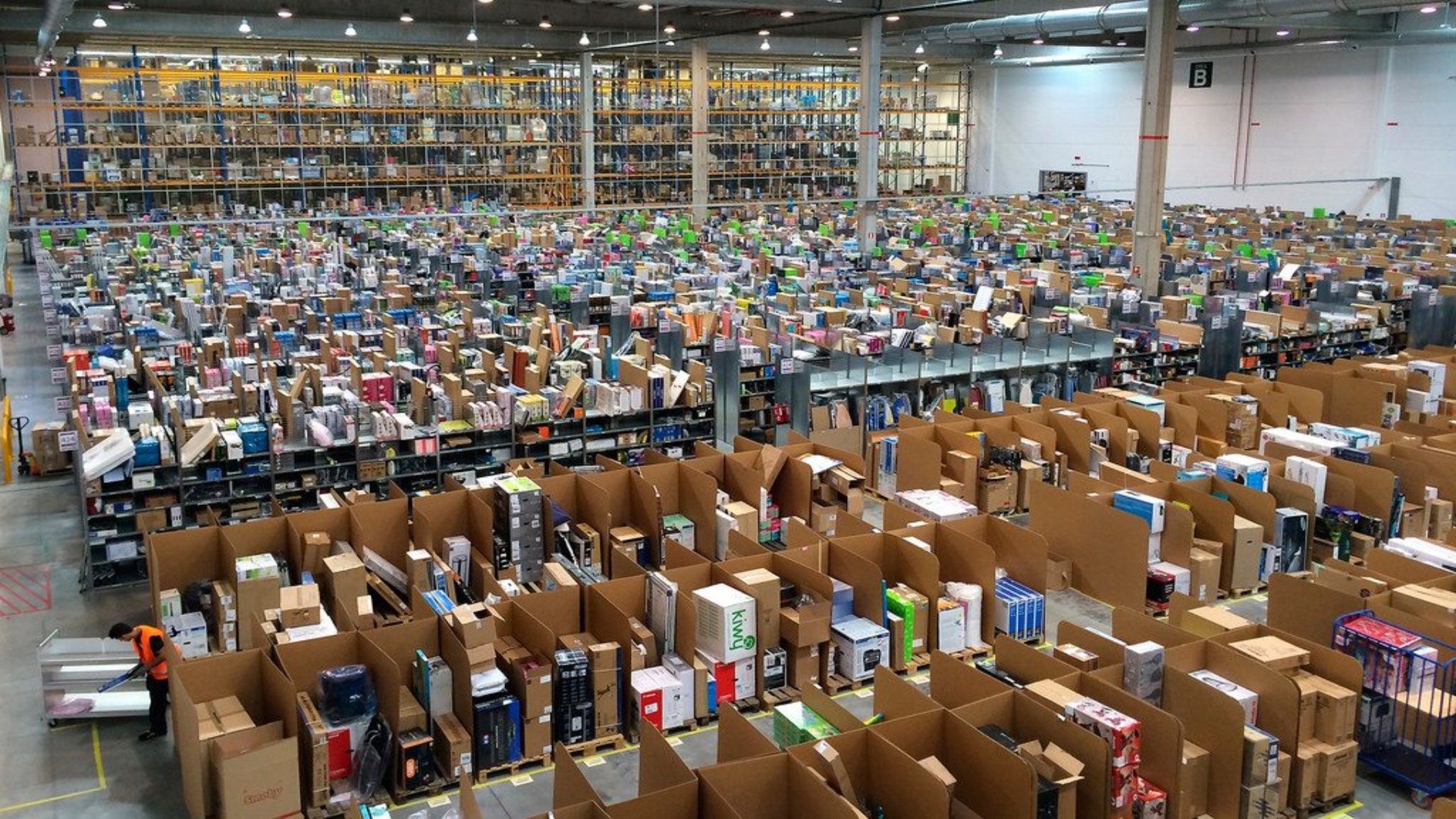
What Is Dispatchment Stock Replenishment? #


Dispatchment stock replenishment means:
- Sending additional units of an already-enrolled product
- To a Kingston Express dispatchment center
- So Kingston Express can continue dispatching orders for you
📦 Replenishment applies only to products enrolled in Dispatched by Kingston Express.
When Should You Replenish Dispatchment Stock? #
You should replenish when:
- Stock is running low
- Sales are increasing
- You receive a low-stock alert
- Stock has already reached zero
📌 Do not wait until you are completely out of stock.
Step 1: Check Your Dispatchment Stock Levels #


- Log in to your Seller Dashboard
- Go to Products or Dispatchment Inventory
- Review current dispatchment stock levels
📊 Dispatchment stock is separate from seller-held stock.
Step 2: Decide How Much to Replenish #
Choose a quantity based on:
- Past sales speed
- Storage limits
- How often you can restock
💡 Best practice:
Start small → monitor sales → increase quantities gradually.
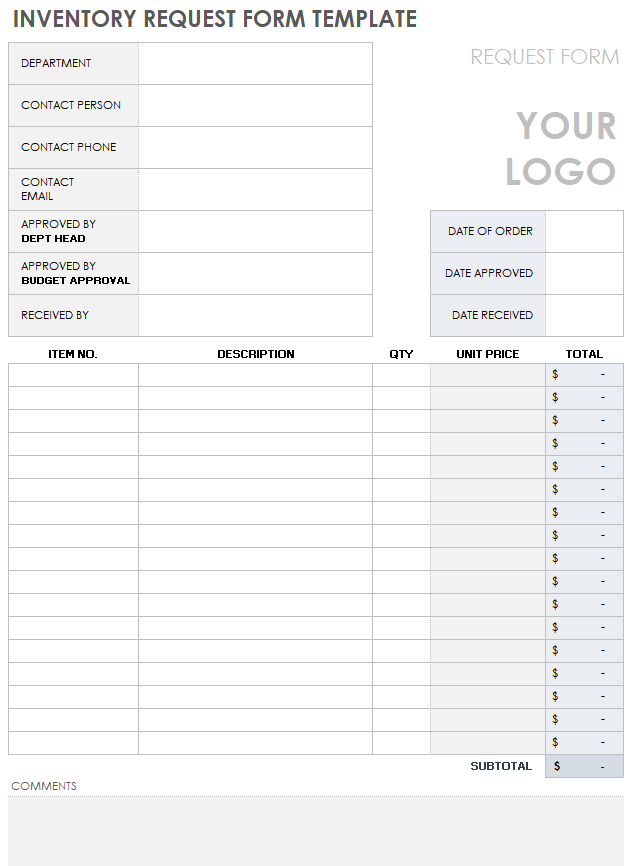
Step 3: Submit a Replenishment Request (If Required) #


Before sending inventory:
- Follow the Kingston Express replenishment process
- Confirm:
- Product name
- Quantity
- Dispatchment center location
📌 Do not send inventory without confirmation or instructions.
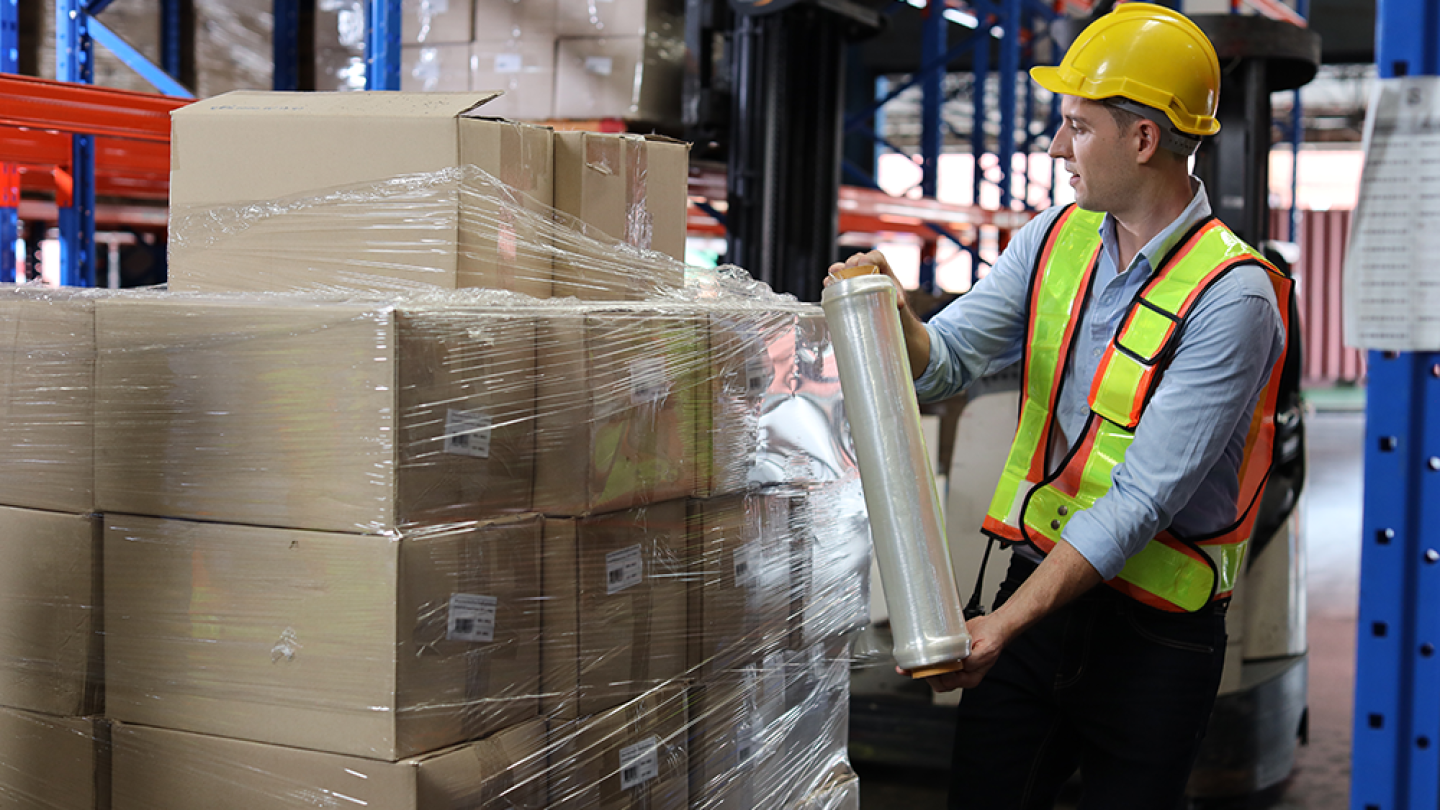
Step 4: Prepare Inventory for Dispatchment #


All replenishment inventory must be:
- Clean and undamaged
- Properly packaged
- Sell-ready
- Correctly matched to the product listing
📦 Dispatchment centers do not fix, relabel, or repackage inventory.
Step 5: Deliver Inventory to the Dispatchment Center #

Once instructed:
- Deliver inventory to the assigned Kingston Express dispatchment center
- Send only approved quantities
- Follow delivery and timing instructions
📍 Unapproved or excess stock may be rejected.

Step 6: Inventory Receiving & Verification #


When inventory arrives:
- Quantity is verified
- Condition is checked
- Products are matched to listings
- Dispatchment stock is updated
⏳ Inventory becomes available only after verification is complete.
Step 7: Dispatchment Stock Goes Live Again #
Once verified:
- Stock levels update in your dashboard
- Dispatched by Kingston Express is reactivated
- Customers can place orders immediately
🚚 No further action required from you.
What Happens If Inventory Is Rejected? #
Inventory may be rejected if:
- Quantities don’t match approval
- Products are damaged or incorrect
- Packaging doesn’t meet standards
📌 You’ll be notified with next steps.
Common Replenishment Mistakes to Avoid #
❌ Sending stock without approval
❌ Oversending inventory
❌ Mixing different products in one batch
❌ Ignoring low-stock alerts
❌ Sending unsellable items
⚠️ These cause delays and lost sales.
Best Practices for Smooth Replenishment #
✔ Replenish before stock hits zero
✔ Track fast-moving products weekly
✔ Keep packaging consistent
✔ Maintain accurate listings
When to Contact Support #
Contact Kingston Express Support if:
- You’re unsure how much to replenish
- Inventory verification is delayed
- Stock counts look incorrect
📧 Include store name and product name.
Final Tip #
Replenishment is the key to making Dispatched by Kingston Express work at its best.
Sellers who restock early sell more, deliver faster, and scale with less stress 📦🚚