



Lorem ipsum dolor sit amet, dolor siterim consectetur adipiscing elit. Phasellus duio faucibus est sed facilisis viverra. Umero praesent nec accumsan nibh, eu grav da metus.
This is a demo store for testing purposes — no orders shall be fulfilled. Dismiss
 Jamaica
Jamaica
Jamaica
2 min read
Good inventory management keeps your store organized, honest, and profitable.
Nothing hurts a seller faster than selling items you don’t actually have.
This guide shows you how to manage stock properly using Dokan Multivendor — even if you’re new.


Proper stock control helps you:
📌 Out-of-stock surprises = bad reviews.
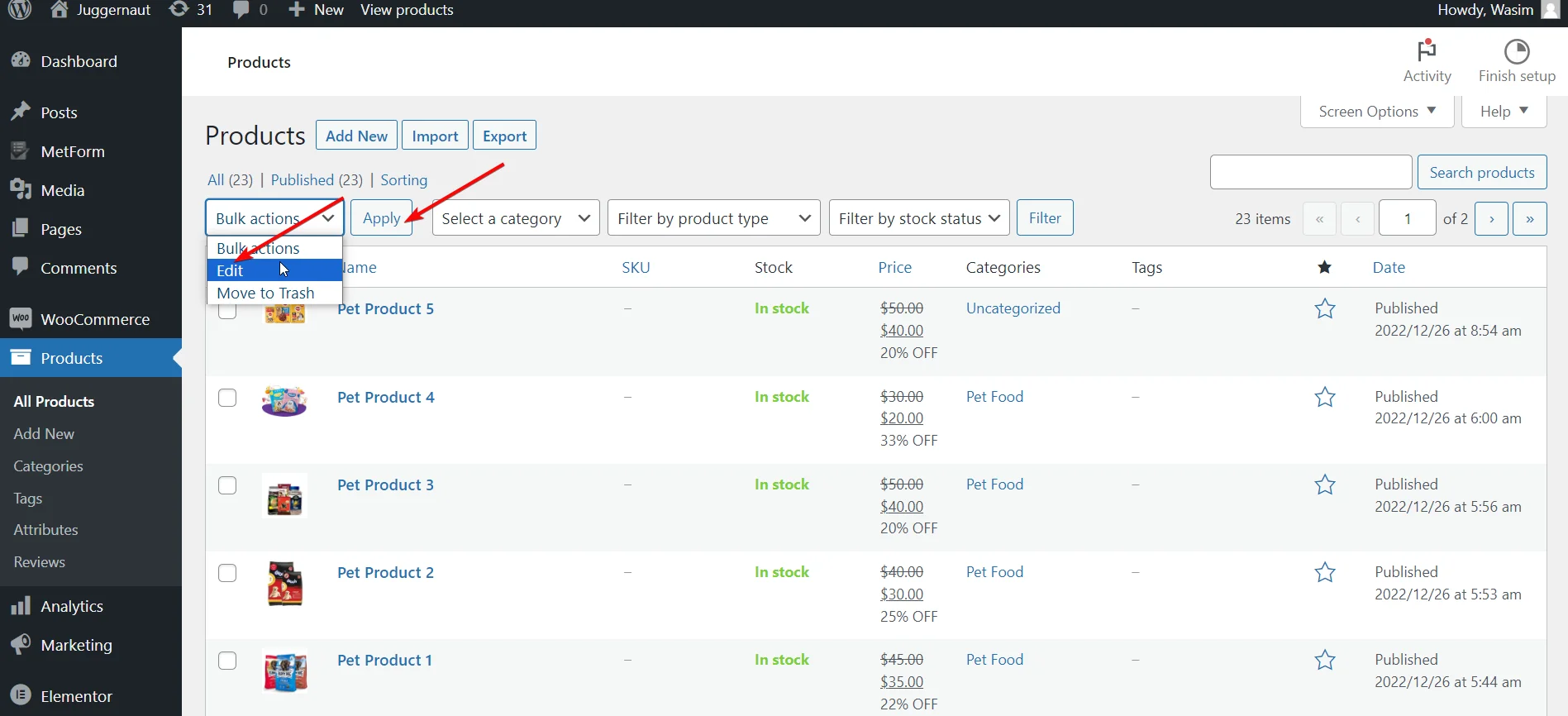
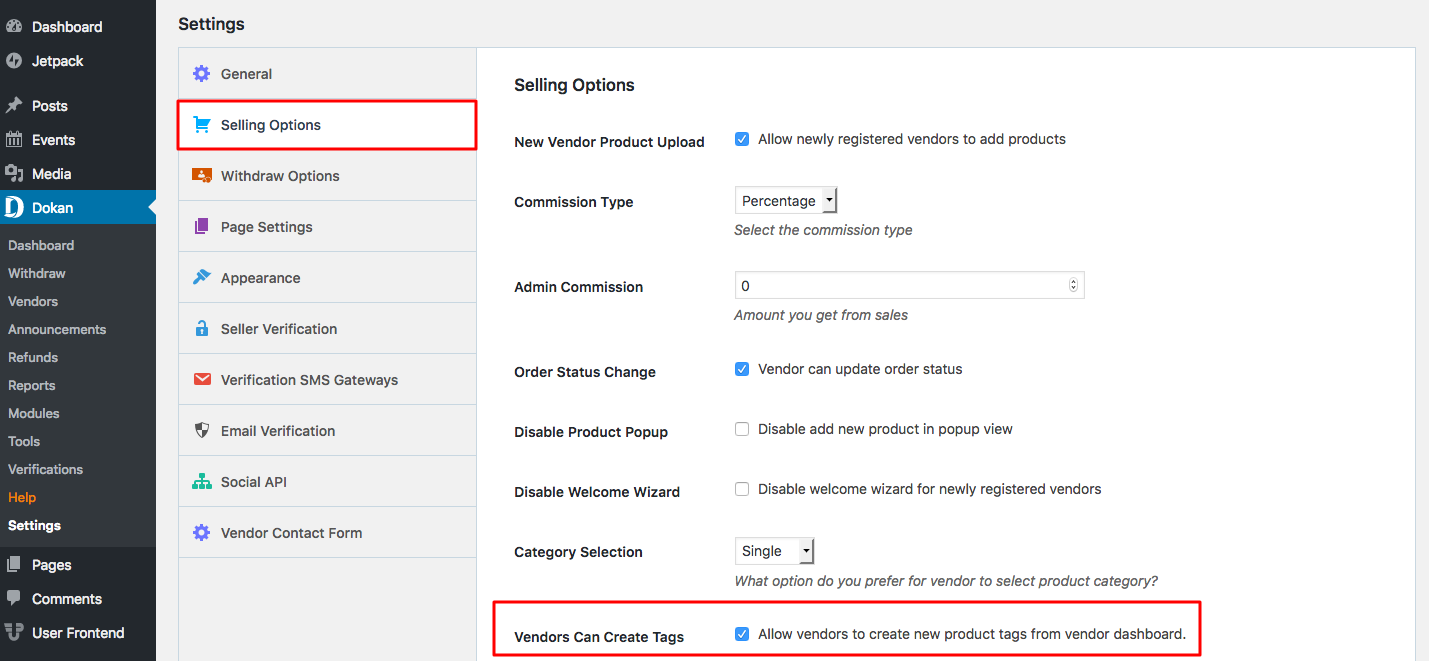
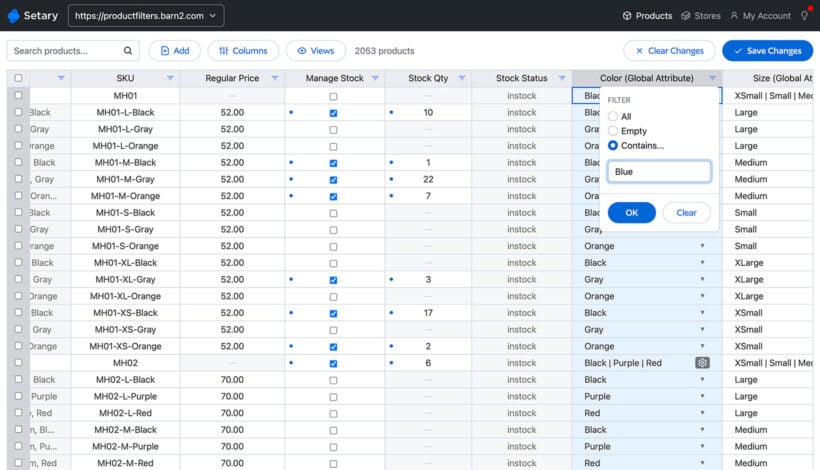
When editing or adding a product:
📦 This tells the system how many items you actually have.
📌 Be honest — don’t guess.


Low stock alerts:
🔔 This is especially useful for fast-moving products.
You can manually set:
🚫 Out-of-stock items are usually hidden from checkout.
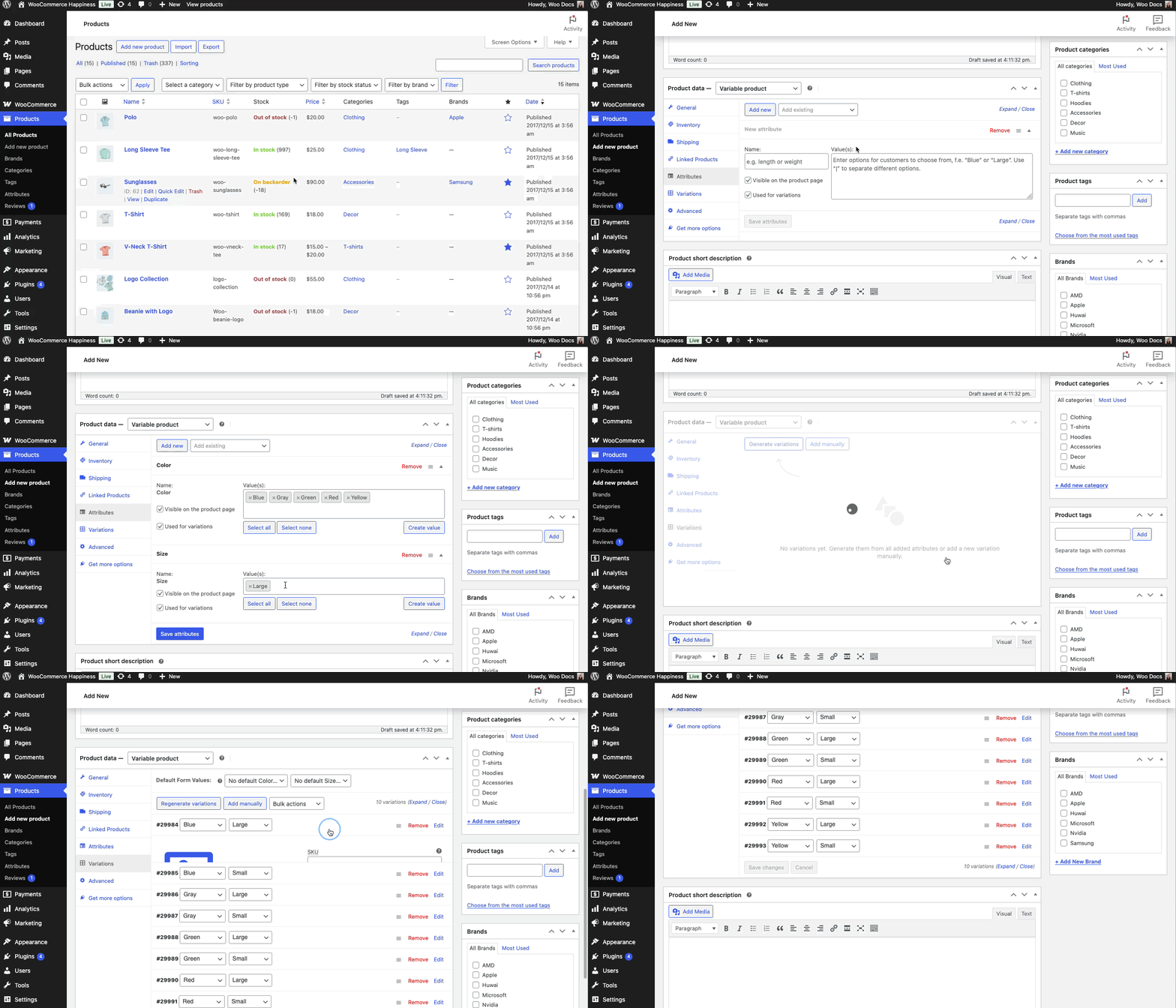
For variable products:
📌 Always update variations separately.
When stock hits 0:
✅ This protects you.
❌ Not enabling stock management
❌ Forgetting to update stock after offline sales
❌ Guessing quantities
❌ Leaving discontinued items in stock
⚠️ These cause cancellations.
✔ Start with small quantities
✔ Update stock daily (or weekly minimum)
✔ Pause products you can’t restock quickly
✔ Use low-stock alerts
If you cancel orders due to no stock:
📌 Accurate stock prevents this.
Stock management isn’t fancy — it’s discipline.
If your stock is accurate, everything else runs smoother 📦✅



This chat uses automated responses for general guidance. For binding terms, please refer to our official policies.
Start A Conversation
Click here to chat with me!
Search our website now
Latest Products
Latest Posts
Tips how to choise a perfect watch foractive guys
Lorem ipsum dolor sit amet, dolor siterim consectetur adipiscing elit. Phasellus duio faucibus est sed facilisis viverra. Umero praesent nec accumsan nibh, eu grav da metus.
Harman Kadon Onyx Studio Mini, Reviews & Experiences
Lorem ipsum dolor sit amet, dolor siterim consectetur adipiscing elit. Phasellus duio faucibus est sed facilisis viverra. Umero praesent nec accumsan nibh, eu grav da metus.
Lorem ipsum dolor sit amet, dolor siterim consectetur adipiscing elit. Phasellus duio faucibus est sed facilisis viverra. Umero praesent nec accumsan nibh, eu grav da metus.
Lorem ipsum dolor sit amet, dolor siterim consectetur adipiscing elit. Phasellus duio faucibus est sed facilisis viverra. Umero praesent nec accumsan nibh, eu grav da metus.
Lorem ipsum dolor sit amet, dolor siterim consectetur adipiscing elit. Phasellus duio faucibus est sed facilisis viverra. Umero praesent nec accumsan nibh, eu grav da metus.

Subscribe to the Martfury mailing list to receive updates on new arrivals, special offers and our promotions.