View Categories

Platform Campaigns

3 min read

(Seller Support Article)

Platform Campaigns are Kingston Express–led promotional events designed to drive high buyer traffic, increase product visibility, and boost sales during key shopping periods.

These campaigns are managed by Kingston Express and available to eligible sellers.

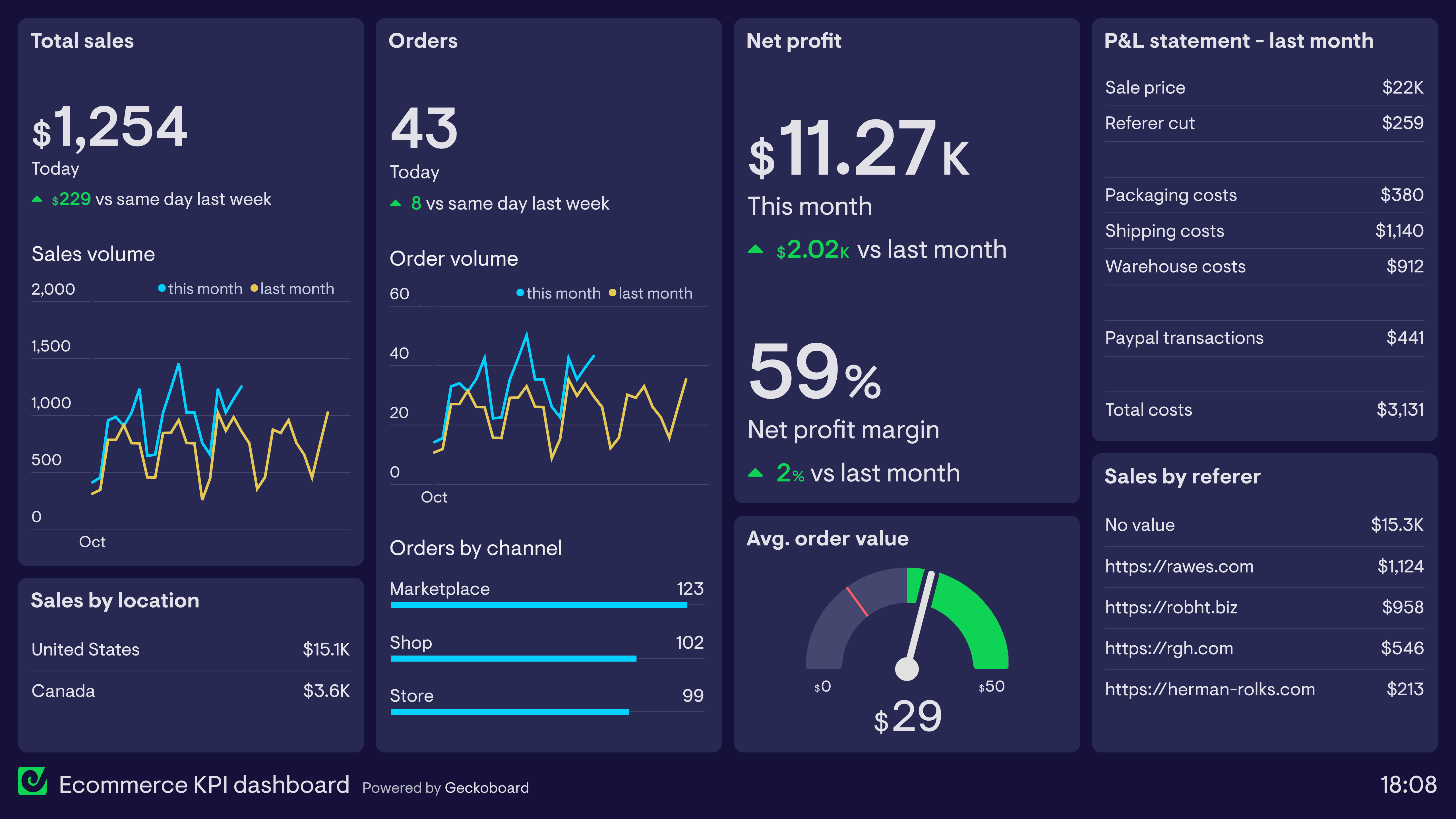
https://www.geckoboard.com/uploads/Ecommerce-KPI-dashboard.png
https://a.storyblok.com/f/47007/2500x2125/7920daa4a9/220623_bloginfographics_update_ios14opt-in_v4_internal-prompt.png/m/2880x0/filters%3Aquality%2880%29
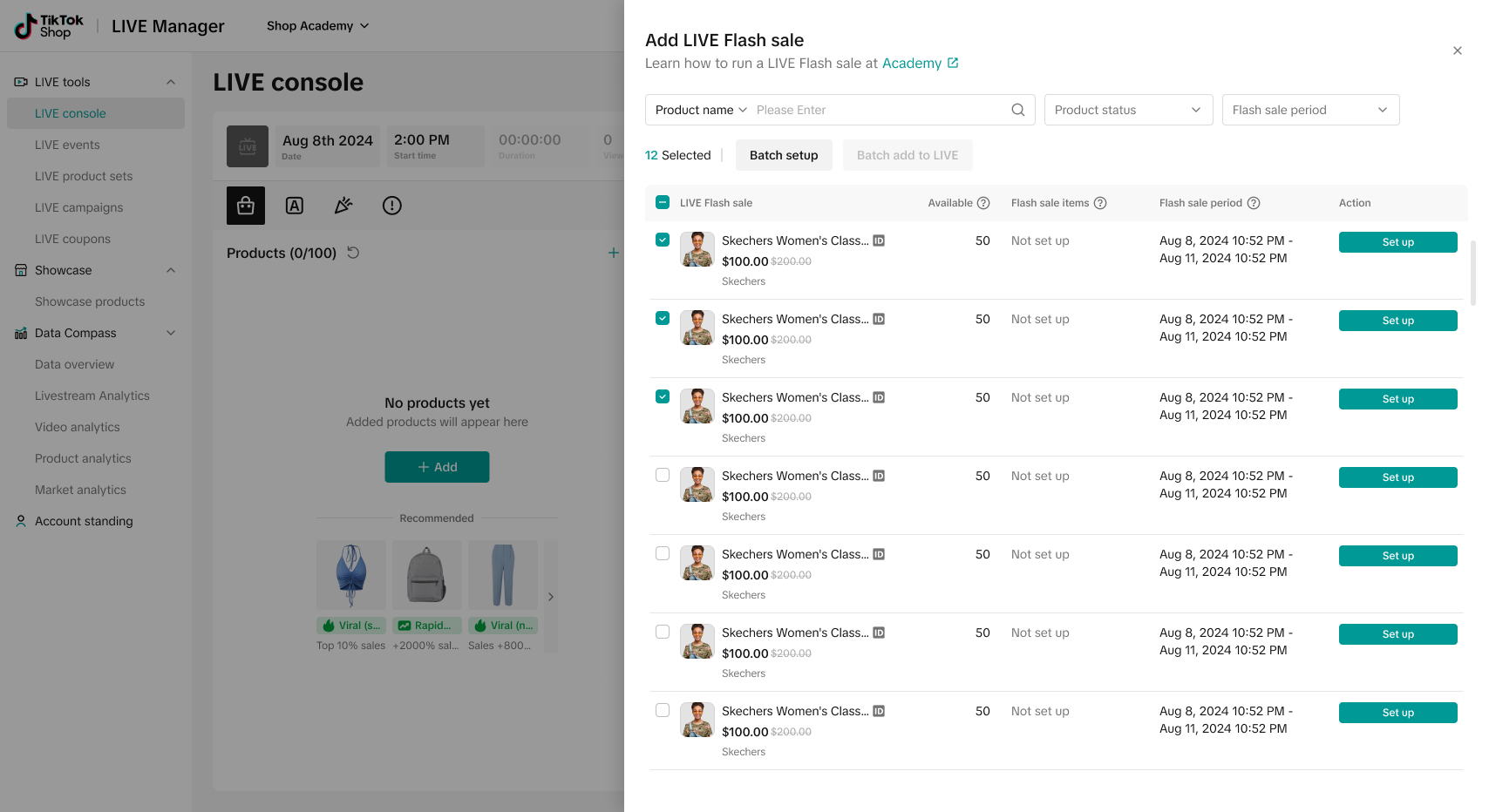
https://p16-oec-university-ttp-sign.tiktokcdn-us.com/tos-useast5-i-fsvlofm1vi-tx/6b3340687fd349469538eba55a190194~tplv-fsvlofm1vi-image.jpeg?lk3s=5d1a069b&x-expires=2055172139&x-signature=15peQfzeb2hb1KRmZfXiX4jRInk%3D

4


What Are Platform Campaigns? #

Platform Campaigns are large-scale promotions such as:

  • Seasonal sales
  • Flash sales
  • Limited-time promotional events
  • Category-specific campaigns

During a campaign, selected products receive higher visibility across Kingston Express, including search results, category pages, and campaign landing pages.


Who Can Join Platform Campaigns? #

Not all sellers or products are eligible for every campaign.

Seller Eligibility May Depend On: #

  • Seller performance score
  • Order fulfillment history
  • Policy compliance
  • Account standing

Product Eligibility May Depend On: #

  • Product category
  • Pricing competitiveness
  • Stock availability
  • Product ratings and reviews

Using Dispatched by Kingston Express may improve eligibility for some campaigns.


How Sellers Are Invited #

Platform Campaigns are invite-based or eligibility-based.

Sellers may:

  • Receive a dashboard notification
  • See available campaigns in Marketing & Campaigns
  • Receive campaign alerts via email or system notifications

How to Join a Platform Campaign #

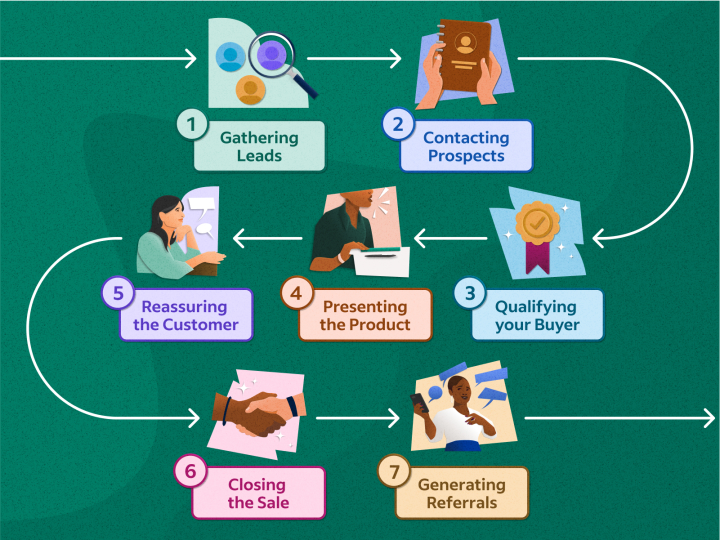
https://images.ctfassets.net/pdf29us7flmy/1feasv4cCRDFAWenptBPEI/6175ca38ed01c58dc49d93777a077d58/sales-cycle.png?fm=jpg&q=100&w=720
https://www.kyozou.com/wp-content/uploads/2019/07/How-to-Select-Products-for-an-e-commerce-Store-1.jpg
https://priceshape.com/wp-content/uploads/2025/10/platform-Price-strategy-campaign-1024x1024.webp

4

Follow these steps:

  1. Log in to your Seller Dashboard
  2. Navigate to Marketing & Campaigns
  3. Open Platform Campaigns
  4. Select an available campaign
  5. Review campaign rules and requirements
  6. Choose eligible products
  7. Adjust pricing if required
  8. Confirm participation

Once confirmed, your products are scheduled for the campaign.


Campaign Pricing Rules #

Most campaigns require:

  • A minimum discount level
  • Competitive pricing compared to regular price
  • Stable pricing before and during the campaign

Important Notes: #

  • Prices may be locked once the campaign starts
  • Price increases during the campaign are usually not allowed
  • Violating pricing rules may remove your products from the campaign

Stock & Inventory Requirements #

Sellers are expected to:

  • Allocate sufficient stock before the campaign starts
  • Avoid cancelling orders due to stock shortages
  • Maintain accurate inventory levels

Running out of stock during a campaign may:

  • Reduce campaign visibility
  • Impact seller performance metrics

Order Fulfillment During Campaigns #

High order volumes are common during campaigns.

Seller Responsibilities: #

  • Process orders promptly
  • Dispatch orders within required timelines
  • Communicate delays if they occur

Using Dispatched by Kingston Express helps handle high order volumes more efficiently and improves delivery reliability.


Editing or Leaving a Campaign #

Can I Edit Products After Joining? #

  • Some campaign settings are locked once confirmed
  • Product changes may be restricted after the campaign goes live

Can I Leave a Campaign? #

  • Some campaigns do not allow removal once active
  • Always review campaign terms before confirming participation

Tracking Campaign Performance #

https://www.savvycube.com/images/features/ecommerce-dashboard.png
https://images.prismic.io/sharetribe/ZnFk-pm069VX11jz_NetVolume.png?auto=format%2Ccompress
https://dashthis.com/media/5739/email-campaign-reports-dashthis.png

4

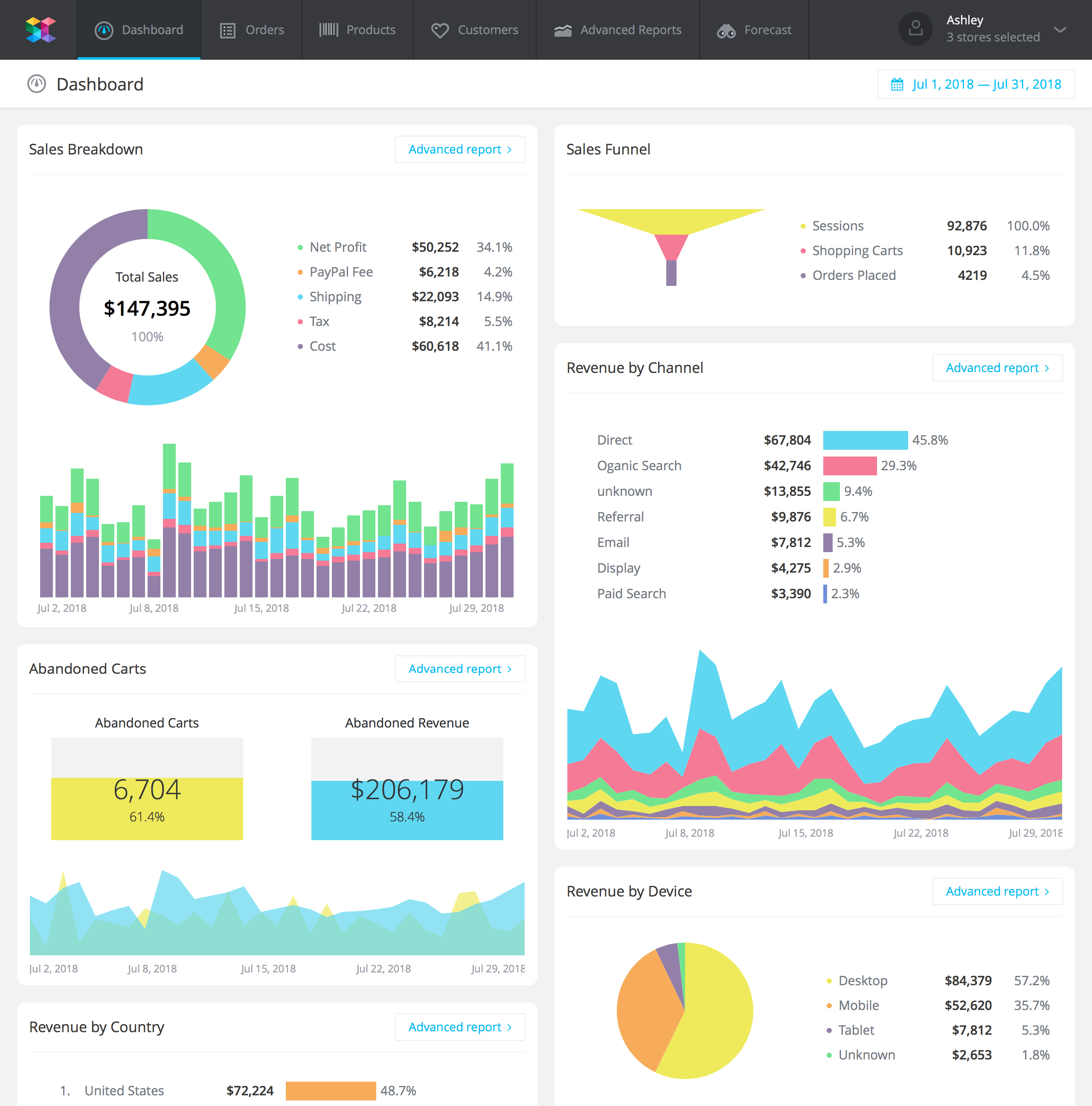
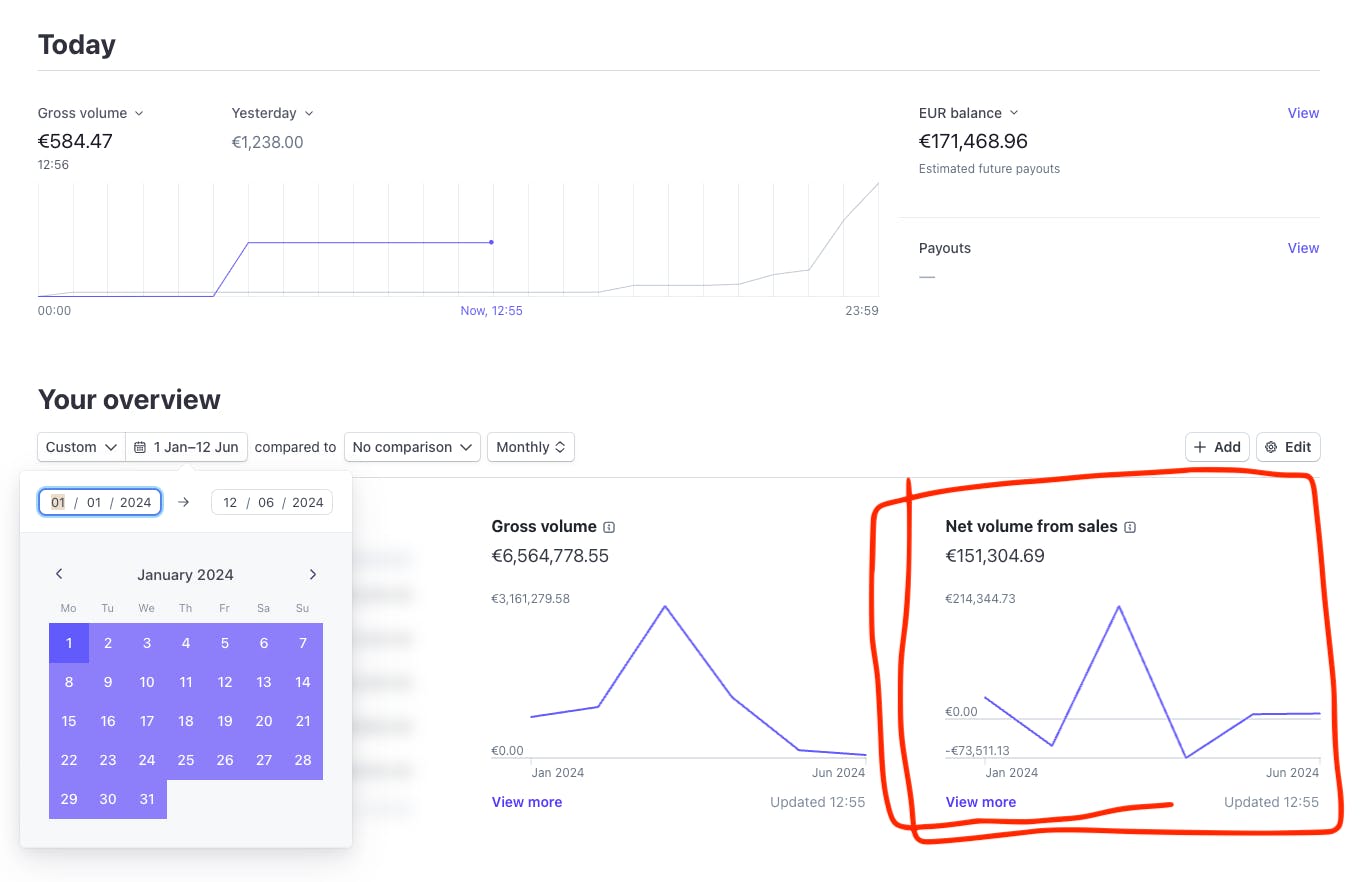
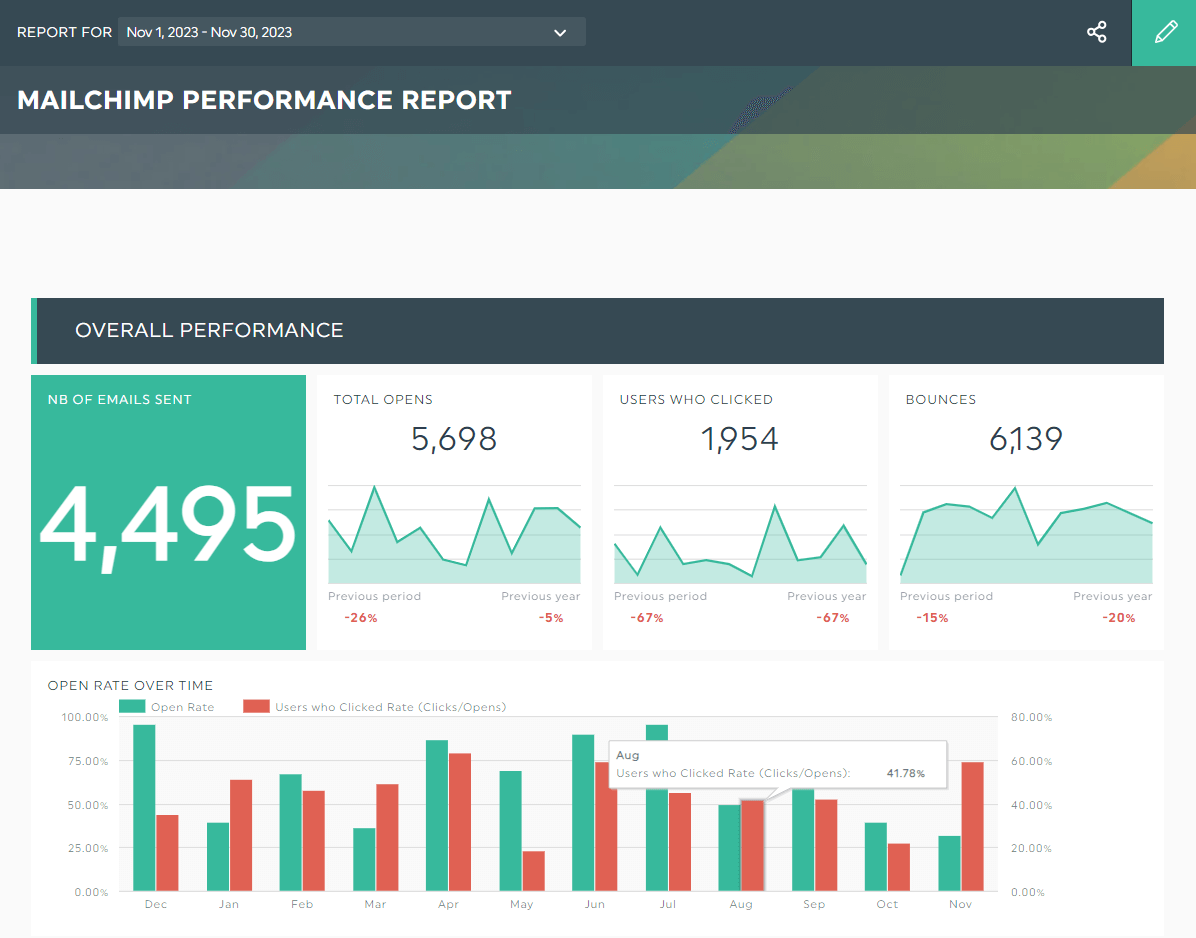
During and after the campaign, sellers can track:

  • Impressions
  • Click-through rate (CTR)
  • Orders generated
  • Revenue from campaign products

Campaign performance data is available under Analytics & Reports.


Best Practices for Platform Campaigns #

  • Prepare inventory early
  • Optimize product titles, images, and descriptions
  • Ensure competitive pricing
  • Use fast and reliable fulfillment
  • Monitor performance daily during the campaign

Common Issues & Troubleshooting #

My product was removed from a campaign
This may happen due to pricing violations, low stock, or policy issues.

I didn’t receive any campaign invitations
Campaign availability depends on eligibility and category participation.

Orders increased but cancellations also increased
This often indicates inventory or fulfillment capacity issues.


Need Help? #

If you need assistance with a Platform Campaign:

  • Contact Seller Support
  • Provide the campaign name
  • Include affected product IDs if applicable

Leave a Reply

Your email address will not be published. Required fields are marked *

Main Menu