Lorem ipsum dolor sit amet, dolor siterim consectetur adipiscing elit. Phasellus duio faucibus est sed facilisis viverra. Umero praesent nec accumsan nibh, eu grav da metus.
Seller Vouchers & Coupons
3 min read
- What Are Seller Vouchers?
- Types of Seller Vouchers
- Where Buyers See Vouchers
- How to Create a Seller Voucher
- Voucher Discount Types
- Voucher Usage Limits
- Combining Vouchers with Other Promotions
- Inventory & Fulfillment Considerations
- Editing or Canceling a Voucher
- Tracking Voucher Performance
- Best Practices for Seller Vouchers
- Common Issues & Troubleshooting
- Policy & Compliance
- Need Help?
(Seller Support Article)
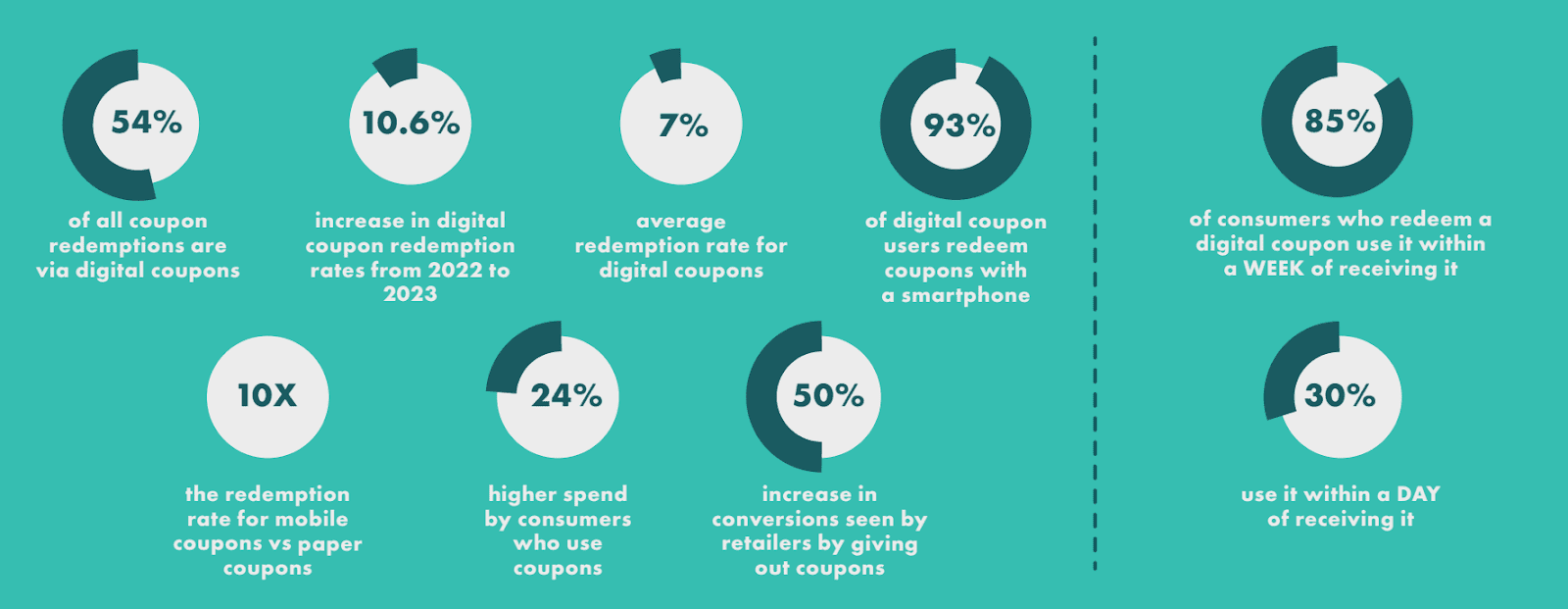
Seller Vouchers & Coupons allow you to offer instant discounts to buyers at checkout. Vouchers are a powerful way to increase conversion rates, encourage higher order values, and drive repeat purchases on Kingston Express.


4
What Are Seller Vouchers? #
Seller Vouchers are discount codes automatically applied at checkout when buyers meet the voucher conditions. Unlike discounts that reduce the listed price, vouchers apply savings during checkout.
Vouchers can be used to:
- Incentivize purchases
- Increase average order value
- Reward repeat buyers
- Support marketing campaigns
Types of Seller Vouchers #
Store-Wide Vouchers #
Apply to all eligible products in your store.
Best for:
- Store-wide sales
- New store promotions
- Buyer retention campaigns
Product-Specific Vouchers #
Apply only to selected products.
Best for:
- Promoting specific SKUs
- Clearing slow-moving inventory
- Supporting new product launches
Where Buyers See Vouchers #
Vouchers may appear:
- On product pages
- In store pages
- At checkout
- During campaigns or promotions
Visibility depends on eligibility rules and buyer behavior.
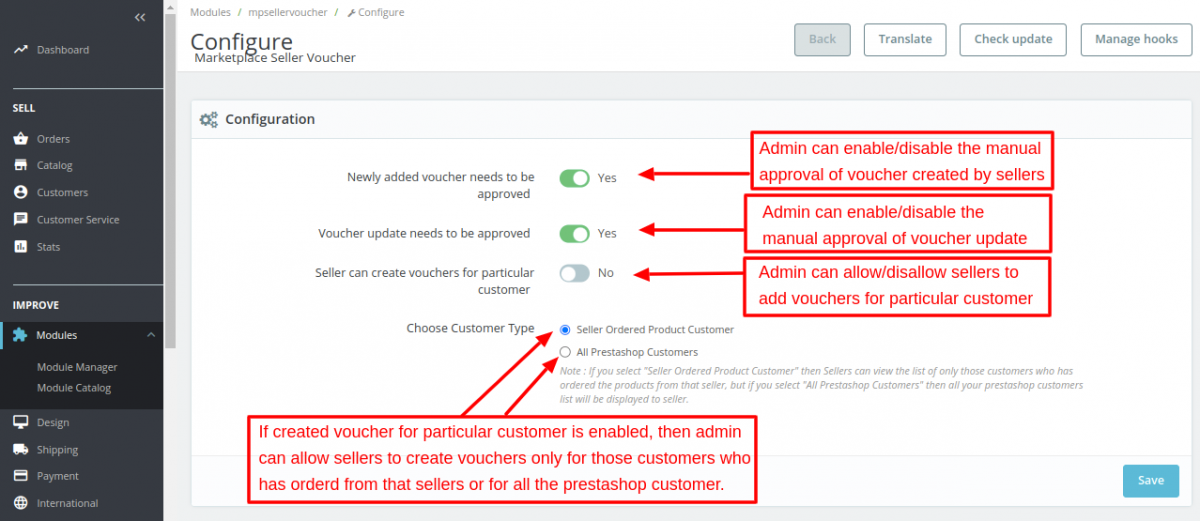
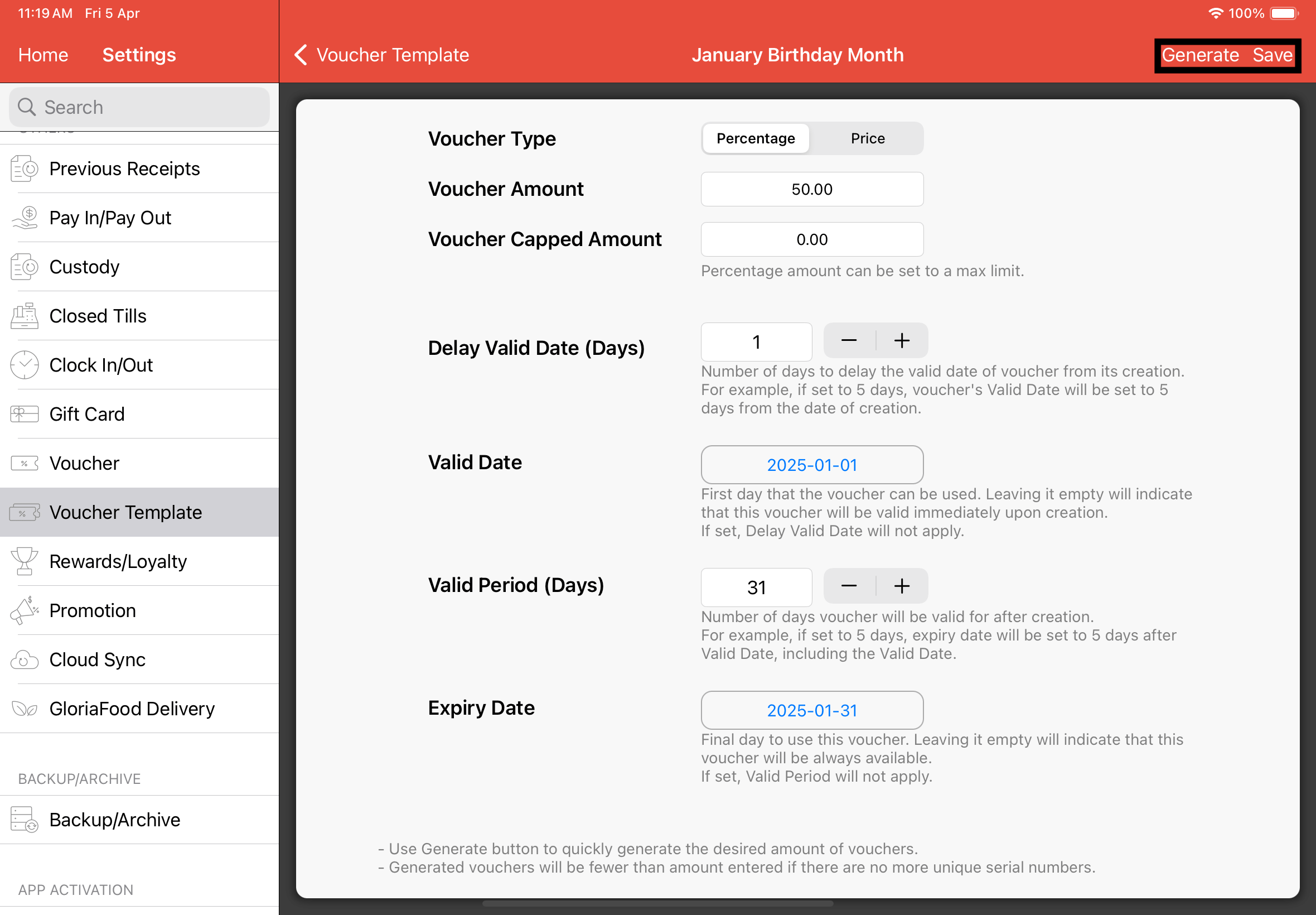
How to Create a Seller Voucher #


4
Follow these steps:
- Log in to your Seller Dashboard
- Go to Marketing & Campaigns
- Select Vouchers & Coupons
- Click Create Voucher
- Choose voucher type (store-wide or product-specific)
- Set discount value
- Define minimum spend (optional)
- Set voucher validity period
- Configure usage limits
- Review and confirm
Once confirmed, the voucher becomes active based on the schedule you set.
Voucher Discount Types #
Fixed Amount Discount #
Example: $10 off when the buyer meets the minimum spend.
Best for:
- Increasing cart size
- Encouraging bundle purchases
Conditional Discounts #
Vouchers can require:
- A minimum order value
- Specific products in the cart
This helps control margins while increasing conversion.
Voucher Usage Limits #
You can control voucher usage by setting:
- Total redemption limits
- Per-buyer usage limits
- Campaign duration
Once limits are reached, the voucher automatically expires.
Combining Vouchers with Other Promotions #
Seller Vouchers may be combined with:
- Seller discounts (if allowed)
- Platform campaigns (if eligible)
- Sponsored ads
Some promotions restrict stacking. Always review promotion compatibility before launch.
Inventory & Fulfillment Considerations #
Before launching vouchers:
- Ensure sufficient stock
- Prepare for higher order volumes
- Maintain accurate inventory
Using Dispatched by Kingston Express can help handle increased demand and improve delivery reliability during voucher campaigns.
Editing or Canceling a Voucher #
Can I Edit an Active Voucher? #
- Some fields may be locked once active
- Discount values usually cannot be increased
Can I End a Voucher Early? #
- Yes, unless restricted by a campaign
- Ending a voucher removes buyer eligibility immediately
Tracking Voucher Performance #

4
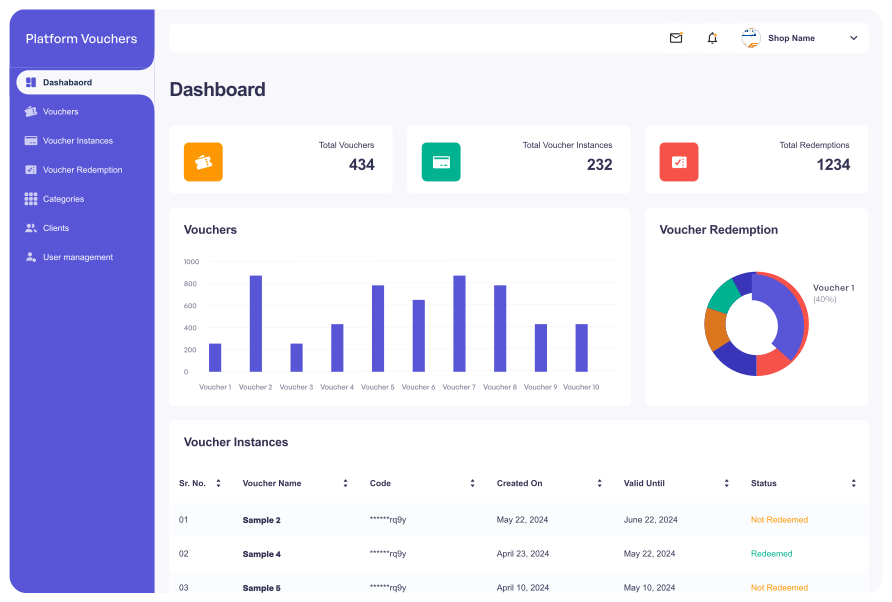
Track performance under Analytics & Reports, including:
- Voucher redemptions
- Orders generated
- Revenue impact
- Conversion uplift
Monitoring performance helps refine future voucher strategies.
Best Practices for Seller Vouchers #
- Set minimum spend to protect margins
- Use short validity periods for urgency
- Combine vouchers with high-performing products
- Avoid excessive voucher stacking
- Monitor redemption daily during active campaigns
Common Issues & Troubleshooting #
Buyers say the voucher doesn’t work
Check eligibility rules, usage limits, and expiry dates.
Voucher ran out faster than expected
Review total usage limits and buyer demand.
Orders increased but cancellations rose
This may indicate inventory or fulfillment capacity issues.
Policy & Compliance #
- Vouchers must follow Kingston Express pricing policies
- Misleading or deceptive promotions are not allowed
- Abuse of vouchers may lead to restrictions
Need Help? #
If you need assistance with vouchers:
- Contact Seller Support
- Provide voucher name or ID
- Include screenshots if applicable