
 Jamaica





Lorem ipsum dolor sit amet, dolor siterim consectetur adipiscing elit. Phasellus duio faucibus est sed facilisis viverra. Umero praesent nec accumsan nibh, eu grav da metus.
3 min read
(Seller Support Article)
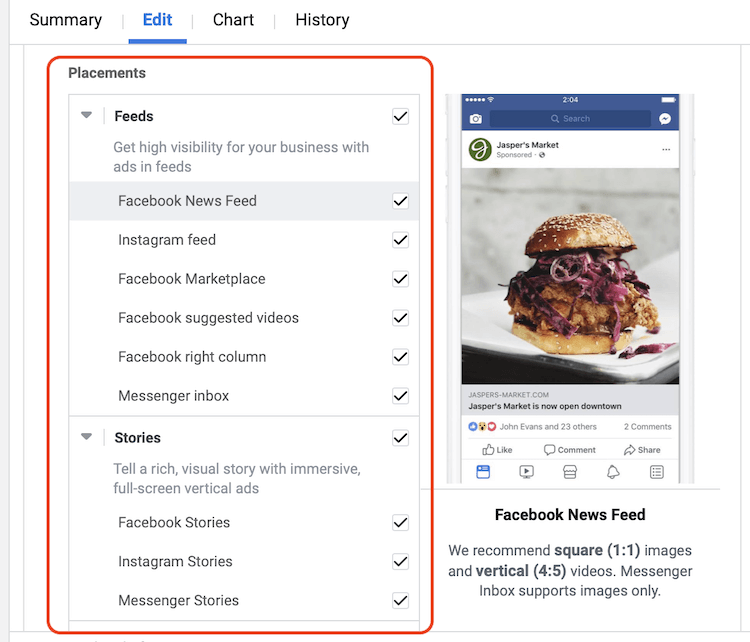
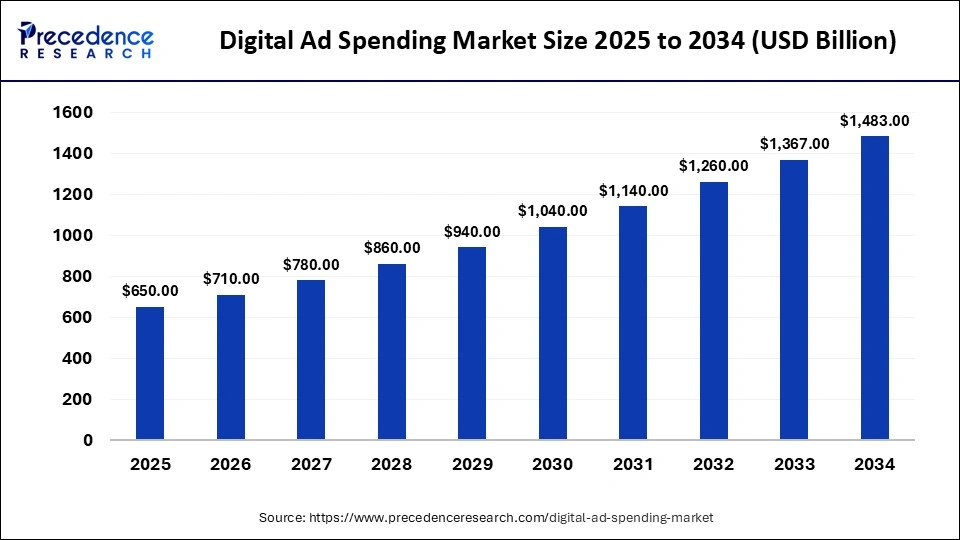
Sponsored Ads & Ad Placement allow sellers to promote products through paid visibility placements across Kingston Express. Ads help increase impressions, drive traffic to listings, and support sales growth by positioning products in high-visibility areas.
4
Sponsored Ads are paid product promotions that appear in premium locations across Kingston Express. Unlike organic listings, sponsored products receive priority visibility to buyers searching or browsing relevant categories.
Ads increase exposure but do not guarantee sales. Performance depends on pricing, listing quality, and fulfillment reliability.
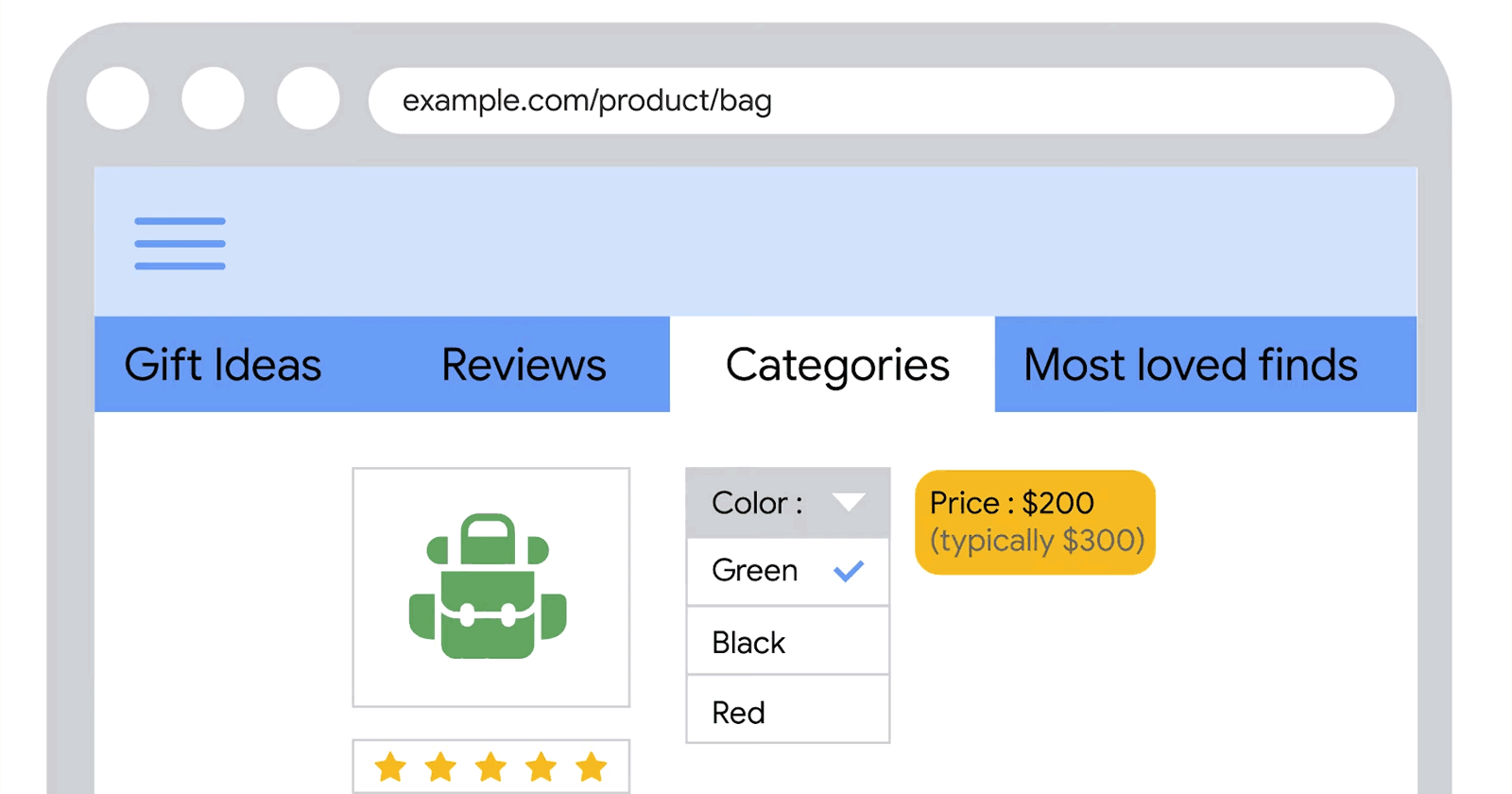
Your products appear in prominent positions within search results when buyers search for relevant keywords.
Products are promoted within category pages to reach buyers browsing specific product categories.
During special events or platform campaigns, selected ads may appear on:
Availability depends on eligibility and campaign rules.
Ad access may depend on:
Products with strong ratings and reliable fulfillment typically perform better.
Using Dispatched by Kingston Express may improve delivery performance and buyer satisfaction for ad-driven orders.

4
Follow these steps:
Once launched, ads begin running based on availability and targeting rules.
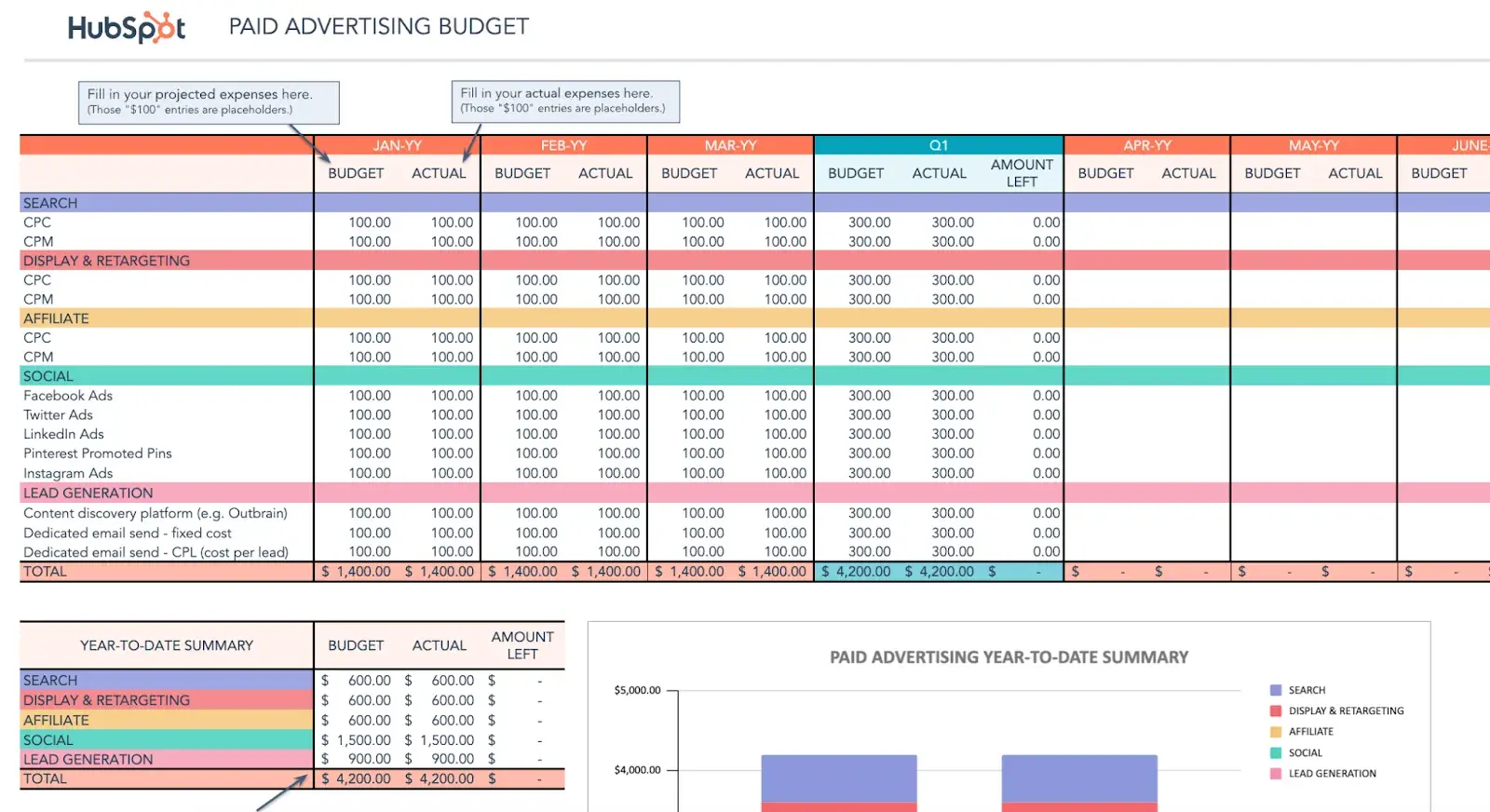
Sellers control ad spend by:
Ads stop automatically once the budget limit is reached.
All sponsored ads are reviewed to ensure:
Ads may be rejected if they violate policies or contain misleading information.
To improve results:
Ads perform best when paired with strong listings and fast fulfillment.
4
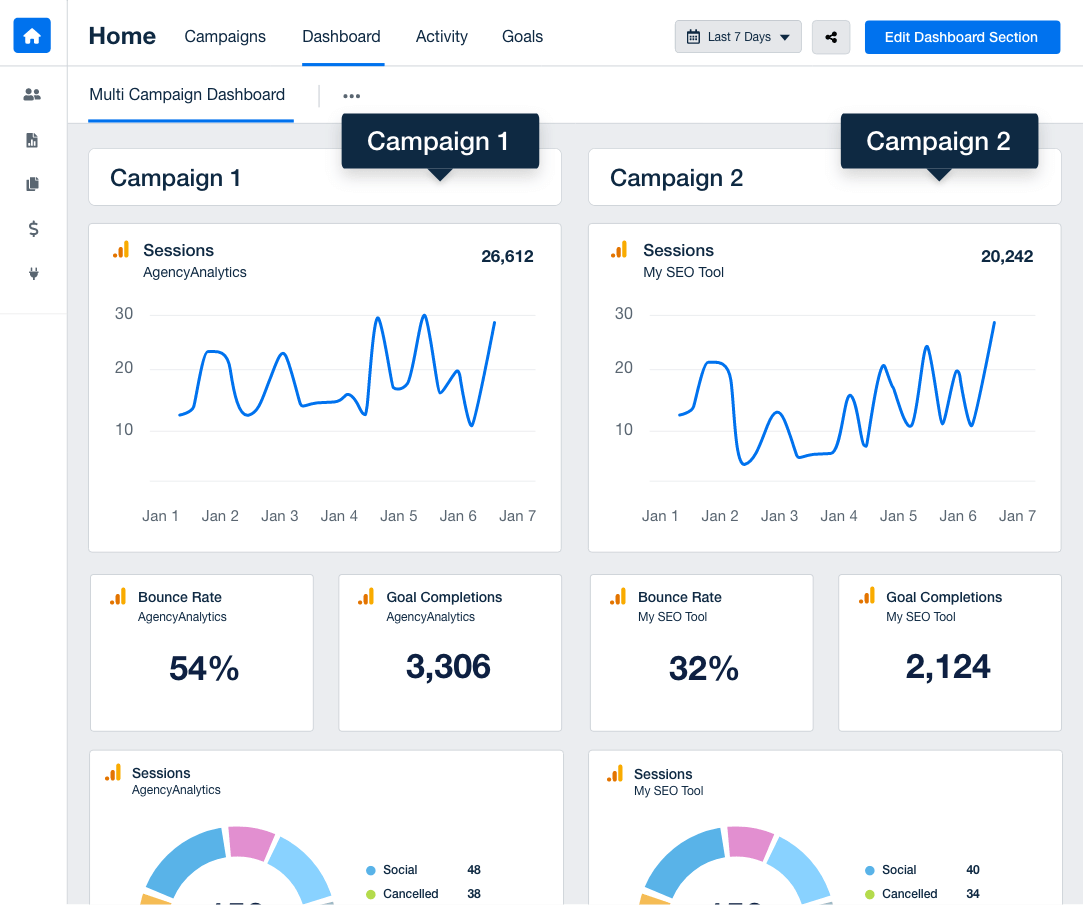
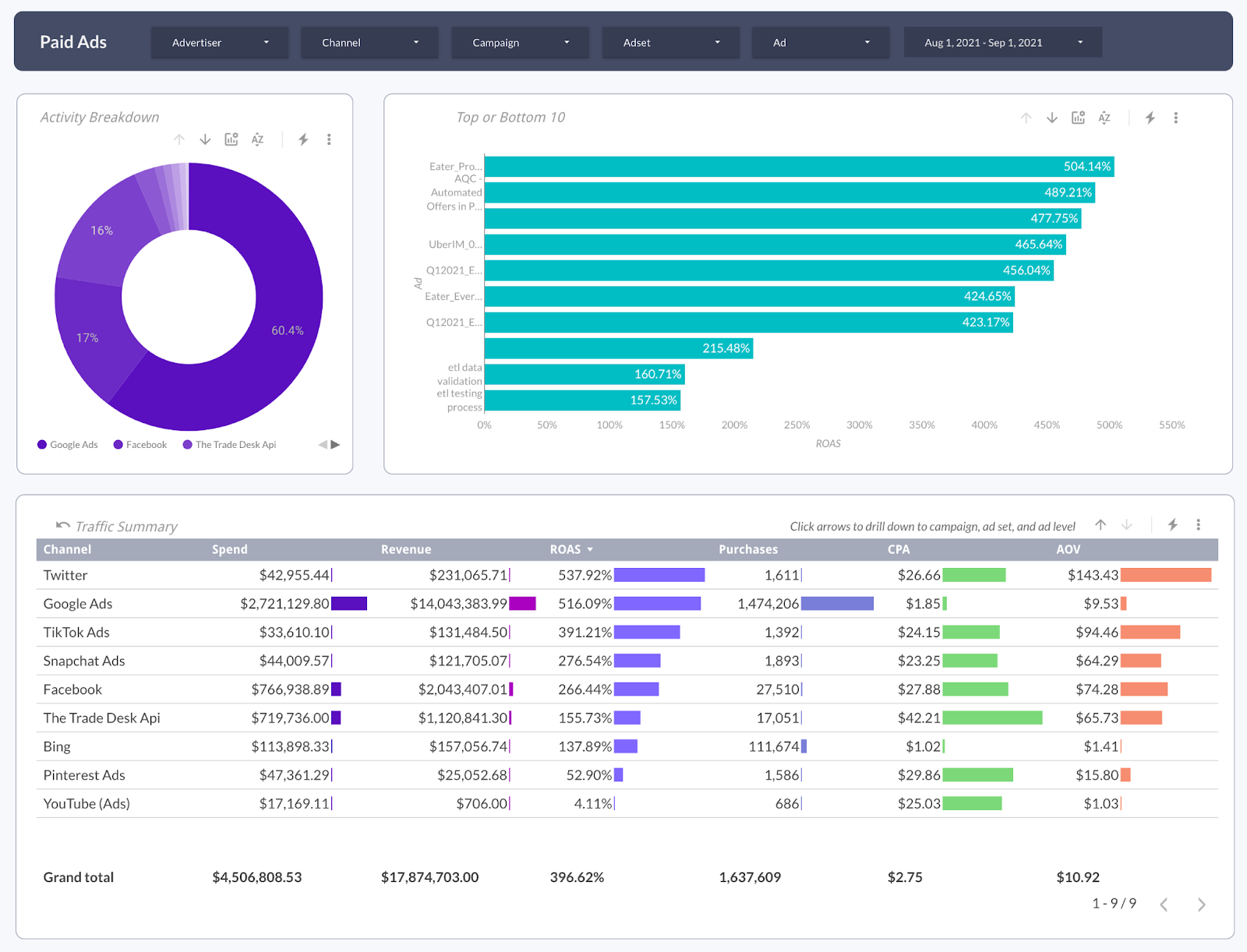
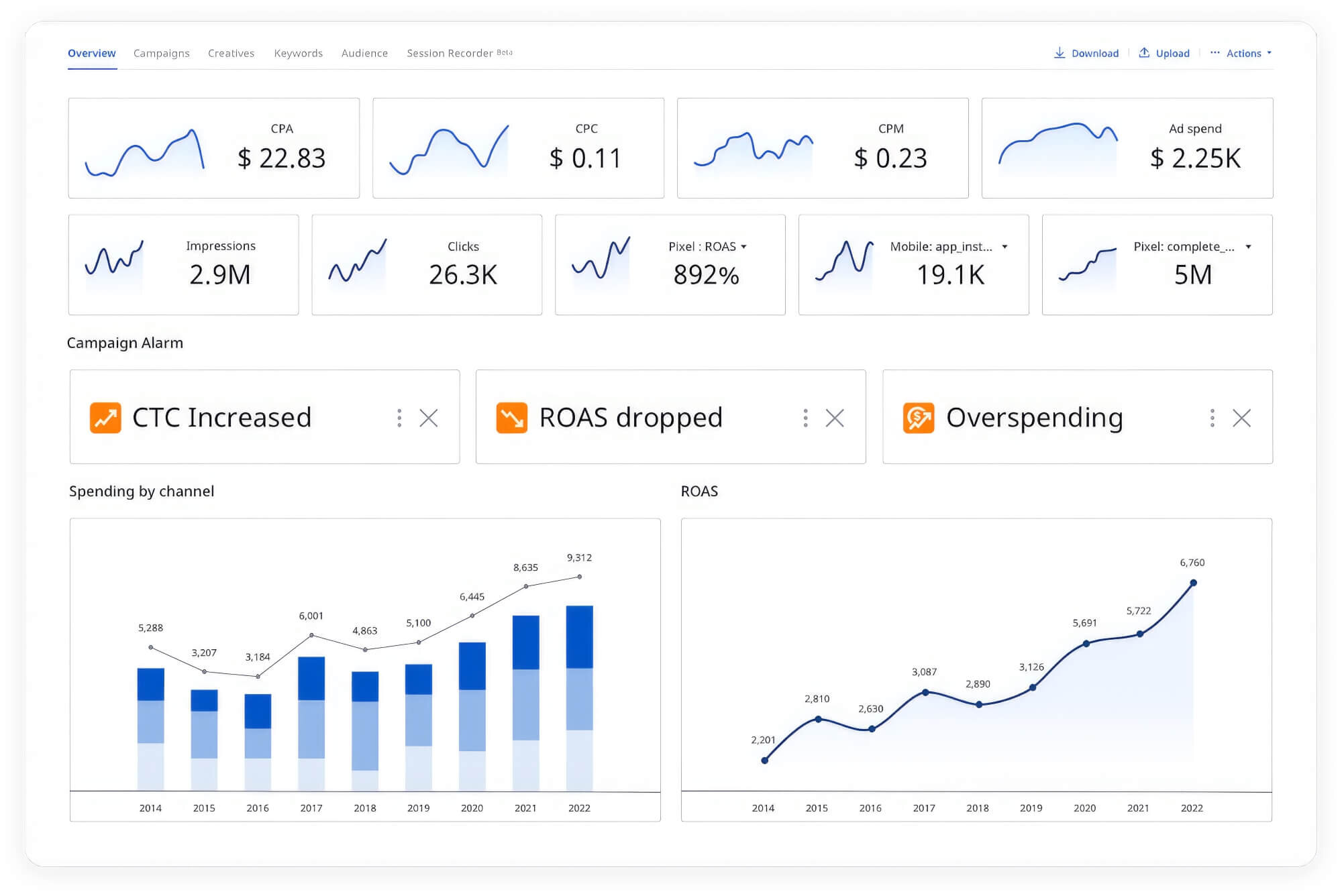
Track performance under Analytics & Reports, including:
Regular monitoring helps refine ad strategy and budget allocation.
Sellers can:
Changes take effect shortly after confirmation.
My ads are not showing
Check product eligibility, budget limits, and campaign status.
High impressions but low sales
Review pricing, listing quality, and product demand.
Ad budget exhausted quickly
Lower budget limits or reduce promoted products.
If you need help with Sponsored Ads:
