



Lorem ipsum dolor sit amet, dolor siterim consectetur adipiscing elit. Phasellus duio faucibus est sed facilisis viverra. Umero praesent nec accumsan nibh, eu grav da metus.
This is a demo store for testing purposes — no orders shall be fulfilled. Dismiss
 Jamaica
Jamaica
Jamaica
2 min read
Your Seller Wallet is where your earnings live before you withdraw them.
Understanding how the wallet and withdrawals work helps you track income, plan cash flow, and get paid smoothly.
This guide explains how your seller wallet works, when funds become available, and how to withdraw your earnings.
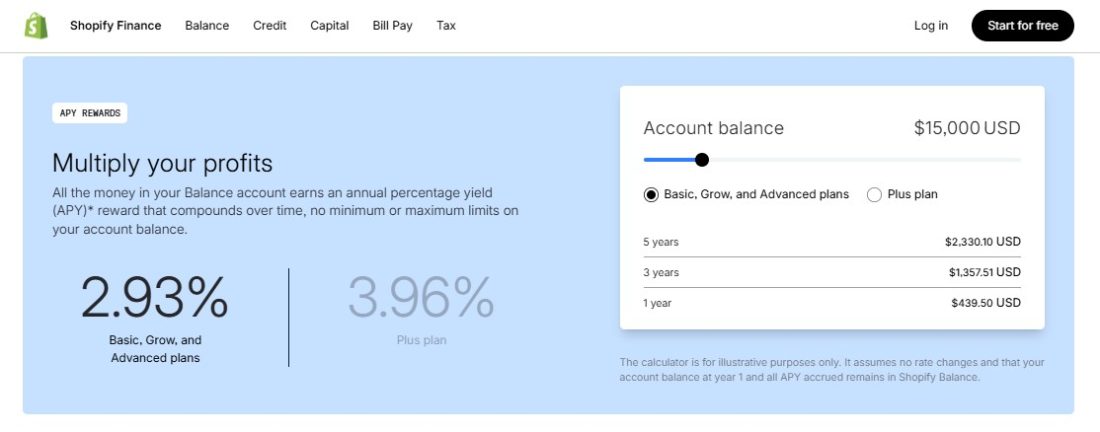

The Seller Wallet is:
💰 This is not your bank account — it’s your marketplace balance.
When a customer places an order:
📌 Funds don’t appear instantly — order completion matters.


You’ll usually see two balances:
⏳ Only available balance can be withdrawn.
Depending on marketplace setup, withdrawals may include:
🏦 Available options are shown in your dashboard.
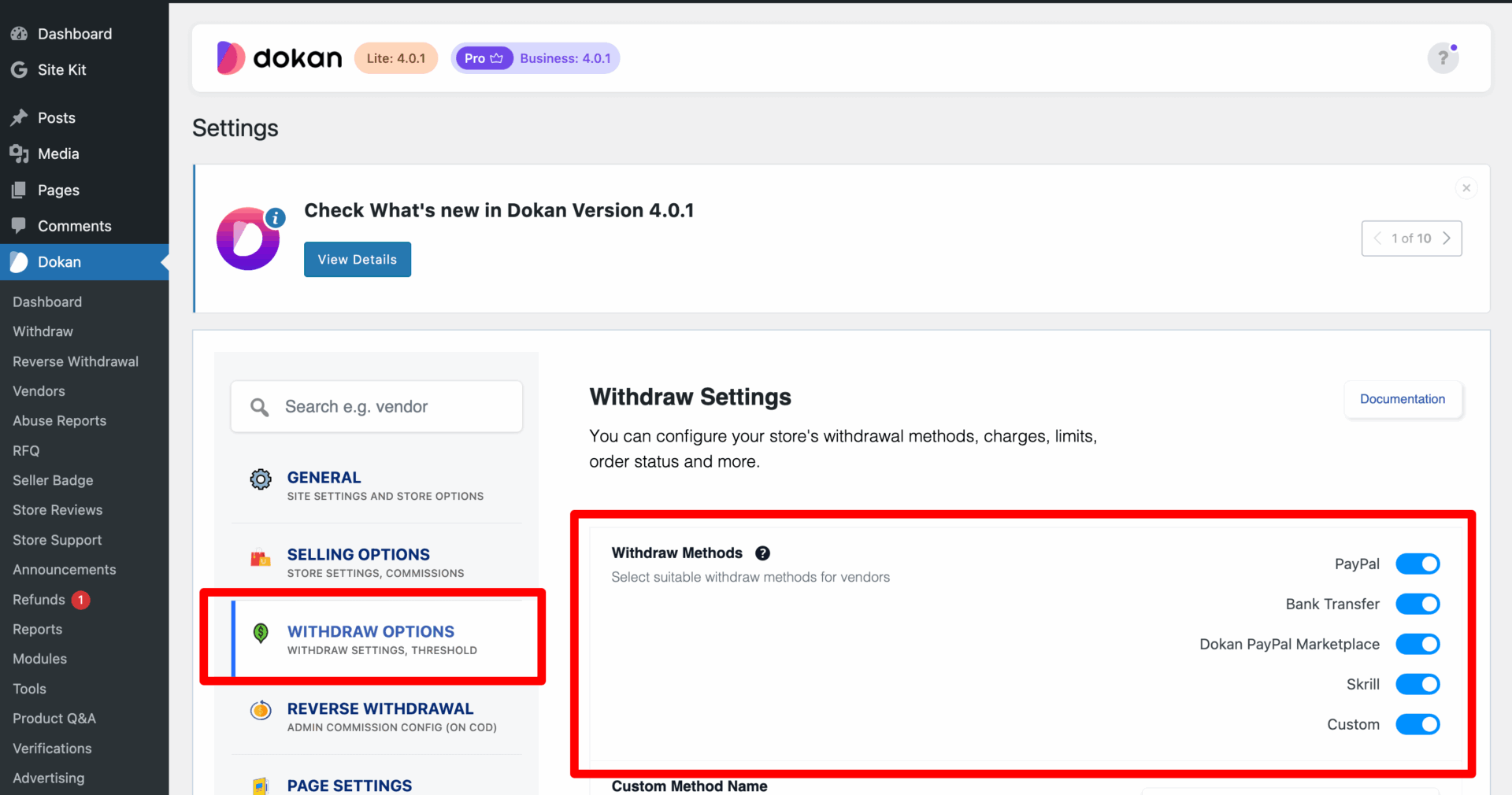

📌 Minimum withdrawal amount may apply.
Withdrawals may take:
⏳ Processing time depends on payout method.
📧 You may receive email confirmation.
❌ Not meeting minimum withdrawal amount
❌ Missing payment details
❌ Bank info incorrect
❌ Trying to withdraw pending funds
⚠️ Double-check details before submitting.
✔ Keep payment details up to date
✔ Withdraw in reasonable amounts
✔ Track orders before requesting payout
✔ Keep records of withdrawals
If a refund happens:
📌 Always wait for orders to finalize.
Contact Kingston Express Support if:
📧 Include withdrawal ID and screenshots.
Your seller wallet is your income hub. Understanding how it works helps you get paid faster, avoid mistakes, and manage your business like a pro 💼💸



This chat uses automated responses for general guidance. For binding terms, please refer to our official policies.
Start A Conversation
Click here to chat with me!
Search our website now
Latest Products
Latest Posts
Tips how to choise a perfect watch foractive guys
Lorem ipsum dolor sit amet, dolor siterim consectetur adipiscing elit. Phasellus duio faucibus est sed facilisis viverra. Umero praesent nec accumsan nibh, eu grav da metus.
Harman Kadon Onyx Studio Mini, Reviews & Experiences
Lorem ipsum dolor sit amet, dolor siterim consectetur adipiscing elit. Phasellus duio faucibus est sed facilisis viverra. Umero praesent nec accumsan nibh, eu grav da metus.
Lorem ipsum dolor sit amet, dolor siterim consectetur adipiscing elit. Phasellus duio faucibus est sed facilisis viverra. Umero praesent nec accumsan nibh, eu grav da metus.
Lorem ipsum dolor sit amet, dolor siterim consectetur adipiscing elit. Phasellus duio faucibus est sed facilisis viverra. Umero praesent nec accumsan nibh, eu grav da metus.
Lorem ipsum dolor sit amet, dolor siterim consectetur adipiscing elit. Phasellus duio faucibus est sed facilisis viverra. Umero praesent nec accumsan nibh, eu grav da metus.

Subscribe to the Martfury mailing list to receive updates on new arrivals, special offers and our promotions.